Author: Ab

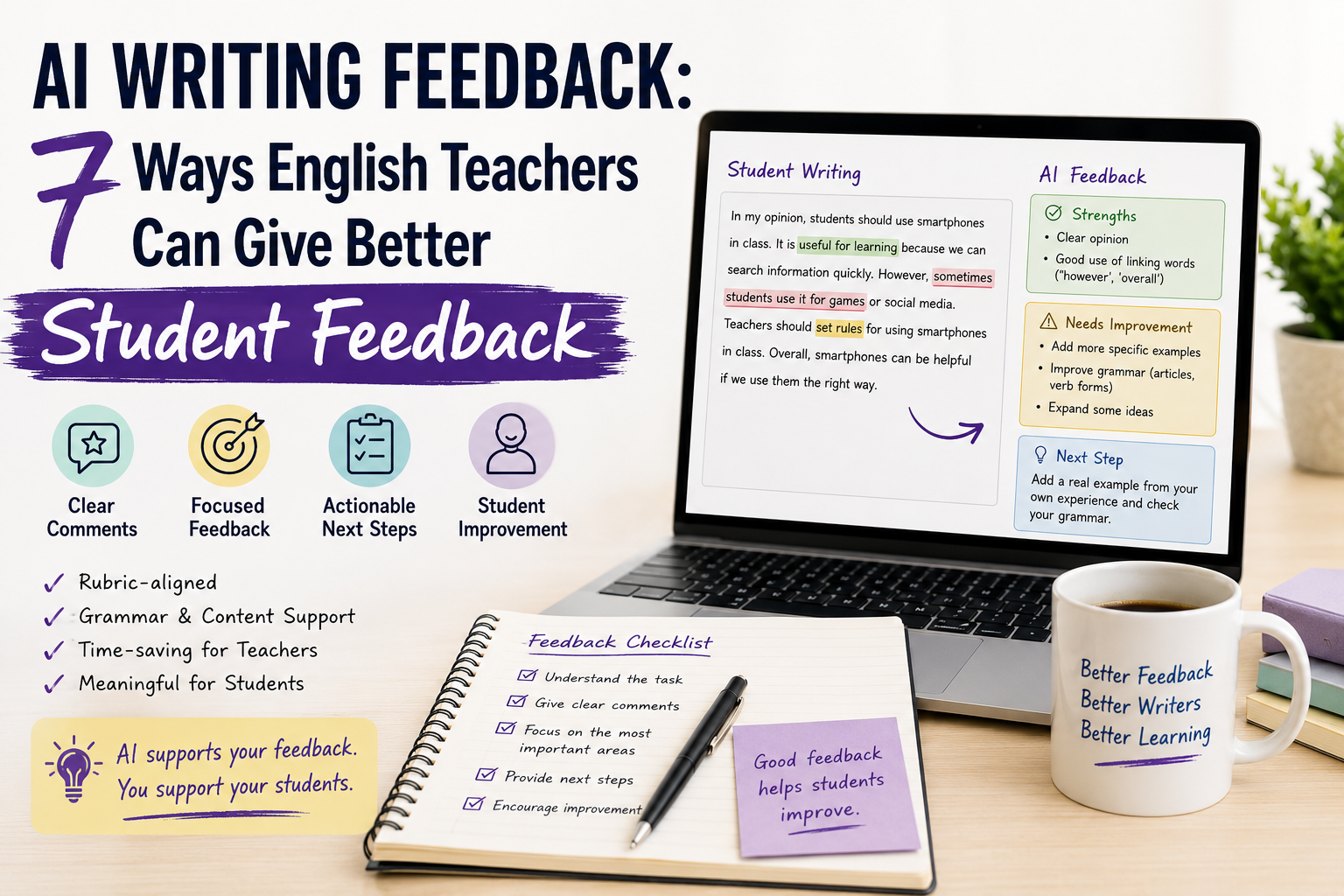
  • AI Writing Feedback: 7 Ways English Teachers Can Give Better Student Feedback

    AI Writing Feedback: 7 Ways English Teachers Can Give Better Student Feedback

    AI writing feedback can help English teachers respond to student writing faster, more clearly, and more consistently. But it should not replace the teacher’s judgement. The best use of AI is not to let it “grade everything automatically.” It is to help teachers draft clearer comments, connect feedback to rubrics, identify patterns, and give students practical next steps.

    For ESL/EFL teachers, writing feedback can be time-consuming because student writing involves many layers: grammar, vocabulary, organisation, task response, spelling, punctuation, coherence, and meaning. A teacher may want to help, but marking a full set of paragraphs or essays can take hours.

    AI can reduce part of that workload. However, teachers still need to protect student privacy, check accuracy, and make sure feedback is useful rather than generic.

    In this guide, you will learn seven practical ways to use AI writing feedback with English learners, including copy-paste prompts and classroom examples.

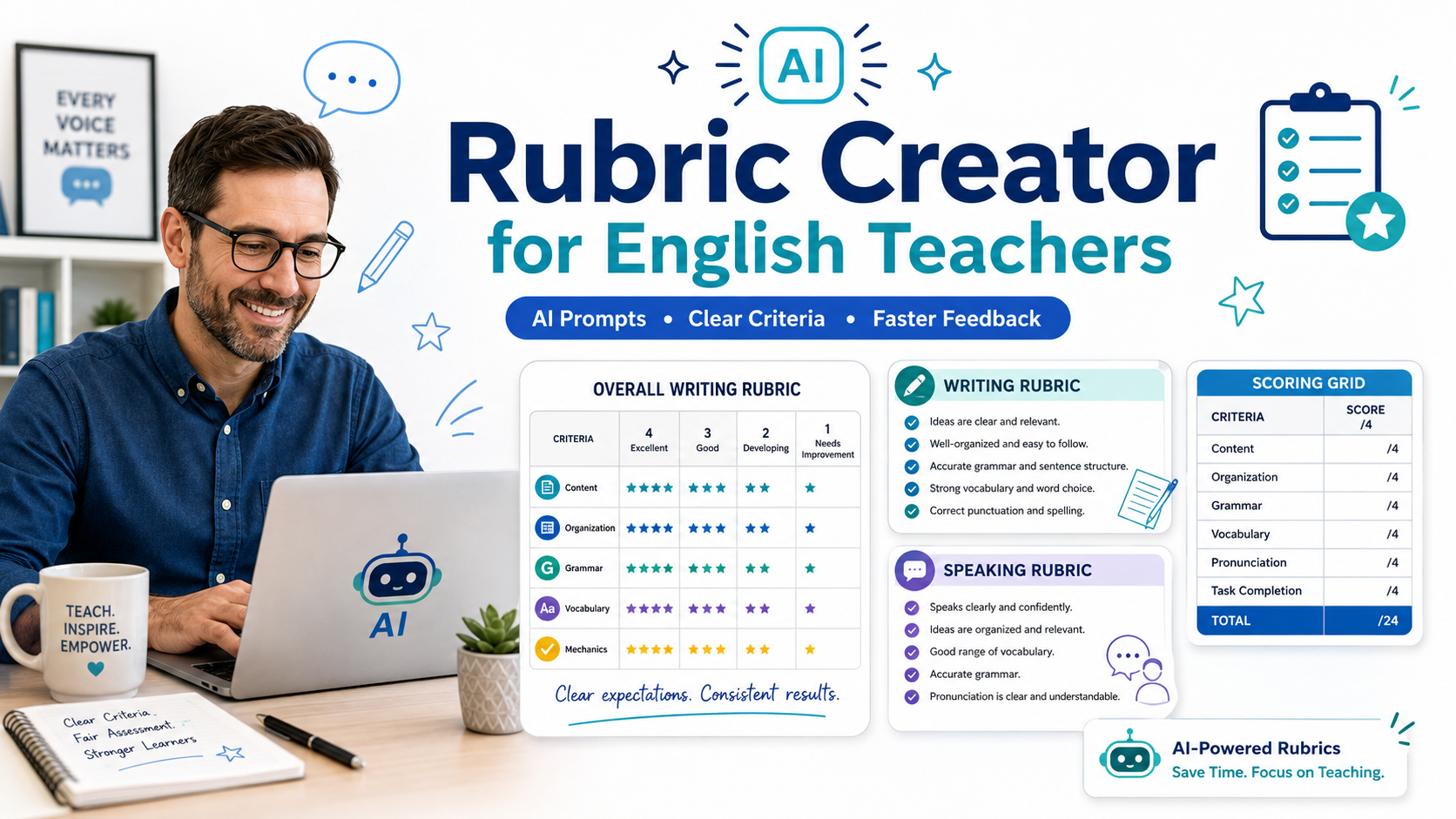
    If you want to build the rubric before giving feedback, read Rubric Creator: 7 AI Prompts to Build Better English Marking Rubrics and AI Rubric Generator: 7 Ways English Teachers Can Create Better Assessment Rubrics. For free rubric workflows, see Free Rubric Maker: 7 Ways English Teachers Can Create Better Rubrics.

    What Is AI Writing Feedback?

    AI writing feedback means using an AI tool or prompt workflow to help review student writing and generate useful comments. This may include feedback on grammar, vocabulary, organisation, clarity, task response, paragraph structure, or writing style.

    For English teachers, AI can help with:

    • identifying common writing problems;
    • drafting rubric-based comments;
    • suggesting clearer feedback;
    • creating student-friendly next steps;
    • generating grammar practice from student errors;
    • making feedback shorter and easier to understand;
    • producing feedback comment banks;
    • helping students revise their own work.

    However, AI feedback should always be reviewed by the teacher. AI can misunderstand student meaning, overcorrect, miss context, or give comments that are too vague.

    The teacher remains responsible for the final feedback.

    Why English Teachers Should Use AI Writing Feedback Carefully

    Writing feedback is one of the most valuable parts of English teaching, but it can also become overwhelming.

    Teachers often face problems such as:

    • too many papers to mark;
    • repeated grammar mistakes;
    • vague comments like “improve grammar”;
    • limited time for individual feedback;
    • difficulty giving clear next steps;
    • students not reading long comments;
    • inconsistent feedback across assignments.

    AI can help solve some of these problems by creating a first draft of feedback. But the word “carefully” matters.

    Before using AI with student writing, consider:

    • Does your school allow AI tools for assessment support?
    • Are you allowed to upload student work?
    • Can you remove student names and personal details?
    • Are you checking the AI feedback before sharing it?
    • Is the feedback supportive and level-appropriate?

    A safe workflow is to avoid uploading personal information and to use short anonymised samples when possible.

    1. Use AI Writing Feedback with a Rubric

    The strongest way to use AI writing feedback is with a rubric. Without a rubric, AI may give random comments. With a rubric, the feedback becomes more focused.

    Use this prompt after creating a writing rubric:

    Act as an ESL writing feedback assistant.
    
    Use the rubric below to draft feedback on this student writing.
    
    Student level:
    [LEVEL]
    
    Writing task:
    [PASTE TASK]
    
    Rubric:
    [PASTE RUBRIC]
    
    Student writing:
    [PASTE ANONYMISED STUDENT TEXT]
    
    Write feedback in three parts:
    1. What the student did well;
    2. What needs improvement;
    3. One clear next step.
    
    Use supportive, student-friendly language. Do not give a final grade.
    

    Why this works

    This prompt keeps AI focused on the assessment criteria. It also avoids letting AI make the final grading decision.

    Teacher tip

    Do not paste student names, email addresses, school details, or private information into the prompt. Use anonymised text.

    2. Use AI to Create Shorter, Clearer Feedback Comments

    Teachers often write comments that are accurate but too long. Students may not read them carefully. AI can help turn long feedback into clear, student-friendly comments.

    Use this prompt:

    Rewrite this teacher feedback for [LEVEL] ESL learners.
    
    Make it:
    - shorter;
    - clearer;
    - supportive;
    - easy to act on.
    
    Keep the meaning, but avoid technical language.
    
    Teacher feedback:
    [PASTE FEEDBACK]
    

    Example

    Original feedback:

    Your paragraph shows some awareness of the topic, but the argument is underdeveloped and coherence is affected by weak organisation and repeated grammatical inaccuracies.

    Student-friendly version:

    You have a clear topic, but you need to develop your ideas more. Next time, organise your paragraph with one main opinion, two reasons, and examples. Also check your verb forms carefully.

    This kind of feedback is more likely to help students revise.

    3. Use AI for Grammar-Focused Writing Feedback

    Sometimes students need focused grammar feedback, not a full correction of every mistake. AI can help identify patterns.

    Use this prompt:

    Review this ESL student writing for grammar patterns.
    
    Student level:
    [LEVEL]
    
    Student writing:
    [PASTE ANONYMISED TEXT]
    
    Do not rewrite the full text.
    
    Identify:
    1. the three most important grammar problems;
    2. one example of each problem;
    3. a simple explanation;
    4. one practice sentence for each problem.
    
    Use language suitable for [LEVEL] learners.
    

    Why this is better than correcting everything

    If you correct every mistake, students may feel overwhelmed. Focusing on the most important patterns gives them something they can actually improve.

    Example feedback focus

    For a B1 paragraph, AI might identify:

    • past tense errors;
    • missing articles;
    • sentence fragments.

    You can then decide whether those are really the most important issues or whether another problem matters more for your lesson aim.

    4. Use AI for Organisation and Content Feedback

    Writing is not only grammar. Many students need help with paragraph structure, idea development, and organisation.

    Use this prompt:

    Review this student paragraph for content and organisation only.
    
    Student level:
    [LEVEL]
    
    Writing task:
    [PASTE TASK]
    
    Student writing:
    [PASTE ANONYMISED TEXT]
    
    Give feedback on:
    1. whether the student answered the task;
    2. whether the main idea is clear;
    3. whether the ideas are organised logically;
    4. whether the student needs more reasons or examples.
    
    Do not focus on grammar unless it prevents understanding.
    Give one clear revision suggestion.
    

    When to use this

    Use this when the lesson focus is writing structure, opinion paragraphs, essays, or task response.

    For example, if students are writing about online learning, you may want feedback like:

    Your opinion is clear, but you need more support. Add one example from your own learning experience.

    That is often more useful than only marking grammar mistakes.

    5. Use AI to Create Feedback Comment Banks

    If you mark many similar writing tasks, you probably repeat the same feedback many times. AI can help you build a comment bank linked to your rubric.

    Use this prompt:

    Create a feedback comment bank for ESL writing.
    
    Task:
    [DESCRIBE WRITING TASK]
    
    Level:
    [LEVEL]
    
    Rubric criteria:
    [PASTE CRITERIA]
    
    For each criterion, write:
    1. 3 positive comments;
    2. 3 improvement comments;
    3. 2 next-step suggestions.
    
    Keep comments short, specific, and supportive.
    

    Example comment bank

    For organisation:

    • Your ideas are in a clear order.
    • Try to start with a stronger topic sentence.
    • Next time, use linking words such as because, but, so, and however.

    For vocabulary:

    • You used useful words from the lesson.
    • Try not to repeat the same word too often.
    • Next time, add two new topic words from your vocabulary list.

    This saves time while keeping feedback consistent.

    6. Use AI to Turn Feedback into Revision Tasks

    Good feedback should lead to revision. AI can help you convert comments into short practice tasks.

    Use this prompt:

    Turn this writing feedback into a short revision task for [LEVEL] ESL learners.
    
    Feedback:
    [PASTE FEEDBACK]
    
    Create:
    1. one clear revision instruction;
    2. one example;
    3. one checklist students can use before resubmitting.
    

    Example

    Feedback:

    Your paragraph needs clearer organisation and more examples.

    Revision task:

    Revise your paragraph. Add one topic sentence, two reasons, and one example. Use at least two linking words.

    Checklist:

    • I gave my opinion clearly.
    • I added two reasons.
    • I included one example.
    • I used linking words.
    • I checked my verbs and punctuation.

    This makes feedback more actionable.

    7. Use AI to Help Students Self-Review Their Writing

    AI writing feedback is not only for teachers. You can also teach students how to use AI responsibly to review their own writing before submitting it.

    Give students a safe, limited prompt like this:

    I am an English learner at [LEVEL].
    
    Review my paragraph and help me improve it.
    
    Do not rewrite the whole paragraph for me.
    
    Give feedback on:
    1. one thing I did well;
    2. two things I should improve;
    3. three grammar or vocabulary mistakes I should check;
    4. one question to help me develop my ideas.
    
    Here is my paragraph:
    [PASTE TEXT]
    

    Why this matters

    Students can become more independent when they learn how to ask for feedback, not just answers. The instruction “Do not rewrite the whole paragraph for me” is important because it keeps the student involved in the learning process.

    Teacher tip

    If students use AI for self-review, give clear rules. For example:

    • AI can help you notice problems.
    • AI should not write the full assignment for you.
    • You must understand and explain your revisions.
    • You should check AI suggestions carefully.

    Practical Example: AI Writing Feedback for a B1 Paragraph

    Imagine a B1 student writes an opinion paragraph about this question:

    Should students use smartphones in class?

    You could use this feedback prompt:

    Act as an ESL writing feedback assistant.
    
    Student level:
    B1
    
    Writing task:
    Write a 120-word opinion paragraph answering:
    “Should students use smartphones in class?”
    
    Focus on:
    1. clear opinion;
    2. reasons and examples;
    3. paragraph organisation;
    4. grammar accuracy;
    5. vocabulary.
    
    Student writing:
    [PASTE ANONYMISED TEXT]
    
    Give feedback in this format:
    - Strengths:
    - Needs improvement:
    - Next step:
    
    Use short, student-friendly language. Do not rewrite the full paragraph.
    

    This gives you a clear first draft of feedback. Then you can edit it before giving it to the student.

    Common Mistakes to Avoid with AI Writing Feedback

    Mistake 1: Letting AI grade the whole assignment alone

    AI should not replace teacher assessment. Use it to support comments, not to make final grading decisions.

    Mistake 2: Uploading private student information

    Remove names, emails, school details, and any personal information before using AI.

    Mistake 3: Asking AI to correct every mistake

    Too many corrections can overwhelm learners. Focus on the most important patterns.

    Mistake 4: Giving feedback that is too general

    Comments like “improve grammar” or “write better sentences” are not helpful. Ask for specific next steps.

    Mistake 5: Ignoring the rubric

    Feedback should match the rubric and task. Otherwise, students may feel confused about expectations.

    Mistake 6: Making the language too advanced

    Feedback should be understandable for the student’s level. B1 students need clear, direct comments, not technical assessment language.

    Mistake 7: Sharing AI feedback without checking it

    AI may give inaccurate, unfair, or irrelevant feedback. Always review and edit before giving it to students.

    A Simple AI Writing Feedback Workflow for Teachers

    Use this workflow to keep feedback useful and safe.

    Step 1: Start with the task and rubric

    Clarify what students were asked to do and what criteria matter.

    Step 2: Remove personal information

    Use anonymised student writing.

    Step 3: Ask AI for focused feedback

    Do not ask for everything. Choose grammar, organisation, vocabulary, or rubric-based comments.

    Step 4: Review the AI output

    Check accuracy, tone, level, and fairness.

    Step 5: Add your teacher judgement

    Include anything the AI missed. Remove anything that does not fit the student’s work.

    Step 6: Give one clear next step

    Students need to know what to do next, not only what was wrong.

    Step 7: Use repeated issues for future lessons

    If many students make the same mistake, turn it into a mini-lesson or worksheet.

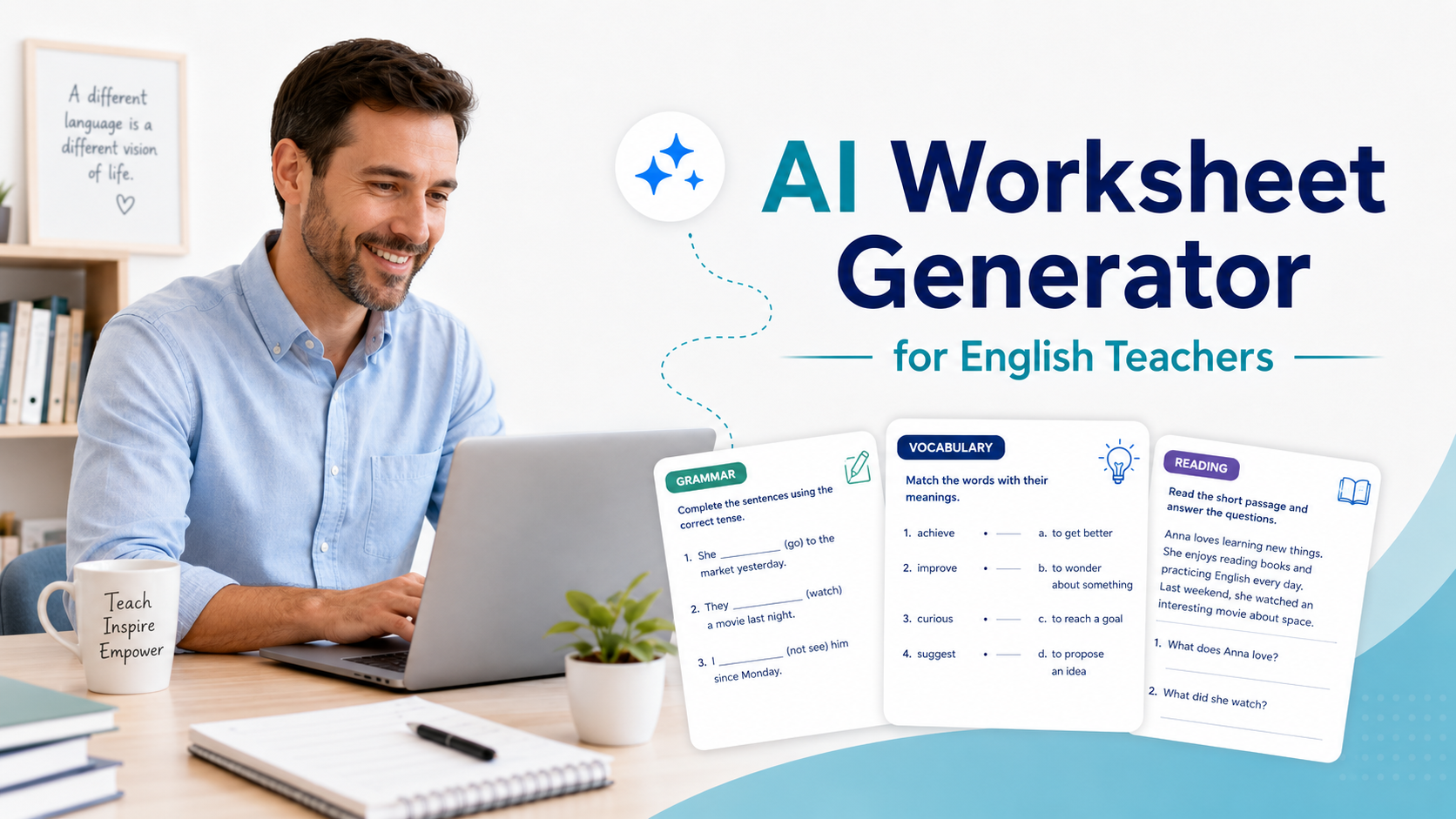
    For example, if many students misuse linking words, you can create a short worksheet using your AI Worksheet Generator for English Teachers workflow.

    FAQ: AI Writing Feedback for English Teachers

    What is AI writing feedback?

    AI writing feedback is the use of AI to help review writing and generate comments on grammar, vocabulary, organisation, content, clarity, and next steps. Teachers should review AI feedback before sharing it with students.

    Can AI give feedback on ESL writing?

    Yes. AI can help draft feedback on ESL writing, especially when the teacher provides the level, task, rubric, and focus areas. However, teachers should check the feedback for accuracy and fairness.

    Should teachers use AI to grade student writing?

    AI can support feedback, but teachers should be careful about using it for final grades. Assessment should follow school policies, privacy rules, and teacher judgement.

    How can I make AI writing feedback more useful?

    Give AI a clear task, learner level, rubric, and feedback focus. Ask for strengths, areas for improvement, and one specific next step.

    Can AI correct grammar mistakes in student writing?

    Yes, but it is often better to ask AI to identify key grammar patterns rather than correct every mistake. This helps students focus on learning, not just receiving corrections.

    Is AI feedback good for student revision?

    It can be useful if it gives clear next steps. Teachers can also ask AI to turn feedback into revision tasks or checklists.

    How can students use AI feedback responsibly?

    Students can use AI to review their writing, identify problems, and ask for improvement suggestions. They should not use AI to write the full assignment for them.

    Conclusion

    AI writing feedback can help English teachers save time and give clearer comments, but it works best when the teacher stays in control. AI can draft feedback, identify grammar patterns, simplify comments, create revision tasks, and build feedback comment banks. But it should not replace careful teacher review.

    For ESL/EFL teachers and language tutors, the most useful feedback is specific, student-friendly, connected to the task, and focused on improvement. Use AI to support that process, not to remove your professional judgement.

    A good writing feedback workflow helps students understand what they did well, what they need to improve, and what step to take next. That is where AI can genuinely help English teachers teach writing more effectively.
  • AI Rubric Generator: 7 Ways English Teachers Can Create Better Assessment Rubrics

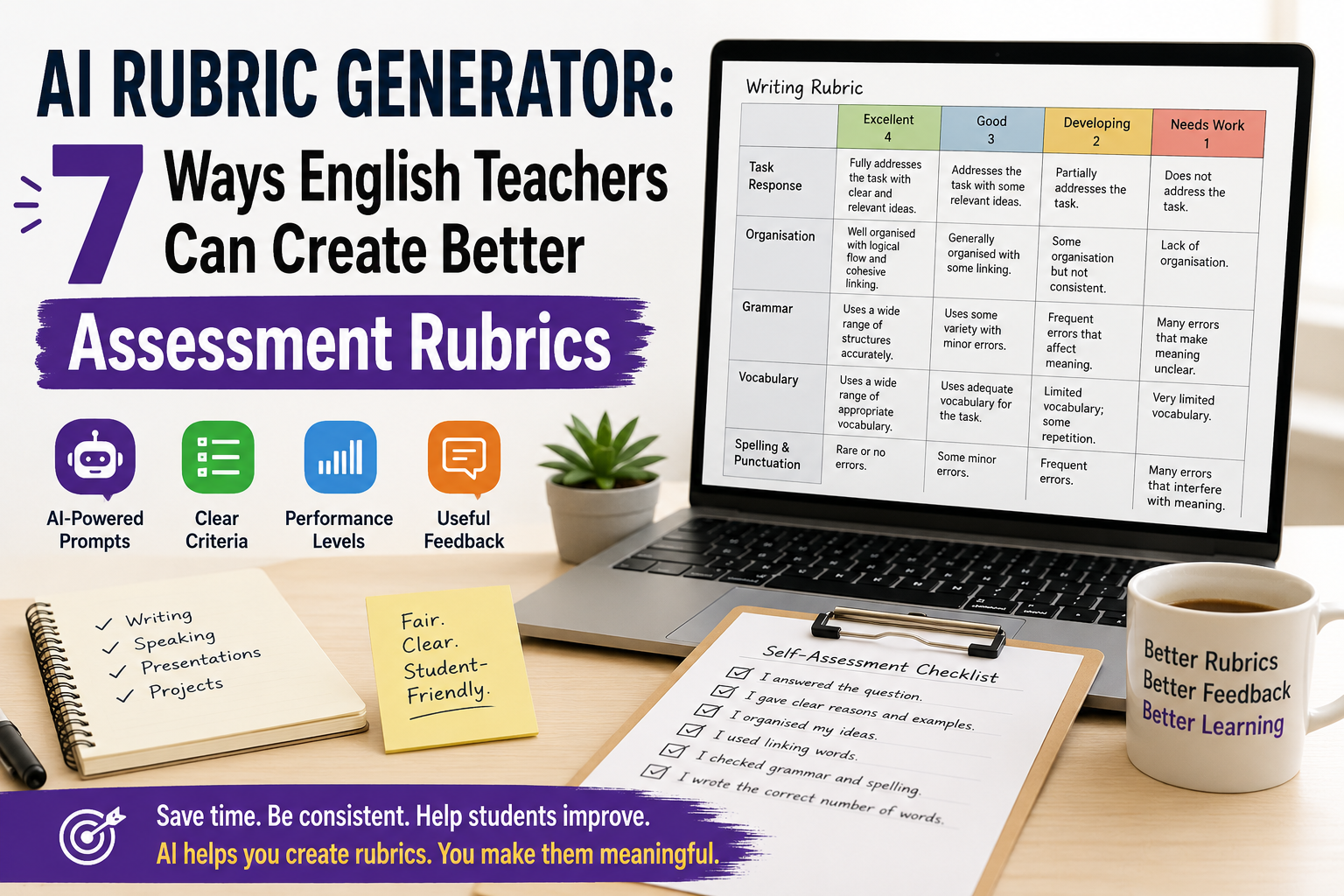
    AI Rubric Generator: 7 Ways English Teachers Can Create Better Assessment Rubrics

    An AI rubric generator can help English teachers create clearer assessment rubrics for writing, speaking, presentations, projects, and classroom tasks. Instead of starting from a blank table, you can use AI to draft criteria, performance levels, descriptors, scores, feedback comments, and student-friendly checklists.

    But AI should not decide your assessment for you. A rubric affects how students understand success, how teachers mark work, and how feedback is given. That means every AI-generated rubric needs teacher review.

    For ESL/EFL teachers and language tutors, the best use of an AI rubric generator is simple: use it to create a strong first draft, then adapt it to your lesson aim, learner level, task type, and classroom context.

    In this guide, you will learn seven practical ways to use AI to create better English assessment rubrics, with copy-paste prompts and teacher-friendly examples.

    If you want a broader prompt-based guide, read Rubric Creator: 7 AI Prompts to Build Better English Marking Rubrics. If you want free template workflows, see Free Rubric Maker: 7 Ways English Teachers Can Create Better Rubrics.

    What Is an AI Rubric Generator?

    An AI rubric generator is a tool or prompt workflow that uses artificial intelligence to create assessment rubrics from your instructions.

    For English teachers, it can help create rubrics for:

    • ESL writing tasks;
    • speaking assessments;
    • oral presentations;
    • role-plays;
    • reading responses;
    • listening tasks;
    • projects;
    • portfolios;
    • peer assessment;
    • student self-assessment.

    A typical rubric includes:

    • assessment criteria;
    • performance levels;
    • descriptors for each level;
    • points or bands;
    • feedback guidance;
    • sometimes a student checklist.

    For example, a writing rubric may include criteria such as task response, organisation, grammar, vocabulary, and spelling. A speaking rubric may include fluency, pronunciation, interaction, vocabulary, and task completion.

    AI can draft these quickly, but the teacher must decide whether they are fair, level-appropriate, and useful.

    Why English Teachers Should Use an AI Rubric Generator

    Creating rubrics takes time. Many teachers know what they want to assess, but turning that into clear descriptors can be difficult.

    An AI rubric generator can help English teachers:

    • save time when creating first drafts;
    • turn lesson aims into assessment criteria;
    • create writing and speaking rubrics;
    • simplify rubric language for students;
    • adapt rubrics for different CEFR levels;
    • create feedback comment banks;
    • make self-assessment checklists;
    • improve marking consistency.

    This is especially useful for ESL/EFL teachers because English assessment is often complex. A student may communicate well but make grammar mistakes. Another student may be accurate but lack fluency. A good rubric helps make these differences clearer.

    Still, AI should support your assessment decisions, not replace them.

    What Makes a Good AI-Generated Rubric?

    A good rubric should be clear, practical, and connected to the actual task.

    Before using any AI-generated rubric, check these questions:

    • Does it match the assignment?
    • Is it appropriate for the learner level?
    • Are the criteria clear?
    • Are the descriptors easy to understand?
    • Is the scoring fair?
    • Does it assess what you actually taught?
    • Can students use it to improve?

    Avoid vague descriptors such as:

    • “excellent language ability”;
    • “good performance”;
    • “weak understanding”;
    • “limited communication.”

    Use clearer descriptors such as:

    • “gives a clear opinion and two reasons”;
    • “uses topic vocabulary accurately”;
    • “speaks clearly enough to be understood”;
    • “organises ideas with basic linking words.”

    A good rubric should help students understand how to do better next time.

    1. Use AI to Create a First-Draft Writing Rubric

    Writing is one of the best uses for an AI rubric generator because writing assessment often includes several criteria at once.

    Use this prompt when you want a first-draft ESL writing rubric:

    Act as an experienced ESL writing teacher.
    
    Create an analytic writing rubric for [LEVEL] English learners.
    
    Writing task:
    [DESCRIBE THE WRITING TASK]
    
    Text length:
    [WORD COUNT]
    
    Assess:
    1. task response;
    2. organisation;
    3. grammar accuracy;
    4. vocabulary;
    5. spelling and punctuation.
    
    Use 4 performance levels:
    Excellent, Good, Developing, Needs Work.
    
    Give a total score out of [POINTS].
    Use clear, student-friendly language.
    

    Example

    Create an analytic writing rubric for B1 ESL learners writing a 120-word opinion paragraph about whether students should use smartphones in class.
    
    Assess task response, organisation, reasons and examples, grammar, vocabulary, and spelling/punctuation.
    
    Use 4 levels and a total score out of 24.
    Use student-friendly language.
    

    This gives you a useful first draft. Then you can shorten, simplify, or adapt it.

    For example:

    Make this rubric shorter and easier for B1 students to understand. Keep the same criteria and score.
    

    2. Use AI to Create a Speaking Assessment Rubric

    Speaking assessment can be difficult because teachers need to listen for fluency, pronunciation, grammar, vocabulary, interaction, and task completion.

    An AI rubric generator can help you create a simple speaking rubric that focuses on the most important criteria.

    Create a speaking assessment rubric for [LEVEL] ESL/EFL learners.
    
    Speaking task:
    [DESCRIBE SPEAKING TASK]
    
    Assess:
    1. task completion;
    2. fluency;
    3. pronunciation;
    4. vocabulary;
    5. interaction.
    
    Use 4 levels:
    Excellent, Good, Developing, Needs Work.
    
    Give a total score out of 20.
    Use practical teacher-friendly descriptors.
    

    Example classroom task

    Students discuss this question in pairs:

    Should students use AI tools for homework?

    The rubric could assess whether students:

    • answer the question;
    • give reasons;
    • respond to their partner;
    • use topic vocabulary;
    • speak clearly enough to be understood.

    Teacher tip

    For informal speaking practice, do not use too many criteria. A short rubric is easier to use while students are speaking.

    3. Use AI to Create a Presentation Rubric

    English presentations assess both language and communication. Students need to organise ideas, speak clearly, use visuals, and engage listeners.

    Use this prompt:

    Create a presentation rubric for [LEVEL] English learners.
    
    Presentation task:
    [DESCRIBE PRESENTATION TOPIC]
    
    Presentation length:
    [TIME LIMIT]
    
    Assess:
    1. content and task completion;
    2. organisation;
    3. spoken English;
    4. pronunciation and clarity;
    5. visual support;
    6. audience engagement.
    
    Use 4 performance levels and a total score out of 24.
    Use clear descriptors suitable for [LEVEL] learners.
    

    Example

    Create a presentation rubric for B2 EFL learners giving a 5-minute presentation about an environmental problem.
    
    Assess content, organisation, language accuracy, vocabulary, pronunciation, visual support, and audience engagement.
    

    Teacher tip

    If the presentation is mainly a language task, make language criteria important. If it is mainly a project task, give more weight to content and organisation.

    4. Use AI to Adapt a Rubric by CEFR Level

    A common problem with rubrics is that they expect too much from lower-level learners. AI can help you adapt criteria for A1, A2, B1, B2, or higher levels.

    Use this prompt:

    Adapt this rubric for [CEFR LEVEL] English learners.
    
    Rubric:
    [PASTE RUBRIC]
    
    Make the descriptors realistic for [CEFR LEVEL].
    Use simple and clear language.
    Remove expectations that are too advanced.
    Keep the same total score.
    

    Example

    For A2 learners, descriptors should include realistic expectations such as:

    • uses simple sentences;
    • gives basic information;
    • uses familiar vocabulary;
    • makes mistakes, but meaning is usually clear.

    For B2 learners, descriptors can include:

    • supports ideas with examples;
    • uses a range of linking words;
    • expresses opinions clearly;
    • uses topic vocabulary accurately.

    Teacher tip

    Do not ask AI to “make it CEFR-aligned” and stop there. Always read the descriptors carefully. AI may still produce criteria that are too broad or too advanced.

    5. Use AI to Make Rubrics Student-Friendly

    Many rubrics are written for teachers, not students. If students cannot understand the rubric, they cannot use it to improve.

    Use AI to rewrite the rubric in simpler language.

    Rewrite this rubric in student-friendly language for [LEVEL] English learners.
    
    Keep the same criteria and score, but simplify the descriptors.
    
    Avoid technical terms. If a technical term is necessary, explain it simply.
    
    Rubric:
    [PASTE RUBRIC]
    

    Example changes

    Instead of:

    Demonstrates effective use of cohesive devices.

    Use:

    Uses linking words such as because, but, so, first, and finally to connect ideas.

    Instead of:

    Shows limited lexical range.

    Use:

    Uses only basic words and repeats the same vocabulary often.

    This makes the rubric more useful before, during, and after the task.

    6. Use AI to Create Feedback Comments from a Rubric

    A rubric gives structure, but students still need feedback. AI can help create a comment bank connected to each rubric criterion.

    Create a feedback comment bank based on this English rubric.
    
    Rubric:
    [PASTE RUBRIC]
    
    For each criterion, write:
    1. 3 positive comments;
    2. 3 improvement comments;
    3. 2 next-step suggestions.
    
    Use supportive teacher language.
    Keep the comments specific, short, and useful.
    

    Example feedback comments

    For organisation:

    • Your ideas are in a clear order.
    • Try to start with a clearer topic sentence.
    • Next time, use linking words to connect your reasons.

    For vocabulary:

    • You used useful topic words from the lesson.
    • Try not to repeat the same word too often.
    • Next time, add two new words from the topic list.

    Teacher tip

    Do not paste AI comments without checking them. Edit them so they match the student’s actual work.

    7. Use AI to Create Student Self-Assessment Checklists

    A rubric is not only for grading. It can also help students check their own work before submission.

    Use this prompt:

    Create a student self-assessment checklist for [LEVEL] English learners.
    
    Task:
    [DESCRIBE TASK]
    
    Use these criteria:
    [PASTE CRITERIA]
    
    Write 6–8 simple checklist statements beginning with “I...”
    
    Add one reflection question:
    “What should I improve next time?”
    

    Example checklist for writing

    Before I submit my paragraph, I checked that:

    • I answered the question.
    • I gave my opinion clearly.
    • I gave at least two reasons.
    • I used linking words.
    • I checked my verbs.
    • I checked spelling and punctuation.
    • I wrote the correct number of words.

    Why this works

    Students become more independent when they know how to check their own work. A self-assessment checklist can also reduce repeated teacher feedback because students notice problems earlier.

    Practical Example: AI Rubric Generator for an ESL Writing Task

    Imagine you are teaching B1 students and the writing task is:

    Write a 120-word opinion paragraph: Should students use AI tools for homework?

    You can use this prompt:

    Act as an experienced ESL writing teacher.
    
    Create an analytic writing rubric for B1 learners.
    
    Task:
    Students write a 120-word opinion paragraph answering:
    “Should students use AI tools for homework?”
    
    Assess:
    1. clear opinion;
    2. reasons and examples;
    3. organisation;
    4. grammar;
    5. vocabulary;
    6. spelling and punctuation.
    
    Use 4 levels:
    Excellent, Good, Developing, Needs Work.
    
    Total score: 24 points.
    Use student-friendly language.
    

    Then improve it:

    Create a shorter student checklist version of this rubric that students can use before submitting their paragraph.
    

    Then create feedback support:

    Create a feedback comment bank for this rubric with positive comments, improvement comments, and next-step suggestions.
    

    This gives you a complete assessment workflow:

    1. teacher rubric;
    2. student checklist;
    3. feedback comments.

    Common Mistakes to Avoid When Using an AI Rubric Generator

    Mistake 1: Using the first output without editing

    AI can create a useful draft, but it may be too generic, too long, or too advanced. Always edit before using it.

    Mistake 2: Including too many criteria

    A rubric with ten criteria is difficult to use. For most English classroom tasks, four to six criteria are enough.

    Mistake 3: Using the same rubric for every task

    A writing task, speaking task, presentation, and project need different rubrics. Start from the task.

    Mistake 4: Forgetting the learner level

    A2 students should not be assessed with B2 expectations. Always specify the level and check the descriptors.

    Mistake 5: Making the rubric too technical

    Students need language they can understand. Create a teacher version and a student version if necessary.

    Mistake 6: Scoring things you did not teach

    If you did not teach presentation structure, do not heavily penalise students for weak presentation structure. Assessment should connect to instruction.

    Mistake 7: Treating AI as the assessor

    AI can help create the rubric, but the teacher remains responsible for fair assessment, feedback, and final grading.

    Simple AI Rubric Review Checklist

    Before using an AI-generated rubric, check:

    • Does it match the task?
    • Is it suitable for the student level?
    • Are the criteria clear?
    • Are there too many criteria?
    • Are performance levels clearly different?
    • Is the scoring fair?
    • Can students understand the language?
    • Does it support feedback, not only grading?
    • Would another teacher understand how to use it?
    • Does it assess what was actually taught?

    This checklist helps you avoid weak AI-generated assessment materials.

    FAQ: AI Rubric Generator for English Teachers

    What is an AI rubric generator?

    An AI rubric generator is a tool or prompt workflow that uses AI to create assessment rubrics. English teachers can use it to draft rubrics for writing, speaking, presentations, projects, and classroom tasks.

    Can AI create rubrics for ESL writing?

    Yes. AI can create first-draft ESL writing rubrics if you provide the learner level, writing task, criteria, performance levels, and scoring system. Teachers should review and adapt the rubric before using it.

    Can AI create speaking rubrics?

    Yes. AI can help create speaking rubrics for fluency, pronunciation, vocabulary, grammar, interaction, and task completion. For classroom use, keep the rubric short and practical.

    Is an AI-generated rubric reliable?

    An AI-generated rubric can be useful as a draft, but it should not be used without teacher review. Check the task fit, level, clarity, fairness, and scoring before using it.

    What should an English writing rubric include?

    A writing rubric often includes task response, organisation, grammar, vocabulary, and spelling or punctuation. The exact criteria should match the writing task and learner level.

    How can I make an AI rubric student-friendly?

    Ask AI to rewrite the rubric in simple language, remove technical terms, and create a checklist version students can use before submitting their work.

    Should I use AI to grade student work?

    This article focuses on using AI to create rubrics, not to replace teacher grading. Teachers should be careful with student privacy, school policies, and fairness if using AI for feedback or assessment.

    Conclusion

    An AI rubric generator can save English teachers time and help create clearer assessment rubrics for writing, speaking, presentations, projects, and classroom tasks. It can draft criteria, performance levels, descriptors, feedback comments, and student checklists much faster than starting from a blank page.

    But the teacher must stay in control. A strong rubric needs to match the task, learner level, lesson aim, and classroom context. AI can help you create the first version, but your professional judgement makes it fair, useful, and student-friendly.

    Used well, an AI rubric generator does more than speed up marking preparation. It helps students understand expectations, reflect on their work, and improve their English more clearly.

  • Free Rubric Maker: 7 Ways English Teachers Can Create Better Rubrics

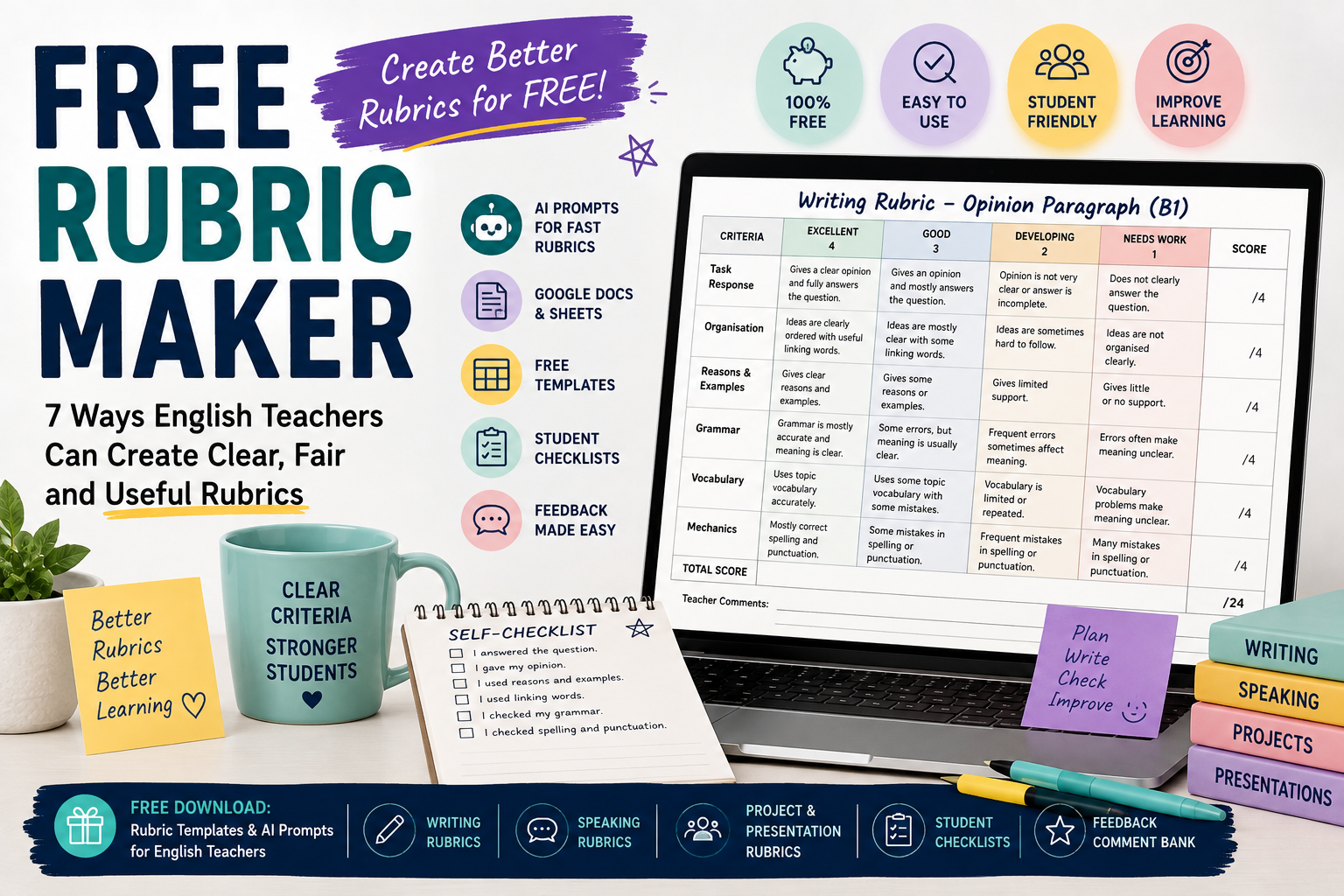
    Free Rubric Maker: 7 Ways English Teachers Can Create Better Rubrics

    A free rubric maker can help English teachers create clearer assessment criteria without spending hours designing tables from scratch. Whether you teach ESL writing, speaking, presentations, projects, or classroom tasks, a good rubric helps students understand what is expected and helps teachers mark more consistently.

    But “free” does not automatically mean useful. Some rubric tools create generic criteria. Some templates look neat but do not fit your students’ level. Some AI-generated rubrics sound impressive but are too vague for real classroom use.

    For English teachers, ESL/EFL teachers, and private language tutors, the best approach is to combine simple free tools with clear teacher judgement. You can use AI prompts, Google Docs, Canva-style templates, spreadsheets, or basic tables to create rubrics that are practical, student-friendly, and connected to your lesson aims.

    In this guide, you will learn seven ways to create better English rubrics for free, with examples and copy-paste prompts you can adapt.

    If you want a deeper prompt-based guide, read Rubric Creator: 7 AI Prompts to Build Better English Marking Rubrics. If you are creating worksheets and assessment together, you may also find AI Worksheet Generator for English Teachers: 7 Ways to Create Better ESL Worksheets useful.

    What Is a Free Rubric Maker?

    A free rubric maker is any tool, template, or workflow that helps you create rubrics without paying for dedicated assessment software. It might be:

    • an AI chatbot;
    • a Google Docs table;
    • a spreadsheet;
    • a printable template;
    • a classroom resource generator;
    • a design tool;
    • a reusable rubric checklist;
    • a teacher-made prompt workflow.

    In English teaching, a rubric usually helps assess skills such as writing, speaking, presentations, projects, role-plays, or reading responses.

    A rubric commonly includes:

    • assessment criteria;
    • performance levels;
    • clear descriptors;
    • points or bands;
    • space for feedback;
    • sometimes a student self-assessment section.

    For example, a simple ESL writing rubric may assess:

    • task response;
    • organisation;
    • grammar;
    • vocabulary;
    • spelling and punctuation.

    A speaking rubric may assess:

    • fluency;
    • pronunciation;
    • grammar;
    • vocabulary;
    • interaction;
    • task completion.

    The tool you use matters less than the quality of the rubric you create.

    Why English Teachers Need Rubrics

    Rubrics are useful because they make assessment clearer. Instead of simply writing “good work” or “grammar problems,” a rubric shows students exactly what they did well and what they need to improve.

    For English teachers, rubrics help with:

    • more consistent marking;
    • clearer student expectations;
    • faster feedback;
    • better self-assessment;
    • fairer grading;
    • easier peer review;
    • stronger alignment between lesson aims and assessment.

    For example, if students write an opinion paragraph, the rubric can show that the task is not only about grammar. It may also assess whether students gave a clear opinion, used reasons, organised ideas, and checked punctuation.

    This is especially important in ESL/EFL classes because students may focus only on grammar accuracy. A good rubric helps them understand that communication, organisation, vocabulary, and task completion also matter.

    What a Free Rubric Maker Can and Cannot Do

    A free rubric maker can save time, but it cannot do everything for you.

    A free rubric maker can help you:

    • create a first draft;
    • format criteria in a table;
    • generate performance levels;
    • simplify rubric language;
    • adapt rubrics for different tasks;
    • create student checklists;
    • build feedback comment banks.

    A free rubric maker cannot fully decide:

    • what your students need most;
    • whether the rubric fits your exact lesson;
    • whether the level is fair;
    • whether the descriptors match your teaching context;
    • whether the final score reflects your school’s grading policy.

    This is why teacher review is essential. AI and free templates are useful starting points, not final authorities.

    1. Use AI as a Free Rubric Maker

    One of the fastest free or low-cost ways to create a rubric is to use AI. You can describe your task, student level, criteria, and scoring system, then ask AI to generate a rubric.

    This is especially useful when you need a first draft quickly.

    Copy-paste prompt

    Act as an experienced English teacher.
    
    Create an analytic rubric for [LEVEL] ESL/EFL learners.
    
    Task:
    [DESCRIBE THE TASK]
    
    Assess these criteria:
    1. task response;
    2. organisation;
    3. grammar;
    4. vocabulary;
    5. spelling/punctuation or pronunciation, depending on the task.
    
    Use 4 performance levels:
    Excellent, Good, Developing, Needs Work.
    
    Give a total score out of [POINTS].
    Use clear, student-friendly language.
    

    Example

    Create an analytic rubric for B1 ESL learners writing a 120-word opinion paragraph about online learning.
    
    Assess:
    1. clear opinion;
    2. organisation;
    3. reasons and examples;
    4. grammar;
    5. vocabulary;
    6. spelling and punctuation.
    
    Use 4 performance levels and a total score out of 24.
    Use language students can understand.
    

    Why this works

    This prompt gives AI enough detail to create something useful. It includes the level, task, criteria, score, and language style.

    Teacher tip

    Do not use the first AI output immediately. Ask AI to revise it.

    Make this rubric shorter, clearer, and easier for B1 ESL students to understand.
    

    Or:

    Create a compact teacher marking version of this rubric that fits on one page.
    

    For more prompt examples, link to your post on using a rubric creator for English marking rubrics.

    2. Use Google Docs as a Simple Free Rubric Maker

    Google Docs can work well as a free rubric maker because you can create simple tables, duplicate templates, and share rubrics with students.

    You do not need complex software. A clean table is often enough.

    Simple Google Docs rubric structure

    Use a table with these columns:

    CriteriaExcellentGoodDevelopingNeeds WorkScore

    Then add rows such as:

    • task response;
    • organisation;
    • grammar;
    • vocabulary;
    • mechanics.

    Example writing rubric row

    CriteriaExcellentGoodDevelopingNeeds WorkScore
    OrganisationIdeas are clearly ordered and easy to followIdeas are mostly clearSome ideas are hard to followIdeas are unclear or disconnected/4

    Best for

    Google Docs works well for:

    • writing rubrics;
    • speaking rubrics;
    • reusable templates;
    • student-friendly checklists;
    • peer review forms;
    • printable classroom handouts.

    Teacher tip

    Create one master rubric template and duplicate it for each task. This saves time and keeps your assessment style consistent.

    3. Use a Spreadsheet for Scoring Rubrics

    A spreadsheet can also work as a free rubric maker, especially when you want automatic totals.

    This is useful if you mark many students or want a simple scoring grid.

    Basic spreadsheet rubric columns

    You can create columns such as:

    • student name;
    • task response;
    • organisation;
    • grammar;
    • vocabulary;
    • mechanics;
    • total score;
    • feedback comment.

    For each criterion, use a score from 1 to 4 or 1 to 5.

    Example scoring system

    StudentTask Response /4Organisation /4Grammar /4Vocabulary /4Mechanics /4Total /20

    This is practical for classroom assessment because you can quickly record scores and identify common weaknesses.

    Best for

    Spreadsheets work well for:

    • class marking;
    • tracking student progress;
    • scoring speaking tasks quickly;
    • comparing performance across criteria;
    • storing feedback records.

    Teacher tip

    Use short descriptors in the spreadsheet and keep the full rubric in a separate document. This keeps your marking sheet clean.

    4. Use Free Rubric Templates, Then Adapt Them

    Free templates can be useful, but many are too generic. The key is to adapt them to your English lesson.

    A generic writing rubric may include broad criteria like:

    • content;
    • organisation;
    • grammar;
    • vocabulary.

    That is a good start, but you should make it task-specific.

    Generic criterion

    Content is clear and complete.

    Better English-task criterion

    The paragraph gives a clear opinion and includes at least two reasons.

    Generic criterion

    Uses good vocabulary.

    Better English-task criterion

    Uses topic vocabulary about online learning accurately.

    Generic criterion

    Grammar is good.

    Better English-task criterion

    Uses because, but, and so to connect ideas clearly.

    Best for

    Free templates are useful when you need:

    • a starting structure;
    • a printable layout;
    • a quick rubric for a familiar task;
    • a student-friendly version.

    Teacher tip

    Never use a template without adapting it to the task, level, and lesson aim.

    5. Create a Student-Friendly Rubric Checklist

    Sometimes students do not need a full scoring rubric. They need a checklist they can understand before submitting work.

    A student-friendly checklist can be more useful than a complex teacher rubric.

    Example: ESL writing checklist

    Before I submit my paragraph, I checked that:

    • I answered the question.
    • I gave my opinion clearly.
    • I gave at least two reasons.
    • I used linking words such as because, but, and so.
    • I checked my verbs.
    • I checked spelling and punctuation.
    • I wrote the correct number of words.

    Copy-paste prompt

    Create a student-friendly self-assessment checklist for [LEVEL] ESL learners.
    
    Task:
    [DESCRIBE TASK]
    
    The checklist should include 6–8 simple statements beginning with “I...”
    
    Use clear language and avoid technical terms.
    Add one reflection question: “What should I improve next time?”
    

    Best for

    Student-friendly checklists work well for:

    • writing tasks;
    • speaking presentations;
    • projects;
    • peer review;
    • homework submission;
    • exam preparation.

    Teacher tip

    Give students the checklist before they start. This turns the rubric into a learning tool, not just a grading tool.

    6. Create a Free Speaking Rubric for ESL/EFL Classes

    Speaking assessment can be difficult because teachers need to judge fluency, pronunciation, grammar, vocabulary, and interaction at the same time.

    A simple speaking rubric makes this easier.

    Example speaking rubric criteria

    For a B1 pair discussion, you might assess:

    • task completion;
    • fluency;
    • pronunciation;
    • vocabulary;
    • interaction.

    Copy-paste prompt

    Create a simple speaking rubric for [LEVEL] ESL learners.
    
    Speaking task:
    [DESCRIBE TASK]
    
    Assess:
    1. task completion;
    2. fluency;
    3. pronunciation;
    4. vocabulary;
    5. interaction.
    
    Use 4 levels:
    Excellent, Good, Developing, Needs Work.
    
    Total score: 20 points.
    Use teacher-friendly descriptors and simple language.
    

    Example task

    Students discuss this question in pairs:

    Should students use AI tools for homework?

    The rubric can help you assess whether students:

    • answer the question;
    • give reasons;
    • respond to their partner;
    • speak clearly;
    • use useful topic vocabulary.

    Teacher tip

    For informal speaking practice, use a short rubric. Too many criteria can make speaking assessment stressful and slow.

    7. Create a Free Feedback Comment Bank from Your Rubric

    A rubric helps with scoring, but students also need comments. You can use AI as a free rubric maker and feedback assistant by asking it to create a comment bank.

    This helps you avoid repeating the same comments again and again.

    Copy-paste prompt

    Create a feedback comment bank for this English rubric.
    
    Rubric:
    [PASTE RUBRIC]
    
    For each criterion, write:
    1. 3 positive comments;
    2. 3 improvement comments;
    3. 2 next-step suggestions.
    
    Use supportive teacher language. Keep the comments specific and useful.
    

    Example feedback comments

    For organisation:

    • Your ideas are in a clear order.
    • Try to start with a clearer topic sentence.
    • Next time, use linking words to connect your reasons.

    For vocabulary:

    • You used useful topic words.
    • Try to avoid repeating the same word many times.
    • Next time, add two new words from the lesson.

    Best for

    A comment bank is useful when marking:

    • essays;
    • opinion paragraphs;
    • speaking tasks;
    • presentations;
    • projects;
    • reading responses.

    Teacher tip

    Do not copy comments blindly. Adapt them to the student’s actual work.

    Example: Free Rubric for a B1 ESL Opinion Paragraph

    Here is a simple rubric structure you can adapt.

    Task: Write a 120-word opinion paragraph about this question:
    Should students use smartphones in class?

    Level: B1
    Total score: 20 points

    CriterionExcellent – 4Good – 3Developing – 2Needs Work – 1
    Task ResponseGives a clear opinion and fully answers the questionGives an opinion and mostly answers the questionOpinion is not very clear or answer is incompleteDoes not clearly answer the question
    OrganisationIdeas are clearly ordered with useful linking wordsIdeas are mostly clear with some linking wordsIdeas are sometimes hard to followIdeas are not organised clearly
    Reasons and ExamplesGives clear reasons and examplesGives some reasons or examplesGives limited supportGives little or no support
    GrammarGrammar is mostly accurate and meaning is clearSome errors, but meaning is usually clearFrequent errors sometimes affect meaningErrors often make meaning unclear
    Vocabulary and MechanicsUses topic vocabulary and mostly correct spelling/punctuationUses some topic vocabulary with some mistakesVocabulary is limited or repeatedVocabulary/spelling problems make meaning unclear

    This rubric is simple, but it gives students more guidance than a general score.

    How to Choose the Right Free Rubric Maker Workflow

    Choose your workflow based on what you need.

    Use AI when:

    • you need a first draft quickly;
    • you want descriptors for different performance levels;
    • you want to simplify language;
    • you want a student checklist;
    • you want a feedback comment bank.

    Use Google Docs when:

    • you want a clean printable rubric;
    • you want to share the rubric with students;
    • you want a reusable template;
    • you want to edit the rubric easily.

    Use spreadsheets when:

    • you are marking many students;
    • you want automatic totals;
    • you want to track performance;
    • you want to compare class results.

    Use templates when:

    • you need a quick structure;
    • you already know the criteria;
    • you want a printable design.

    The best free rubric maker is often not one tool. It is a workflow: AI for drafting, Google Docs for editing, and a spreadsheet for scoring if needed.

    Common Mistakes to Avoid When Using a Free Rubric Maker

    Mistake 1: Using generic criteria

    “Grammar,” “content,” and “vocabulary” are not enough. Make criteria specific to the task.

    Mistake 2: Making the rubric too long

    A rubric with too many criteria is hard to use. For most English classroom tasks, four to six criteria are enough.

    Mistake 3: Using teacher-only language

    Students may not understand technical terms. Create a simpler student version if needed.

    Mistake 4: Ignoring the learner level

    A rubric for A2 learners should not expect B2-level writing or speaking. Keep descriptors realistic.

    Mistake 5: Forgetting the lesson aim

    If the lesson aim is fluency, do not over-focus on small grammar mistakes. If the aim is accurate use of past tense, grammar should have more weight.

    Mistake 6: Not giving students the rubric before the task

    Rubrics are more useful when students see them before they work. This helps them understand expectations.

    Mistake 7: Treating AI output as final

    AI can create a helpful draft, but teachers should always review the rubric for clarity, fairness, and level.

    FAQ: Free Rubric Maker for English Teachers

    What is the best free rubric maker for English teachers?

    The best free rubric maker depends on your workflow. AI is useful for drafting rubric criteria, Google Docs is useful for formatting and sharing, and spreadsheets are useful for scoring and tracking. For many teachers, a combination of these works best.

    Can I create a rubric for free?

    Yes. You can create rubrics for free using AI prompts, Google Docs tables, spreadsheets, or downloadable templates. The most important part is adapting the rubric to your task and learner level.

    Can AI create rubrics for ESL writing?

    Yes. AI can create first-draft rubrics for ESL writing tasks. You should specify the level, task, word count, criteria, performance levels, and total score.

    What should an ESL writing rubric include?

    An ESL writing rubric often includes task response, organisation, grammar, vocabulary, and spelling or punctuation. The exact criteria should match the assignment.

    What should an ESL speaking rubric include?

    An ESL speaking rubric may include task completion, fluency, pronunciation, vocabulary, grammar, and interaction. For informal speaking tasks, use fewer criteria to keep assessment manageable.

    Should students see the rubric before the task?

    Yes. Rubrics are more useful when students see them before completing the task. This helps them understand what good performance looks like.

    Is a free rubric maker enough for serious assessment?

    For many classroom tasks, yes, if the teacher reviews and adapts the rubric carefully. For official exams or institutional assessment, follow your school’s required criteria and grading policy.

    Conclusion

    A free rubric maker can save English teachers time, but the real value comes from how you use it. AI, Google Docs, spreadsheets, and templates can all help you create rubrics without expensive software. However, your teaching judgement is what makes the rubric fair, clear, and useful.

    For ESL/EFL teachers and language tutors, the best rubrics are task-specific, level-appropriate, and easy for students to understand. Use AI to create a first draft, then revise the criteria, simplify the wording, add a clear scoring system, and create a student checklist when needed.

    A good rubric does more than help you mark faster. It helps students understand expectations, improve their work, and become more independent English learners.

  • Rubric Creator: 7 AI Prompts to Build Better English Marking Rubrics

    Rubric Creator: 7 AI Prompts to Build Better English Marking Rubrics

    A rubric creator can help English teachers build clear marking criteria for writing tasks, speaking activities, presentations, projects, and classroom assessment. Instead of grading students with vague comments like “good grammar” or “needs more detail,” a rubric gives both the teacher and the student a clearer picture of what good performance looks like.

    For ESL/EFL teachers and language tutors, rubrics are especially useful because language performance is complex. A student’s writing or speaking may involve grammar, vocabulary, fluency, pronunciation, organisation, task achievement, interaction, and accuracy at the same time. Without a rubric, assessment can become inconsistent or unclear.

    AI can help you create rubrics faster, but it should not replace your judgement. A good AI-generated rubric still needs teacher review. You need to check whether the criteria match the task, the level is appropriate, the descriptors are clear, and the scoring system is fair.

    In this guide, you will learn how to use AI as a practical rubric creator for English teaching, with seven copy-paste prompts you can adapt for your own classes.

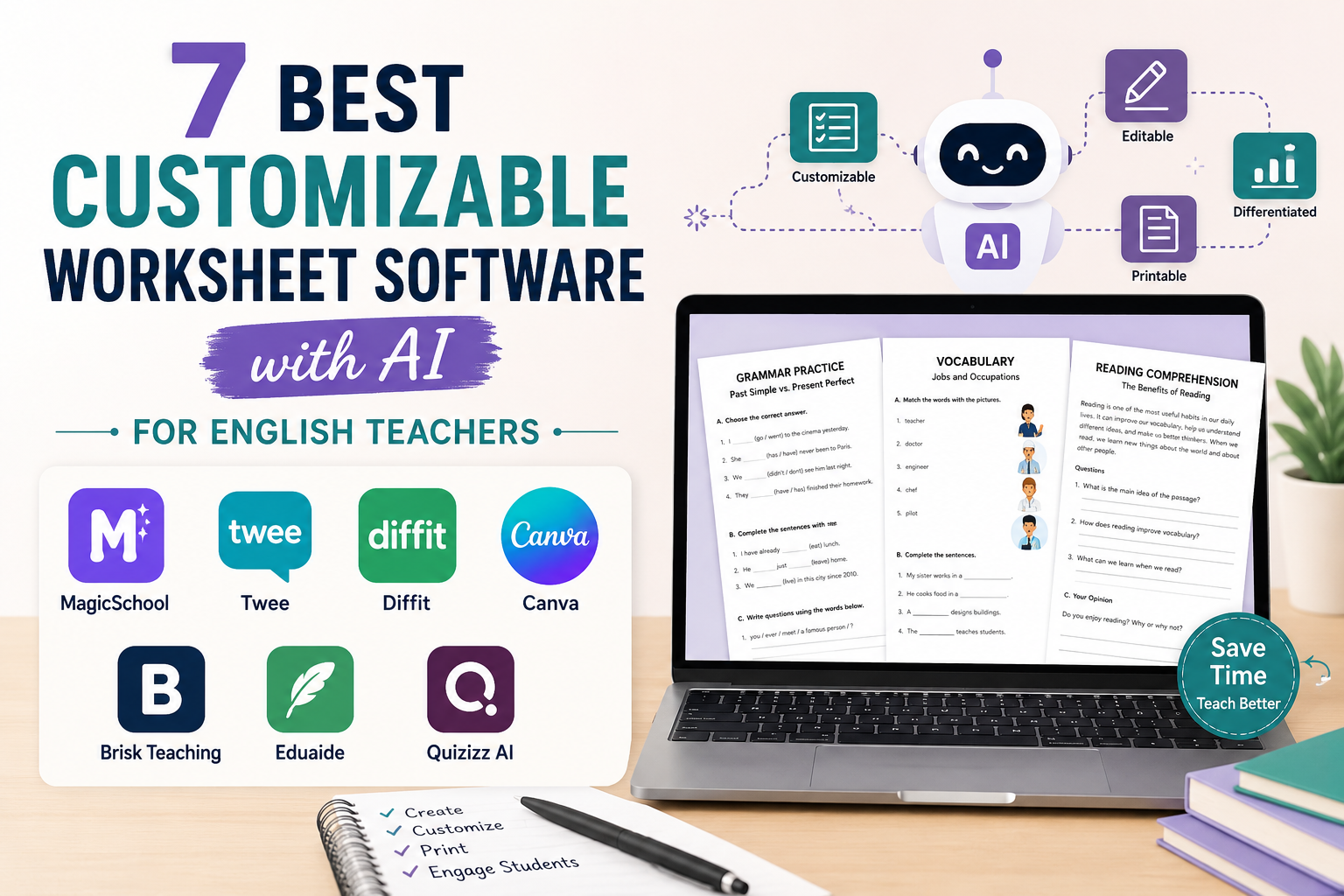
    If you are also creating lesson materials, you may want to read AI Worksheet Generator for English Teachers: 7 Ways to Create Better ESL Worksheets. For reading lessons, see Reading Worksheet Generator: 7 AI Prompts for Better ESL Reading Lessons. If you are comparing worksheet tools, read 7 Best Customizable Worksheet Software with AI for English Teachers.

    What Is a Rubric Creator?

    A rubric creator is a tool or workflow that helps teachers create assessment criteria for student work. In English teaching, a rubric can be used to assess writing, speaking, presentations, projects, role-plays, reading responses, listening tasks, or portfolios.

    A rubric usually includes:

    • assessment criteria;
    • performance levels;
    • clear descriptors;
    • point values or bands;
    • teacher comments;
    • sometimes a student self-assessment section.

    For example, a writing rubric may assess:

    • task response;
    • organisation;
    • grammar accuracy;
    • vocabulary range;
    • mechanics such as spelling and punctuation.

    A speaking rubric may assess:

    • fluency;
    • pronunciation;
    • grammar;
    • vocabulary;
    • interaction;
    • task completion.

    With AI, teachers can generate a first draft quickly. But the rubric should always be adapted to your learners, task, level, and teaching context.

    Why English Teachers Should Use AI as a Rubric Creator

    Creating a good rubric takes time. You need to decide what matters, describe performance clearly, avoid vague wording, and make sure the rubric is fair for the level.

    AI can help English teachers:

    • create a first draft of a rubric;
    • adapt a rubric for different levels;
    • simplify rubric language for students;
    • create analytic or holistic rubrics;
    • build speaking and writing assessment criteria;
    • turn lesson aims into assessment criteria;
    • create self-assessment checklists;
    • make feedback more consistent.

    For example, if your B1 students are writing an opinion paragraph, you can ask AI to create a simple writing rubric with criteria for content, organisation, grammar, vocabulary, and mechanics. Then you can revise the rubric to fit your exact assignment.

    The goal is not to let AI decide grades. The goal is to use AI to save preparation time and make your assessment clearer.

    What Makes a Good English Marking Rubric?

    A good English marking rubric should be clear, level-appropriate, and directly connected to the task.

    A useful rubric should answer these questions:

    • What exactly are students being assessed on?
    • What does excellent work look like?
    • What does acceptable work look like?
    • What does weak work look like?
    • Are the criteria suitable for the learner level?
    • Can students understand the descriptors?
    • Can the teacher use it consistently?

    For ESL/EFL classes, rubric language should be practical. Avoid unclear phrases such as:

    • “excellent linguistic competence”;
    • “sophisticated lexical control”;
    • “adequate communicative performance.”

    Instead, use clearer language:

    • “uses topic vocabulary accurately”;
    • “organises ideas in a clear order”;
    • “speaks clearly enough to be understood”;
    • “uses simple linking words such as because, but, and so.”

    A good rubric should help students improve, not only give them a score.

    Analytic vs Holistic Rubrics

    Before using AI as a rubric creator, decide whether you need an analytic rubric or a holistic rubric.

    Analytic rubric

    An analytic rubric separates performance into different criteria. For example, a writing rubric may include content, organisation, grammar, vocabulary, and spelling.

    This is useful when you want detailed feedback.

    Example:

    CriteriaExcellentGoodNeeds Work
    ContentIdeas are clear and fully answer the taskIdeas mostly answer the taskIdeas are unclear or incomplete
    OrganisationParagraph is well organisedParagraph has some organisationParagraph is difficult to follow
    GrammarUses target grammar accuratelySome grammar errors, but meaning is clearFrequent errors make meaning unclear

    Holistic rubric

    A holistic rubric gives one overall score or band for the whole task. It is faster to use but gives less detailed feedback.

    This is useful for quick assessment, speaking fluency tasks, or classroom observation.

    For English teachers, analytic rubrics are usually better for writing and formal speaking tasks. Holistic rubrics are useful for quick classroom assessment.

    How to Use AI as a Rubric Creator

    The quality of your rubric depends on the prompt. A weak prompt gives generic criteria.

    A weak prompt would be:

    Create a rubric for writing.
    

    A stronger prompt would be:

    Create an analytic writing rubric for B1 ESL learners writing a 120-word opinion paragraph about online learning.
    
    Assess these criteria:
    1. task response;
    2. organisation;
    3. grammar accuracy;
    4. vocabulary;
    5. spelling and punctuation.
    
    Use 4 performance levels: Excellent, Good, Developing, Needs Work.
    Use student-friendly language and include points out of 20.
    

    The second prompt gives AI the level, task, criteria, performance bands, language style, and scoring system.

    Prompt 1: Basic Rubric Creator Prompt

    Use this prompt when you want a general rubric for an English task.

    Act as an experienced English teacher.
    
    Create an analytic rubric for [LEVEL] ESL/EFL learners completing this task:
    
    [TASK DESCRIPTION]
    
    The rubric should include:
    1. 4–5 assessment criteria;
    2. 4 performance levels;
    3. clear descriptors for each level;
    4. total score out of [POINTS];
    5. student-friendly language.
    
    Make the rubric practical, fair, and appropriate for [LEVEL] learners.
    

    Example

    Create an analytic rubric for B1 ESL learners writing a 120-word opinion paragraph about social media.
    
    Use 5 criteria:
    1. task response;
    2. organisation;
    3. grammar;
    4. vocabulary;
    5. spelling and punctuation.
    
    Use 4 performance levels and a total score out of 20.
    

    This prompt is useful for most writing, speaking, and project-based tasks.

    Prompt 2: ESL Writing Rubric Prompt

    Writing rubrics are very useful for English teachers because writing assessment can feel subjective. A rubric helps students understand what they need to improve.

    Create a writing rubric for [LEVEL] ESL learners.
    
    Writing task:
    [DESCRIBE WRITING TASK]
    
    Text length:
    [WORD COUNT]
    
    Assess:
    1. task response;
    2. organisation and paragraph structure;
    3. grammar accuracy;
    4. vocabulary range and accuracy;
    5. spelling and punctuation.
    
    Use 4 levels:
    Excellent, Good, Developing, Needs Work.
    
    Give points for each criterion and include a total score out of 20.
    Use clear language students can understand.
    

    Example classroom use

    For a B1 opinion paragraph, the rubric could include:

    • Does the student clearly give an opinion?
    • Does the paragraph have a topic sentence?
    • Are ideas supported with reasons or examples?
    • Is the grammar accurate enough for clear meaning?
    • Is vocabulary appropriate for the topic?

    This gives students a clear target before they write and clearer feedback after they submit.

    Teacher tip

    Give the rubric before the writing task, not only after marking. Students can use it as a planning checklist.

    Prompt 3: ESL Speaking Rubric Prompt

    Speaking assessment can be difficult because teachers need to listen to many things at once. A speaking rubric helps you focus on specific criteria.

    Create a speaking rubric for [LEVEL] ESL/EFL learners.
    
    Speaking task:
    [DESCRIBE SPEAKING TASK]
    
    Assess:
    1. fluency;
    2. pronunciation;
    3. grammar accuracy;
    4. vocabulary;
    5. interaction or task completion.
    
    Use 4 performance levels:
    Excellent, Good, Developing, Needs Work.
    
    Use teacher-friendly descriptors and a total score out of 20.
    Add a short student self-reflection section at the end.
    

    Example speaking task

    Students work in pairs and discuss this question:

    Should students use AI tools for homework?

    The rubric might assess whether students:

    • speak clearly;
    • use topic vocabulary;
    • give reasons;
    • respond to their partner;
    • keep the conversation going.

    Teacher tip

    For lower-level learners, do not over-assess. If the task is simple, use fewer criteria. For example: fluency, vocabulary, pronunciation, and task completion.

    Prompt 4: Student-Friendly Rubric Prompt

    Sometimes AI-generated rubrics sound too formal. Students may not understand phrases like “cohesive devices” or “lexical resource.”

    Use this prompt to simplify rubric language.

    Rewrite this rubric in student-friendly language for [LEVEL] English learners.
    
    Keep the same criteria and scores, but make the descriptors easier to understand.
    
    Avoid technical terms unless they are explained simply.
    
    Rubric:
    [PASTE RUBRIC]
    

    Example

    Instead of:

    Demonstrates effective control of cohesive devices.

    Use:

    Uses linking words such as first, because, but, and finally to connect ideas clearly.

    Instead of:

    Shows limited lexical range.

    Use:

    Uses only basic words and repeats the same vocabulary often.

    This makes the rubric more useful for students.

    Prompt 5: CEFR-Level Rubric Prompt

    If you teach using CEFR levels, you can ask AI to adapt a rubric to A2, B1, B2, or another level. However, you should still review the descriptors carefully.

    Create a rubric for [A1/A2/B1/B2/C1] English learners.
    
    Task:
    [DESCRIBE TASK]
    
    Make the descriptors appropriate for this CEFR level.
    
    Include:
    1. task achievement;
    2. grammar;
    3. vocabulary;
    4. organisation or fluency;
    5. pronunciation, spelling, or mechanics if relevant.
    
    Use clear teacher-friendly language and a total score out of [POINTS].
    

    Example

    For A2 learners, descriptors should focus on simple, achievable language:

    • uses simple sentences;
    • gives basic information;
    • uses familiar vocabulary;
    • makes some mistakes, but meaning is usually clear.

    For B2 learners, descriptors can include more complexity:

    • supports ideas with examples;
    • uses a range of linking words;
    • expresses opinions clearly;
    • uses topic vocabulary accurately.

    Teacher tip

    Do not make the rubric too advanced for the level. If A2 students are expected to write like B2 students, the rubric becomes unfair.

    Prompt 6: Rubric + Feedback Comments Prompt

    A rubric gives scores, but students also need comments. AI can help you create a feedback bank connected to rubric criteria.

    Create a feedback comment bank for this English rubric.
    
    Rubric:
    [PASTE RUBRIC]
    
    For each criterion, write:
    1. 3 positive feedback comments;
    2. 3 improvement comments;
    3. 2 short next-step suggestions.
    
    Use supportive teacher language. Keep comments specific and useful.
    

    Example feedback comments

    For organisation:

    • Your ideas are in a clear order.
    • Try to use linking words to connect your sentences.
    • Next time, add a clearer topic sentence.

    For vocabulary:

    • You used useful topic words.
    • Try not to repeat the same word too often.
    • Next time, add two new words from the lesson.

    This is useful if you mark many similar assignments and want consistent feedback.

    Prompt 7: Self-Assessment Rubric Prompt

    Rubrics are not only for teachers. Students can use simplified rubrics to check their own work before submitting it.

    Create a student self-assessment checklist for [LEVEL] ESL learners.
    
    Task:
    [DESCRIBE TASK]
    
    Base it on these criteria:
    [PASTE CRITERIA]
    
    Use simple yes/no checklist statements.
    
    Add one reflection question:
    “What should I improve next time?”
    

    Example self-assessment checklist

    For an opinion paragraph:

    • I gave my opinion clearly.
    • I gave at least two reasons.
    • I used linking words.
    • I checked my verbs.
    • I checked spelling and punctuation.
    • I wrote the correct number of words.

    This helps students take more responsibility for their work.

    Practical Example: AI Rubric for an ESL Writing Task

    Imagine your B1 students are writing a 120-word opinion paragraph:

    Do you think students should use smartphones in class?

    You can use this prompt:

    Create an analytic writing rubric for B1 ESL learners.
    
    Task:
    Students write a 120-word opinion paragraph answering this question:
    “Do you think students should use smartphones in class?”
    
    Assess:
    1. opinion and task response;
    2. organisation;
    3. reasons and examples;
    4. grammar;
    5. vocabulary;
    6. spelling and punctuation.
    
    Use 4 levels:
    Excellent, Good, Developing, Needs Work.
    
    Total score: 24 points.
    Use student-friendly language.
    

    The AI may create a useful first version. Then you should improve it with follow-up prompts:

    Make the rubric shorter and easier for B1 students to understand.
    

    Or:

    Add a student checklist version of this rubric that students can use before submitting their paragraph.
    

    This creates a full assessment workflow: rubric, teacher marking criteria, and student self-check.

    How to Improve an AI-Generated Rubric

    The first AI-generated rubric may be too long, too formal, or too generic. Use follow-up prompts to refine it.

    Make the rubric simpler

    Simplify this rubric. Keep the same criteria, but make the descriptors shorter and easier to use while marking.
    

    Make it more specific

    Make this rubric more specific to the task. Remove generic criteria and connect the descriptors directly to the assignment.
    

    Add point values

    Add point values to this rubric. The total score should be 20 points.
    

    Create a student version

    Create a student-friendly version of this rubric as a checklist before submission.
    

    Create a teacher marking version

    Create a compact teacher marking version of this rubric that fits on one page.
    

    These follow-up prompts help turn a generic rubric into a useful classroom tool.

    Common Mistakes to Avoid When Using AI as a Rubric Creator

    Mistake 1: Using a generic rubric for every task

    A speaking presentation, opinion paragraph, role-play, and reading response need different rubrics. Start from the task, not from a generic template.

    Mistake 2: Including too many criteria

    If you include ten criteria, marking becomes slow and students become confused. For most classroom tasks, four to six criteria are enough.

    Mistake 3: Using language students cannot understand

    If students do not understand the rubric, they cannot use it to improve. Create a teacher version and a student-friendly version if needed.

    Mistake 4: Making the rubric too difficult for the level

    Do not expect A2 students to use complex grammar, advanced vocabulary, or sophisticated argument structure. Keep criteria level-appropriate.

    Mistake 5: Forgetting the task aim

    If the aim is fluency practice, do not over-focus on tiny grammar errors. If the aim is accurate use of past tense, grammar should be more important.

    Mistake 6: Using AI comments without checking them

    AI feedback may sound nice but still be vague. Make comments specific, accurate, and connected to the rubric.

    Mistake 7: Not showing students the rubric before the task

    A rubric is more useful when students see it before they complete the assignment. It helps them understand expectations.

    A Simple Rubric Template for English Teachers

    You can reuse this structure for many English tasks:

    Task: [Describe task]
    Level: [A1/A2/B1/B2]
    Total score: [20 points]

    CriterionExcellentGoodDevelopingNeeds Work
    Task ResponseFully answers the taskMostly answers the taskPartly answers the taskDoes not answer the task clearly
    OrganisationIdeas are clear and well orderedIdeas are mostly clearIdeas are sometimes hard to followIdeas are unclear
    GrammarUses target grammar accuratelySome errors, but meaning is clearFrequent errors sometimes affect meaningErrors often make meaning unclear
    VocabularyUses useful topic vocabularyUses some topic vocabularyUses limited vocabularyVocabulary is too limited or unclear
    Mechanics / PronunciationMostly accurate and clearSome mistakes, but understandableMistakes sometimes distractMistakes make meaning difficult

    You can adapt the final criterion depending on the task. For writing, use spelling and punctuation. For speaking, use pronunciation and fluency.

    FAQ: Rubric Creator for English Teachers

    What is a rubric creator?

    A rubric creator is a tool or workflow that helps teachers build assessment criteria for student work. In English teaching, it can be used for writing, speaking, presentations, projects, role-plays, and classroom tasks.

    Can AI create rubrics for English teachers?

    Yes. AI can create first-draft rubrics for ESL/EFL writing, speaking, projects, and assessment tasks. Teachers should review and adapt the rubric before using it.

    What should an English writing rubric include?

    An English writing rubric usually includes task response, organisation, grammar, vocabulary, and spelling or punctuation. The exact criteria should match the writing task and learner level.

    What should an ESL speaking rubric include?

    An ESL speaking rubric may include fluency, pronunciation, grammar, vocabulary, interaction, and task completion. For lower-level learners, fewer criteria may be easier to use.

    Is an analytic rubric better than a holistic rubric?

    An analytic rubric is better when you want detailed feedback on separate criteria. A holistic rubric is faster when you want one overall score. For English writing and formal speaking assessment, analytic rubrics are usually more useful.

    Can students use rubrics for self-assessment?

    Yes. Student-friendly rubrics and checklists help learners review their own work before submitting it. This can improve independence and make expectations clearer.

    Should teachers use AI-generated rubrics without editing?

    No. AI-generated rubrics should always be checked for task fit, level, fairness, clarity, and scoring accuracy before classroom use.

    Conclusion

    A rubric creator can save English teachers time and make assessment clearer, but the best rubrics still need teacher judgement. AI can help you create a first draft, simplify descriptors, adapt criteria by level, build feedback comments, and create student self-assessment checklists.

    For ESL/EFL teachers and language tutors, the most useful rubrics are specific, clear, level-appropriate, and connected to the task. Whether you are assessing a writing paragraph, speaking activity, presentation, or project, AI can help you build a better starting point.

    Use the prompts in this guide to create rubrics faster, but always review the final version before using it with students. A strong rubric does more than produce a grade. It helps students understand what they did well, what they need to improve, and how to perform better next time.

  • Reading Worksheet Generator: 7 AI Prompts for Better ESL Reading Lessons

    Reading Worksheet Generator: 7 AI Prompts for Better ESL Reading Lessons

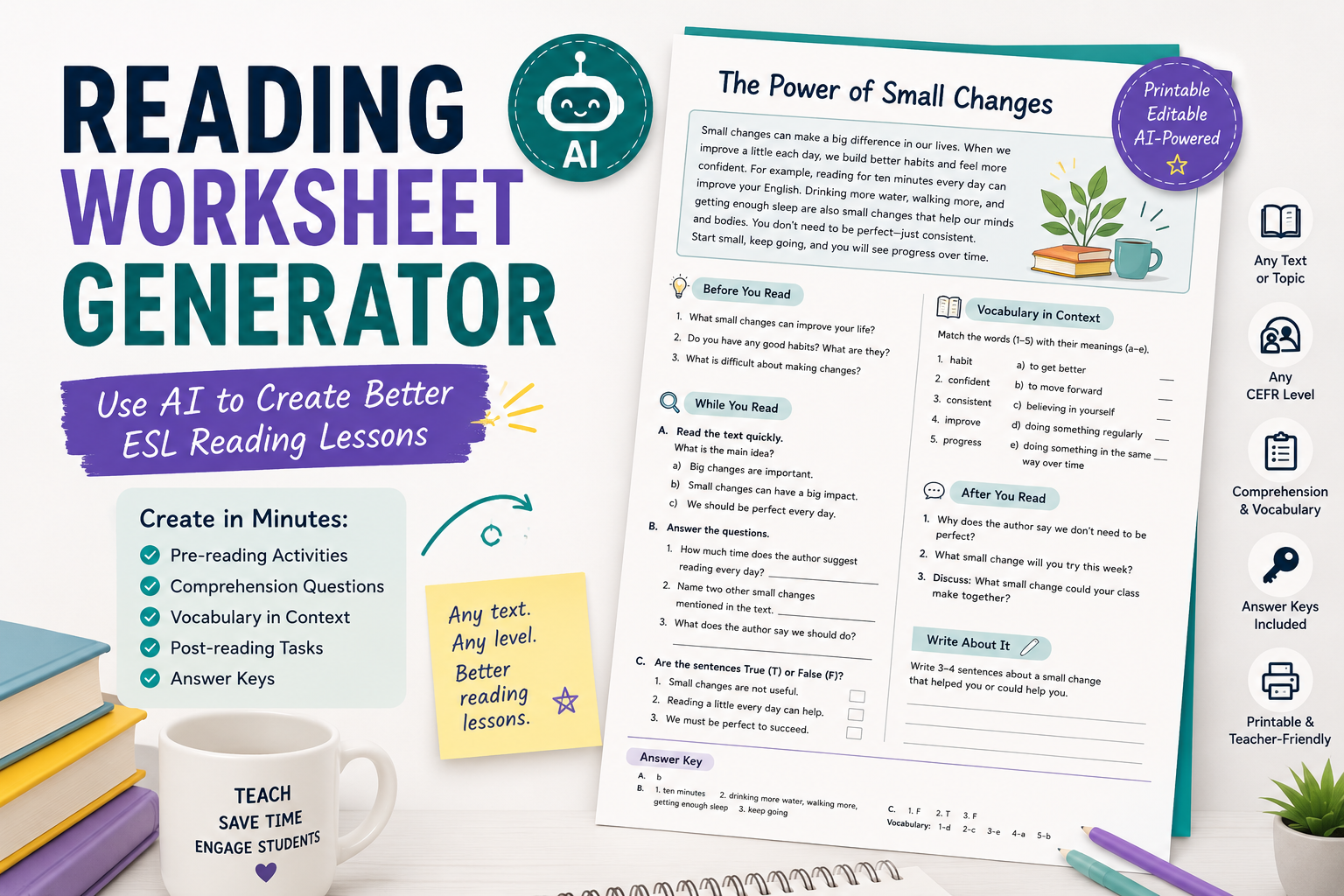
    A reading worksheet generator can help English teachers turn almost any text into a useful ESL reading lesson. Instead of manually writing comprehension questions, vocabulary tasks, pre-reading activities, and answer keys from scratch, you can use AI to create a strong first draft in minutes.

    But there is an important difference between a random AI-generated worksheet and a good reading lesson. A good ESL reading worksheet should help students understand the text, notice useful language, practise reading skills, and respond to the topic in a meaningful way.

    For English teachers, ESL/EFL teachers, and language tutors, AI works best when you give it clear teaching instructions. You need to specify the learner level, text type, lesson aim, reading skill, question type, vocabulary focus, and answer key format.

    In this guide, you will learn how to use AI as a practical reading worksheet generator, with copy-paste prompts you can adapt for your own classes.

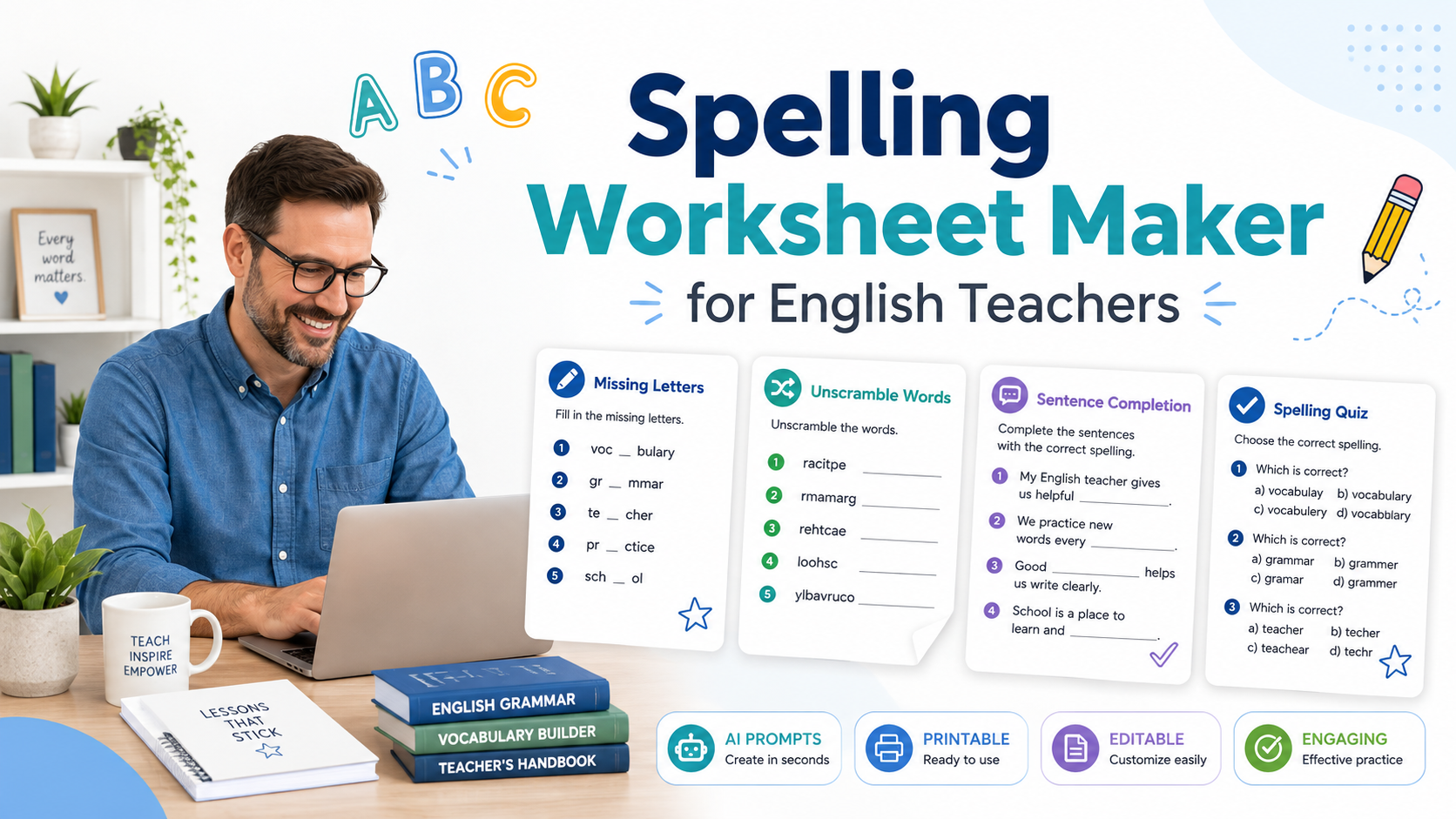
    If you are building a wider worksheet workflow, you may also want to read AI Worksheet Generator for English Teachers: 7 Ways to Create Better ESL Worksheets. For tool options, see 7 Best Customizable Worksheet Software with AI for English Teachers. For vocabulary-focused worksheets, read Spelling Worksheet Maker: 7 AI Prompts to Create Better English Worksheets.

    What Is a Reading Worksheet Generator?

    A reading worksheet generator is a tool or AI workflow that helps teachers create reading activities from a text, topic, article, passage, story, dialogue, or lesson theme.

    For English teachers, a reading worksheet generator can help create:

    • pre-reading discussion questions;
    • prediction tasks;
    • gist questions;
    • detailed comprehension questions;
    • true/false questions;
    • multiple-choice questions;
    • vocabulary-in-context tasks;
    • inference questions;
    • sequencing activities;
    • post-reading speaking tasks;
    • short writing tasks;
    • answer keys.

    With AI, you are not limited to one worksheet format. You can ask for a reading worksheet for A2 learners, a B1 reading comprehension task, a simplified version of a text, or a more challenging worksheet for advanced students.

    The key is to treat AI as a teaching assistant, not as the final decision-maker.

    Why English Teachers Should Use AI for Reading Worksheets

    Reading lessons take time to prepare. You need a suitable text, clear questions, useful vocabulary tasks, and follow-up activities. If the text is too difficult, students become frustrated. If the questions are too easy, the lesson feels shallow.

    AI can help English teachers save time by generating a first draft of reading activities. It can also help you adapt the same text for different levels or create different types of questions from one passage.

    An AI reading worksheet workflow can help you:

    • create comprehension questions quickly;
    • adapt a text for different CEFR levels;
    • generate vocabulary questions from context;
    • create pre-reading and post-reading tasks;
    • produce answer keys;
    • prepare homework worksheets;
    • create differentiated worksheets for mixed-level classes;
    • turn a reading text into a full lesson sequence.

    This is especially useful for ESL/EFL teachers because reading lessons often need careful level control. A text that works well for B2 students may need major adaptation for A2 learners.

    What Makes a Good ESL Reading Worksheet?

    A good ESL reading worksheet is not just a list of questions. It should guide students through the reading process.

    A useful reading worksheet usually includes three stages:

    1. Before reading: activate background knowledge and introduce the topic.
    2. While reading: help students understand the main idea, details, vocabulary, and meaning.
    3. After reading: give students a chance to speak, write, react, or connect the text to their own experience.

    A strong ESL reading worksheet may include:

    • a short warm-up;
    • a prediction task;
    • gist questions;
    • detail questions;
    • vocabulary-in-context questions;
    • inference or opinion questions;
    • a speaking or writing follow-up;
    • an answer key.

    For example, if students read a short text about online learning, they should not only answer “true or false” questions. They should also discuss whether online learning works for them, identify useful vocabulary, and maybe write a short opinion paragraph.

    AI can help you build this structure quickly.

    How to Use AI as a Reading Worksheet Generator

    The biggest mistake is asking AI for something too general.

    A weak prompt would be:

    Create a reading worksheet.
    

    A stronger prompt would be:

    Create a reading worksheet for B1 ESL learners based on the text below.
    
    Include:
    1. 3 pre-reading discussion questions;
    2. 2 gist questions;
    3. 5 detailed comprehension questions;
    4. 5 vocabulary-in-context questions;
    5. 3 post-reading speaking questions;
    6. an answer key.
    
    Use clear instructions and make the questions appropriate for B1 learners.
    
    Text:
    [PASTE TEXT]
    

    The second prompt gives AI the learner level, worksheet structure, question types, and source text. This produces a much more useful result.

    Prompt 1: Basic Reading Worksheet Generator Prompt

    Use this prompt when you already have a reading text and want a complete worksheet.

    Act as an experienced ESL reading teacher.
    
    Create a reading worksheet for [LEVEL] learners based on the text below.
    
    Text:
    [PASTE TEXT]
    
    Include:
    1. a short pre-reading warm-up;
    2. 2 prediction questions;
    3. 3 gist questions;
    4. 6 detailed comprehension questions;
    5. 5 vocabulary-in-context questions;
    6. 3 post-reading speaking questions;
    7. an answer key.
    
    Use clear instructions and make the worksheet suitable for [LEVEL] ESL learners.
    

    When to use this prompt

    Use this when you want a balanced reading worksheet with several activity types. It works well for:

    • classroom reading lessons;
    • private tutoring sessions;
    • homework tasks;
    • exam preparation;
    • reading practice from short articles or stories.

    Teacher tip

    Always paste the actual text if possible. Asking AI to create questions from a real text usually gives better results than asking it to invent everything from nothing.

    Prompt 2: Gist and Detail Reading Questions

    Students need to practise different reading skills. Two important ones are reading for gist and reading for detail.

    Gist questions ask students to understand the main idea.
    Detail questions ask students to find specific information.

    Use this prompt when you want focused comprehension practice.

    Create reading comprehension questions for [LEVEL] ESL learners.
    
    Text:
    [PASTE TEXT]
    
    Create:
    1. 3 gist questions about the main idea;
    2. 6 detail questions about specific information;
    3. an answer key.
    
    Make sure the gist questions cannot be answered by copying only one sentence. Make the detail questions clear and fair.
    

    Example

    If the text is about a student moving to a new city, gist questions might include:

    • What is the main topic of the text?
    • How does the student feel about the move?
    • What is the general message of the story?

    Detail questions might include:

    • Why did the student move?
    • What problem did the student have on the first day?
    • Who helped the student?

    This helps learners practise both global understanding and specific comprehension.

    Prompt 3: Vocabulary-in-Context Worksheet

    Vocabulary is one of the most useful parts of a reading lesson. But vocabulary questions should not only ask for dictionary definitions. Students should learn how words work inside the text.

    Use this prompt to create vocabulary-in-context tasks.

    Create a vocabulary-in-context section for a reading worksheet.
    
    Level:
    [LEVEL]
    
    Text:
    [PASTE TEXT]
    
    Choose 8 useful words or phrases from the text. For each item:
    1. write the word or phrase;
    2. give the sentence from the text where it appears;
    3. ask students to guess the meaning from context;
    4. provide 3 simple answer choices;
    5. include the correct answer key.
    
    Choose vocabulary that is useful for English learners, not rare or unnecessary words.
    

    Why this works

    This type of task helps students notice vocabulary naturally. They see how a word is used in a sentence, not just as an isolated item.

    For example, from a text about travel, AI might choose:

    • delayed;
    • luggage;
    • passenger;
    • comfortable;
    • crowded;
    • journey;
    • arrive;
    • ticket.

    These words are useful, common, and easy to connect to real communication.

    For vocabulary-focused practice, you can internally connect this article to your spelling worksheet maker article when the worksheet includes spelling or word-form review.

    Prompt 4: True/False and Correction Reading Worksheet

    True/false questions are common in reading worksheets, but they become more useful when students have to correct the false statements.

    Use this prompt:

    Create a true/false reading activity for [LEVEL] ESL learners.
    
    Text:
    [PASTE TEXT]
    
    Create 8 statements:
    - Some should be true.
    - Some should be false.
    - For false statements, students must correct the information.
    
    Add an answer key with corrected versions of the false statements.
    Make the statements test comprehension, not tiny details.
    

    Example instruction for students

    Read the text. Write True or False. If the sentence is false, correct it.

    This is better than a simple true/false task because students need to show understanding.

    Teacher tip

    Check that the false statements are not confusing. AI sometimes creates false statements that are too close to the original text or too ambiguous.

    Prompt 5: Inference Questions for Stronger Readers

    Inference questions ask students to understand meaning that is not stated directly. These questions are useful for B1, B2, and higher-level learners.

    Use this prompt when you want deeper reading practice.

    Create inference questions for [LEVEL] English learners based on the text below.
    
    Text:
    [PASTE TEXT]
    
    Create:
    1. 5 inference questions;
    2. a short explanation of what students should notice in the text;
    3. an answer key with possible answers.
    
    Make the questions suitable for [LEVEL] learners. Avoid questions that are too vague.
    

    Example inference questions

    For a story about a nervous student before an exam, inference questions might include:

    • How do we know the student is worried?
    • Why does the teacher probably smile at the student?
    • What can we guess about the student’s preparation?

    These questions help students read between the lines.

    Teacher tip

    Inference questions often have more than one possible answer. In the answer key, allow reasonable alternatives.

    Prompt 6: Differentiated Reading Worksheet

    If your class has mixed abilities, AI can help you create two versions of the same reading worksheet.

    Create two versions of a reading worksheet based on the same text.
    
    Text:
    [PASTE TEXT]
    
    Version A:
    For lower-level [LEVEL] learners. Include simpler instructions, gist questions, basic detail questions, and vocabulary support.
    
    Version B:
    For stronger learners. Include detail questions, inference questions, vocabulary-in-context, and a short written response.
    
    Add answer keys for both versions.
    

    Why this is useful

    In many ESL/EFL classes, students are not all at the same level. Some need support with basic comprehension. Others need challenge.

    A differentiated reading worksheet lets students work with the same topic while completing tasks at the right level.

    Example

    For a text about healthy habits:

    • Version A could ask students to match habits with pictures and answer simple detail questions.
    • Version B could ask students to infer the writer’s opinion and write advice for a friend.

    This keeps the class connected while giving students appropriate support.

    Prompt 7: Full Reading Lesson Worksheet

    Sometimes you do not only need reading questions. You need a complete reading lesson worksheet from start to finish.

    Use this prompt:

    Create a complete ESL reading lesson worksheet for [LEVEL] learners.
    
    Topic:
    [TOPIC]
    
    Text:
    [PASTE TEXT]
    
    Include:
    1. lesson aim;
    2. pre-reading discussion questions;
    3. vocabulary preview;
    4. gist reading task;
    5. detailed comprehension questions;
    6. vocabulary-in-context task;
    7. post-reading speaking activity;
    8. short writing task;
    9. answer key.
    
    Make the worksheet practical, clear, and suitable for a real English lesson.
    

    When to use this prompt

    Use this when you are preparing:

    • a full reading lesson;
    • a private tutoring session;
    • a homework worksheet;
    • a substitute teacher lesson;
    • a printable classroom resource.

    This prompt gives you a complete structure, not just a set of comprehension questions.

    Practical Example: Turning a Short Text into a Reading Worksheet

    Here is a sample text for A2/B1 learners:

    Anna started learning English two years ago. At first, she was afraid to speak because she did not want to make mistakes. Then she joined an online speaking club. Every week, she talked with learners from different countries. Slowly, she became more confident. Now, she still makes mistakes, but she enjoys speaking English and learning from other people.
    

    A useful AI prompt would be:

    Create a reading worksheet for A2/B1 ESL learners based on this text.
    
    Include:
    1. 3 pre-reading questions;
    2. 2 gist questions;
    3. 5 detail questions;
    4. 5 vocabulary-in-context questions;
    5. 3 post-reading speaking questions;
    6. an answer key.
    
    Keep the worksheet simple and classroom-friendly.
    
    Text:
    Anna started learning English two years ago. At first, she was afraid to speak because she did not want to make mistakes. Then she joined an online speaking club. Every week, she talked with learners from different countries. Slowly, she became more confident. Now, she still makes mistakes, but she enjoys speaking English and learning from other people.
    

    The AI could generate questions such as:

    Pre-reading:

    • Do you like speaking English?
    • Why are some learners afraid to speak?
    • What helps people become more confident?

    Gist:

    • What is the text mainly about?
    • How does Anna change during the story?

    Detail:

    • When did Anna start learning English?
    • Why was she afraid to speak?
    • What club did she join?
    • Who did she talk with?
    • How does she feel now?

    Post-reading:

    • What helps you feel more confident in English?
    • Do you prefer speaking online or face-to-face?
    • What advice would you give Anna?

    This creates a simple but complete reading worksheet.

    How to Improve an AI-Generated Reading Worksheet

    The first AI output may be useful, but it is not always ready for students. Use follow-up prompts to improve it.

    Make the worksheet easier

    Simplify this reading worksheet for A2 learners. Use shorter instructions, easier vocabulary, and fewer questions.
    

    Make the worksheet more challenging

    Make this reading worksheet more challenging for B2 learners. Add inference questions, vocabulary-in-context, and a short written response task.
    

    Improve the answer key

    Improve the answer key. Add short explanations for any questions where students may give different correct answers.
    

    Add a speaking task

    Add a post-reading speaking activity where students discuss the topic in pairs using simple discussion questions.
    

    Add a writing task

    Add a short post-reading writing task. Students should write 80–100 words giving their opinion about the topic.
    

    These follow-up prompts help turn a basic worksheet into a stronger ESL reading lesson.

    Common Mistakes to Avoid When Using AI for Reading Worksheets

    Mistake 1: Asking AI to create questions without giving the text

    If you already have a text, paste it into the prompt. This gives more accurate and relevant questions.

    Mistake 2: Using only detail questions

    Detail questions are useful, but students also need gist, vocabulary, inference, and response tasks.

    Mistake 3: Making the worksheet too difficult

    AI may choose vocabulary or questions that are too advanced. Always specify the learner level and check the output.

    Mistake 4: Forgetting pre-reading tasks

    Pre-reading activities help students prepare for the topic. They activate background knowledge and make the text easier to approach.

    Mistake 5: Ignoring vocabulary

    Reading lessons are a great opportunity to teach useful vocabulary in context. Do not skip this section.

    Mistake 6: Not checking the answer key

    AI can create wrong, incomplete, or unclear answers. Always review the answer key before using the worksheet.

    Mistake 7: Creating worksheets with no follow-up

    A reading worksheet should usually end with speaking, writing, or personal response. This helps students connect the text to communication.

    Simple Reading Worksheet Template for English Teachers

    You can use this structure again and again:

    Title: Reading Worksheet: [Topic]

    Level: [A1 / A2 / B1 / B2]

    Lesson aim: Students will practise reading for [gist/detail/vocabulary/inference] and discuss [topic].

    Before Reading

    1. Discuss these questions.
    2. Look at the title and predict the topic.
    3. Match key vocabulary with meanings.

    While Reading

    1. Read quickly and answer gist questions.
    2. Read again and answer detail questions.
    3. Find words or phrases in the text.

    After Reading

    1. Discuss opinion questions.
    2. Complete a short writing task.
    3. Review useful vocabulary.

    Answer Key

    Include answers for comprehension and vocabulary questions. For opinion questions, mention that answers will vary.

    This template keeps your reading worksheets organised and teacher-friendly.

    FAQ: Reading Worksheet Generator

    What is a reading worksheet generator?

    A reading worksheet generator is a tool or AI workflow that helps teachers create reading activities from a text, topic, passage, article, or lesson material. It can generate comprehension questions, vocabulary tasks, discussion prompts, and answer keys.

    Can AI create reading comprehension worksheets?

    Yes. AI can create reading comprehension worksheets from a text you provide. For best results, include the learner level, text, question types, and answer key requirements.

    How do I create reading worksheets with AI?

    Paste your text into an AI tool, specify the learner level, and ask for pre-reading questions, gist questions, detail questions, vocabulary-in-context tasks, post-reading activities, and an answer key.

    What should an ESL reading worksheet include?

    A useful ESL reading worksheet should include pre-reading activities, while-reading comprehension questions, vocabulary work, and post-reading speaking or writing tasks.

    Can AI adapt reading worksheets for different levels?

    Yes. You can ask AI to create easier and harder versions of the same reading worksheet. However, teachers should check that the adapted versions are accurate and appropriate.

    Should reading worksheets include answer keys?

    Yes. Answer keys save time and help teachers check whether the questions are clear and fair. For opinion or inference questions, the answer key should allow reasonable alternatives.

    Can I use AI to create reading worksheets from online articles?

    Yes, but you should respect copyright and usage rights. Instead of copying long copyrighted articles into public resources, use short excerpts you are allowed to use, your own texts, public-domain texts, or links/resources permitted for classroom use.

    Conclusion

    A reading worksheet generator can save English teachers a lot of preparation time, especially when you need comprehension questions, vocabulary tasks, discussion prompts, and answer keys quickly. But the best worksheets still need a teacher’s judgement.

    For ESL/EFL teachers and language tutors, AI is most useful when you provide the text, level, lesson aim, and question types. Ask for pre-reading tasks, gist questions, detail questions, vocabulary-in-context practice, inference questions, and a post-reading follow-up. Then review the output carefully before using it with students.

    Used well, AI can help you turn almost any suitable text into a clear, practical, and engaging reading worksheet for English learners.

  • Spelling Worksheet Maker: 7 AI Prompts to Create Better English Worksheets

    Spelling Worksheet Maker: 7 AI Prompts to Create Better English Worksheets

    A spelling worksheet maker can help English teachers create spelling practice quickly, but the best worksheets are not just lists of words with blank lines. Good spelling worksheets help students notice sounds, patterns, meanings, word families, and correct usage in context.

    For ESL/EFL teachers and language tutors, spelling practice is especially important because learners are not only memorising letters. They are also connecting spelling with pronunciation, vocabulary, grammar, and meaning. A student may spell a word correctly in isolation but still struggle to use it naturally in a sentence.

    This is where AI can help. You can use AI as a spelling worksheet maker to create word practice, dictation tasks, missing-letter activities, sentence completion exercises, vocabulary review, and short quizzes. But you need to guide it carefully.

    In this article, you will learn how to create better spelling worksheets with AI, using practical prompts you can copy, paste, and adapt for your own English lessons.

    If you are new to AI worksheet creation, you may also want to read AI Worksheet Generator for English Teachers: 7 Ways to Create Better ESL Worksheets. If you are comparing different tools, see 7 Best Customizable Worksheet Software with AI for English Teachers.

    What Is a Spelling Worksheet Maker?

    A spelling worksheet maker is a tool or workflow that helps teachers create spelling activities from a list of words. Traditionally, this might mean a worksheet generator where you enter words and receive printable practice sheets.

    With AI, a spelling worksheet maker can do more. It can help you create:

    • missing-letter activities;
    • word unscramble tasks;
    • sentence completion exercises;
    • dictation sentences;
    • word-family practice;
    • pronunciation-focused spelling practice;
    • vocabulary review;
    • differentiated spelling worksheets;
    • answer keys;
    • short spelling quizzes.

    For English teachers, the advantage is flexibility. Instead of using the same worksheet format every time, you can ask AI to create spelling practice that matches the level, topic, and lesson aim.

    For example, a spelling worksheet for A1 learners may focus on simple classroom words such as book, pen, desk, and teacher. A worksheet for B1 learners may practise more complex vocabulary such as environment, recycling, pollution, and solution.

    Why English Teachers Should Use AI for Spelling Worksheets

    Spelling worksheets can take time to prepare, especially if you want them to be more useful than simple copying practice. AI can help you create a first draft faster.

    A spelling worksheet generator can help English teachers:

    • prepare vocabulary review quickly;
    • create practice from a word list;
    • generate example sentences;
    • make differentiated worksheets;
    • create spelling quizzes;
    • add answer keys;
    • connect spelling with meaning and usage;
    • adapt the same words for different student levels.

    This is especially helpful for private tutors and busy classroom teachers. You can take words from a textbook unit, reading text, speaking lesson, or vocabulary list and turn them into a complete worksheet in minutes.

    However, AI should not be used blindly. Teachers still need to check the spelling, sentence quality, word meaning, level, and answer key before using the worksheet with students.

    What Makes a Good Spelling Worksheet?

    A good spelling worksheet should do more than ask students to copy words five times. Copying can help with handwriting and memory, but it is not enough for meaningful vocabulary learning.

    A useful spelling worksheet should include some of these elements:

    • the target words;
    • clear instructions;
    • a simple task progression;
    • spelling pattern practice;
    • meaning-based practice;
    • sentence-level use;
    • pronunciation awareness;
    • review or quiz section;
    • answer key;
    • optional speaking or writing follow-up.

    For ESL/EFL learners, it is useful to connect spelling with meaning. For example, if the target word is improve, students should not only spell it correctly. They should also understand how to use it:

    I want to improve my English speaking skills.

    This is why AI can be helpful. It can quickly turn a spelling list into example sentences, short dialogues, matching tasks, or review questions.

    How to Use AI as a Spelling Worksheet Maker

    The quality of your spelling worksheet depends on your prompt. A weak prompt gives weak results.

    A weak prompt would be:

    Create a spelling worksheet.
    

    A better prompt would be:

    Create a spelling worksheet for A2 ESL learners using these words: improve, practise, mistake, listen, repeat, sentence, grammar, vocabulary.
    
    Include:
    1. missing letters;
    2. word unscramble;
    3. sentence completion;
    4. a short dictation section;
    5. an answer key.
    
    Use simple instructions and natural example sentences.
    

    The second prompt gives AI the information it needs: level, learner type, target words, activity types, and answer key.

    Prompt 1: Basic Spelling Worksheet Maker Prompt

    Use this prompt when you want a simple spelling worksheet from a word list.

    Act as an experienced English teacher.
    
    Create a spelling worksheet for [LEVEL] ESL learners using the following words:
    
    [PASTE WORD LIST]
    
    Include:
    1. a word list section;
    2. missing-letter practice;
    3. word unscramble;
    4. sentence completion;
    5. an answer key.
    
    Use clear instructions and keep the example sentences appropriate for [LEVEL] learners.
    

    Example

    If your students are A2 learners studying school vocabulary, you could use:

    Create a spelling worksheet for A2 ESL learners using these words:
    
    subject, classroom, homework, notebook, teacher, student, lesson, question
    
    Include missing-letter practice, word unscramble, sentence completion, and an answer key.
    

    This gives students different ways to practise the same words. They recognise the spelling, reconstruct the spelling, and use the words in context.

    Prompt 2: Missing-Letter Spelling Worksheet

    Missing-letter activities are useful because students have to pay attention to word structure. They are also easy to adapt for different levels.

    Create a missing-letter spelling worksheet for [LEVEL] English learners.
    
    Target words:
    [PASTE WORD LIST]
    
    For each word:
    1. remove 2–4 letters depending on word difficulty;
    2. provide a short clue or simple definition;
    3. include space for students to write the full word.
    
    Add an answer key at the end.
    

    Example

    For the words weather, cloudy, rainy, and sunny, AI might create:

    • w _ _ th _ r — the condition outside, such as rain or sun
    • c _ ou _ y — when there are many clouds
    • r _ _ ny — when water falls from the sky
    • s _ nn _ — when there is a lot of sun

    This works well for younger learners, beginner ESL students, and quick review activities.

    Teacher tip

    Do not remove too many letters. If the word becomes impossible to recognise, the activity becomes frustrating rather than useful.

    Prompt 3: Word Unscramble Worksheet

    Word unscramble tasks are simple but effective for spelling recognition. They work well as warm-ups, revision tasks, or homework.

    Create a word unscramble spelling worksheet for [LEVEL] ESL learners.
    
    Use these words:
    [PASTE WORD LIST]
    
    For each item:
    1. scramble the letters;
    2. give a short meaning clue;
    3. leave a blank line for the correct spelling.
    
    Add an answer key.
    

    Example

    For a travel lesson, you could use:

    Create a word unscramble worksheet for A2 ESL learners using these words:
    
    ticket, airport, luggage, passport, hotel, journey, tourist, station
    
    Add simple meaning clues and an answer key.
    

    This helps students review vocabulary while focusing on correct spelling.

    Prompt 4: Spelling Worksheet Generator for Spelling Words in Context

    A common problem with spelling worksheets is that words are practised in isolation. But English learners need to use words in meaningful sentences.

    Use this prompt when you want spelling and vocabulary practice together.

    Create a spelling worksheet for [LEVEL] ESL learners using these spelling words:
    
    [PASTE WORD LIST]
    
    For each word:
    1. write one natural example sentence with a blank;
    2. provide the first letter of the missing word;
    3. make sure the sentence gives enough context;
    4. include an answer key.
    
    After the sentence section, add 5 personalised questions using the same words.
    

    Example

    Target words:

    • improve;
    • practise;
    • mistake;
    • remember;
    • difficult.

    AI could create sentences like:

    1. I want to i________ my English speaking this year.
    2. It is normal to make a m________ when you learn a new language.
    3. This word is d________ to spell.

    This kind of worksheet is more useful because it connects spelling with meaning.

    Prompt 5: Dictation-Based Spelling Worksheet

    Dictation is useful for connecting spelling with listening. For English learners, this is important because English spelling and pronunciation are not always simple.

    Use this prompt to create a spelling worksheet with dictation sentences.

    Create a dictation-based spelling worksheet for [LEVEL] ESL learners.
    
    Target words:
    [PASTE WORD LIST]
    
    Include:
    1. a short preparation section where students read the words;
    2. 8 dictation sentences using the target words;
    3. a student self-check section;
    4. a short reflection question;
    5. an answer key for the teacher.
    
    Keep the sentences natural and appropriate for [LEVEL].
    

    Example classroom use

    You can use this in three steps:

    1. Students read the target words silently.
    2. You read the sentences aloud.
    3. Students write the full sentence or only the missing target word.
    4. Students compare with a partner.
    5. You review common spelling mistakes on the board.

    This is especially useful for words that students often hear but misspell.

    Prompt 6: Differentiated Spelling Worksheet

    If you teach mixed-level classes, one spelling worksheet may not fit everyone. AI can help create easier and harder versions from the same word list.

    Create two versions of a spelling worksheet using the same word list.
    
    Target words:
    [PASTE WORD LIST]
    
    Version A:
    For lower-level students. Include missing letters, matching, and simple sentence completion.
    
    Version B:
    For stronger students. Include word families, sentence writing, and a short paragraph task.
    
    Add answer keys for both versions.
    

    Why this works

    This allows all students to practise the same vocabulary, but at different levels of challenge.

    For example, with the word communicate:

    • Version A may ask students to complete: c _ m m _ n _ c _ t e
    • Version B may ask students to write a sentence using communication or communicative.

    This is much more useful than giving every student the exact same task.

    Prompt 7: Spelling Quiz Maker Prompt

    Sometimes you do not need a full worksheet. You need a quick quiz or review sheet. AI can help create one from your word list.

    Create a short spelling quiz for [LEVEL] ESL learners.
    
    Target words:
    [PASTE WORD LIST]
    
    Include:
    1. 5 missing-letter questions;
    2. 5 sentence completion questions;
    3. 5 choose-the-correct-spelling questions;
    4. a bonus sentence-writing question;
    5. an answer key.
    
    Make the quiz clear and printable.
    

    Example quiz item types

    Missing letters:
    v _ c _ b _ l _ r y

    Sentence completion:
    I keep new words in my __________ notebook.

    Choose the correct spelling:
    a) grammer
    b) grammar
    c) gramar

    These item types are easy to mark and useful for review.

    A Complete AI Spelling Worksheet Workflow

    Here is a simple workflow English teachers can use.

    Step 1: Choose the words

    Use words from your lesson, reading text, coursebook unit, or student errors. Avoid random word lists unless your goal is general review.

    Step 2: Decide the purpose

    Ask yourself:

    • Is this for vocabulary review?
    • Is this for spelling correction?
    • Is this for pronunciation support?
    • Is this for homework?
    • Is this for a quiz?
    • Is this for weaker students or stronger students?

    Step 3: Choose the activity types

    For a balanced spelling worksheet, include three types:

    1. recognition activity;
    2. controlled spelling practice;
    3. meaningful sentence use.

    For example:

    • word unscramble;
    • missing letters;
    • sentence completion.

    Step 4: Generate the worksheet with AI

    Use one of the prompts above.

    Step 5: Review the output

    Check:

    • Are all words spelled correctly?
    • Are the example sentences natural?
    • Are the clues clear?
    • Is the level appropriate?
    • Is the answer key correct?
    • Is there enough space for students to write?
    • Are the instructions simple?

    Step 6: Add a communicative follow-up

    Even a spelling worksheet can end with speaking or writing.

    For example:

    Add a short pair-work activity where students ask and answer questions using five of the spelling words.
    

    This helps students move from spelling practice to real language use.

    Example: AI Spelling Worksheet for ESL Vocabulary Review

    Let’s say you are teaching A2 students vocabulary about daily routines.

    Target words:

    • breakfast;
    • shower;
    • school;
    • homework;
    • evening;
    • usually;
    • sometimes;
    • early.

    You could use this prompt:

    Create an A2 ESL spelling worksheet about daily routines.
    
    Target words:
    breakfast, shower, school, homework, evening, usually, sometimes, early
    
    Include:
    1. missing letters;
    2. word unscramble;
    3. sentence completion;
    4. 4 speaking questions using the target words;
    5. an answer key.
    
    Use simple instructions and natural examples.
    

    The result could include spelling practice and questions like:

    • What do you usually do in the evening?
    • Do you sometimes wake up early?
    • When do you do your homework?
    • What do you usually eat for breakfast?

    This makes the worksheet more communicative and more useful for English learning.

    Common Mistakes to Avoid When Creating Spelling Worksheets with AI

    Mistake 1: Using random word lists

    A spelling worksheet should connect to your lesson. If the words are random, students may practise spelling but not improve useful vocabulary.

    Mistake 2: Making students only copy words

    Copying words can be part of the worksheet, but it should not be the whole worksheet. Add meaning, sentence use, or dictation.

    Mistake 3: Ignoring pronunciation

    English spelling is connected to sound, even when the connection is difficult. For ESL/EFL learners, dictation and pronunciation awareness can make spelling practice stronger.

    Mistake 4: Not checking the answer key

    AI can make mistakes. Always check the spelling, grammar, and answers before using the worksheet.

    Mistake 5: Making the worksheet too long

    A spelling worksheet does not need to be huge. A short, focused worksheet is often better than a long worksheet with repeated tasks.

    Mistake 6: Forgetting student level

    Words like environment, achievement, and communication may be useful, but they are not suitable for every level. Always tell AI the learner level.

    Mistake 7: Not adding context

    Students remember spelling better when words appear in meaningful sentences, topics, or personal questions.

    Mini Template: Printable Spelling Worksheet Structure

    You can use this structure for many English lessons:

    Title: Spelling Practice: [Topic]

    Section 1: Read the Words
    Students read the target words.

    Section 2: Complete the Missing Letters
    Students complete partial words.

    Section 3: Unscramble the Words
    Students put letters in the correct order.

    Section 4: Complete the Sentences
    Students choose the correct word from the list.

    Section 5: Use the Words
    Students write their own sentences or answer speaking questions.

    Section 6: Check Your Work
    Students compare answers with a partner or use a teacher-provided answer key.

    This structure is simple, but it works well for ESL/EFL classes.

    FAQ: Spelling Worksheet Maker

    What is a spelling worksheet maker?

    A spelling worksheet maker is a tool or workflow that helps teachers create spelling practice activities from a list of words. With AI, it can also create missing-letter tasks, word scrambles, sentence completion exercises, dictation sentences, quizzes, and answer keys.

    Can AI create spelling worksheets?

    Yes, AI can create spelling worksheets from your word list. For best results, give the AI the learner level, target words, topic, activity types, and answer key requirements.

    How do I create spelling worksheets with AI?

    Start with a word list, choose the learner level, decide the activity types, and ask AI to create a worksheet with clear instructions and an answer key. Then review the output before using it with students.

    What is the best spelling worksheet format for ESL students?

    A useful format includes word recognition, spelling practice, and sentence use. For example: missing letters, word unscramble, sentence completion, and a short speaking or writing task.

    Can I make spelling worksheets for different levels?

    Yes. You can ask AI to create easier and harder versions of the same worksheet. Lower-level students can practise missing letters and matching, while stronger students can write sentences or short paragraphs.

    Should spelling worksheets include answer keys?

    Yes. An answer key saves time and helps teachers check the worksheet for mistakes before using it.

    Are spelling worksheets useful for adult English learners?

    Yes, if they are meaningful and relevant. Adult learners usually benefit more from spelling practice connected to useful vocabulary, work situations, travel, study, or real communication.

    Conclusion

    A spelling worksheet maker can save English teachers time, but the goal is not just to generate a printable page. The goal is to create spelling practice that helps students notice word forms, understand meaning, use vocabulary in context, and become more confident English learners.

    AI can help you create missing-letter tasks, word scrambles, dictation sentences, spelling quizzes, and differentiated worksheets. But your teaching judgement is still essential. Choose useful words, set a clear level, review the answer key, and add meaningful sentence or speaking practice.

    Used well, AI becomes more than a spelling worksheet generator. It becomes a practical assistant that helps you create better vocabulary and spelling materials for your English lessons.

  • 7 Best Customizable Worksheet Software with AI for English Teachers

    7 Best Customizable Worksheet Software with AI for English Teachers

    Choosing the best customizable worksheet software can save English teachers hours of preparation time. The right tool should help you create editable worksheets, adapt tasks to student level, change question types, add answer keys, and prepare printable or digital activities for ESL lessons.

    For English teachers, the best worksheet software is not only the tool that creates a worksheet quickly. It is the tool that lets you customize the worksheet so it actually fits your students, your lesson aim, your classroom format, and your teaching style.

    In this guide, we compare seven AI and teacher-friendly worksheet tools. You will see which tools are useful for ESL worksheets, reading activities, quizzes, vocabulary practice, printable handouts, differentiated tasks, and classroom-ready materials.

    If you want a broader workflow for creating worksheet content with prompts, start with AI Worksheet Generator for English Teachers. This article focuses more specifically on where to find the best customizable worksheet software and how to choose the right tool.

    Best Software for Teacher Worksheet Customization: Quick Answer

    The best software for teacher worksheet customization depends on what you need.

    For ESL and English teachers, a strong worksheet tool should help you:

    • create editable worksheet content;
    • adapt questions to learner level;
    • generate grammar, vocabulary, reading, listening, or quiz tasks;
    • add answer keys;
    • change instructions;
    • export or print the final worksheet;
    • reuse the worksheet in future lessons.

    If you want fast AI-generated worksheet drafts, tools such as MagicSchool, Twee, Diffit, Brisk Teaching, and Eduaide are worth exploring.

    If you want beautiful printable worksheet layouts, Canva is especially useful. If you want quizzes and interactive practice, Wayground can help you turn questions into digital activities.

    For most English teachers, the best option is not one single tool. A practical workflow is to generate the worksheet content with an AI tool, edit it for your learners, and then format it for print or digital use.

    Quick Comparison: Best Customizable Worksheet Software for English Teachers

    The best customizable worksheet software isn’t necessarily the one that generates the most activities. What matters is whether you can adjust the content for your learners and use the finished worksheet in your preferred format.

    Here’s how the seven tools differ.

    ToolBest for ESL teachers who need…What you can customiseWorksheet output
    TweeGrammar, vocabulary, reading, and listening exercisesLanguage tasks, examples, questions, and answer keysTeacher-created lessons can be exported as PDF, Google Docs, or Google Forms
    MagicSchoolQuick AI-generated worksheet draftsInstructions, questions, learning objectives, and task difficultyGoogle and Microsoft exports; availability depends on plan
    DiffitDifferentiated reading worksheetsReading levels, supporting activities, and language scaffoldingPrintable PDF; Google and Microsoft exports on paid plans
    Brisk TeachingWorksheets based on existing teaching resourcesContent generated from documents, articles, PDFs, and videosGoogle Docs, Google Forms, or Microsoft Word
    CanvaAttractive printable worksheetsText, layout, fonts, images, answer spaces, and designPrintable PDF or shareable designs
    Wayground (formerly Quizizz)Digital quizzes and printable assessmentsQuestions, answer choices, explanations, and worksheet display optionsOnline activities or printable/downloadable worksheets
    Eduaide.AIWorksheets within a broader teaching workflowAI-generated activities, instructions, questions, and differentiated resourcesPDF, Google Docs, and Microsoft Word

    Some export and editing features depend on subscription level. Check each platform’s official website before upgrading.

    Which Tool Should You Choose?

    For ESL-specific worksheets: Twee is particularly relevant because its tools focus on English language teaching.

    For adapting reading materials to different levels: Diffit offers a practical way to prepare differentiated texts and activities.

    For creating worksheets from existing articles, documents, or videos: Brisk Teaching is worth considering.

    For visually polished printable worksheets: Canva gives teachers more control over the final layout.

    For interactive quizzes and self-paced practice: Wayground combines editable questions with online and printable formats.

    For broader AI-assisted classroom preparation: MagicSchool and Eduaide provide worksheet creation alongside lesson-planning and assessment tools.

    For example, if you’re preparing a B1 lesson about travel, you could generate a reading activity using Twee or Diffit, revise the questions for your students, and then use Canva if you want a more visually polished printable worksheet.

    The right choice depends on whether your priority is content generation, language-level differentiation, visual design, or digital assessment.

    What to Look for in Teacher Worksheet Customization Software

    Before choosing a tool, think about what “customizable” really means.

    A good worksheet tool should let you change:

    • the student level;
    • the topic;
    • the grammar point;
    • the vocabulary list;
    • the number of questions;
    • the question type;
    • the instructions;
    • the examples;
    • the answer key;
    • the layout;
    • the export format.

    For ESL teachers, customization is especially important because one worksheet rarely fits every class. A worksheet for A2 students should look different from a worksheet for B2 students. A worksheet for young learners should look different from a worksheet for adult learners.

    When you create reading or vocabulary tasks, you may also want to adapt the text level. For this kind of workflow, you can connect your software choice with the ideas in Reading Worksheet Generator and Spelling Worksheet Maker.

    1. Twee: Best Customizable Worksheet Software for ESL and EFL Teachers

    Best customizable worksheet software with AI for English teachers
    Twee is useful for creating ESL grammar, vocabulary, reading, speaking, and video-based worksheet activities.

    Twee is one of the most relevant tools for English teachers because it is built around language teaching tasks. It can help teachers create grammar exercises, vocabulary activities, discussion questions, reading tasks, listening materials, video-based activities, and other classroom resources.

    For ESL/EFL teachers, Twee is useful because the tool categories match what English teachers often prepare:

    • grammar practice;
    • vocabulary exercises;
    • reading comprehension;
    • discussion questions;
    • video and audio tasks;
    • writing activities;
    • classroom prompts.

    This makes it a strong choice if you want customizable worksheet software that feels close to actual English teaching.

    Why English teachers may like it

    Twee is useful when you already know your lesson topic and need several task types quickly. For example, if your lesson is about travel problems, you can create vocabulary practice, discussion questions, grammar tasks, and reading questions around the same topic.

    If you are preparing an ESL lesson plan, you can use Twee to create the worksheet activities, then connect them to a lesson structure using Lesson Plan Generator.

    Best use case

    Use Twee when you want language-focused worksheet tasks, especially for grammar, vocabulary, reading, speaking, and video lessons.

    Possible limitation

    You still need to review the worksheet carefully. AI-generated exercises can be useful, but teachers should check the level, answer key, wording, and classroom suitability before using them.

    2. MagicSchool: Best for Fast AI Worksheet Drafts

    MagicSchool AI worksheet generator for teachers
    MagicSchool helps teachers create fast AI worksheet drafts, differentiated materials, exit tickets, and classroom resources.

    MagicSchool offers an AI worksheet generator and many other teacher tools. It is useful when you want to create a worksheet draft quickly from a topic, grade level, or learning objective.

    For English teachers, MagicSchool can be helpful when you need a quick starting point for:

    • grammar worksheets;
    • vocabulary practice;
    • reading comprehension;
    • short quizzes;
    • exit tickets;
    • lesson activities;
    • differentiated tasks.

    It is also useful if you want one teacher platform with many AI tools, not only worksheet generation.

    Why English teachers may like it

    MagicSchool can help reduce blank-page time. Instead of writing every question manually, you can generate a first draft and then edit it for your students.

    For example, after reading AI Worksheet Generator for English Teachers, you could use MagicSchool to create a first draft and then revise the worksheet with the prompts from that guide.

    Best use case

    Use MagicSchool when you want quick AI-generated worksheet drafts and a wider collection of teacher tools in one place.

    Possible limitation

    The output may still need teacher editing. For ESL learners, always check that the language level, examples, and instructions match your class.

    3. Diffit: Best for Reading Worksheets and Differentiation

    Diffit reading worksheet customization tool for teachers
    Diffit is especially useful for adapting reading texts, generating comprehension questions, and supporting differentiated reading tasks.

    Diffit is especially useful when you want to create reading materials and differentiated resources. It can help teachers create adapted texts, comprehension questions, vocabulary activities, and classroom-ready materials.

    This makes Diffit a strong choice if your main need is reading-based worksheets.

    For English teachers, it can support:

    • reading passages;
    • comprehension questions;
    • vocabulary support;
    • different reading levels;
    • classroom handouts;
    • student-friendly texts.

    Why English teachers may like it

    Reading worksheets often take a long time to prepare because teachers need a suitable text, level-appropriate vocabulary, fair comprehension questions, and an answer key. Diffit can help create a more complete reading resource faster.

    If you publish or teach reading lessons often, Diffit works well alongside your Reading Worksheet Generator workflow.

    Best use case

    Use Diffit when you want to create reading worksheets, adapt texts to different levels, or prepare differentiated reading tasks.

    Possible limitation

    Diffit may be less focused on general ESL speaking or grammar tasks than tools designed specifically for language teachers. It is strongest when the worksheet is built around text and reading comprehension.

    4. Brisk Teaching: Best for Turning Existing Resources into Worksheets

    Brisk Teaching tool for turning resources into worksheets
    Brisk Teaching helps teachers turn existing articles, documents, web pages, and videos into classroom-ready materials.

    Brisk Teaching is useful when you want to create teaching materials from resources you already use, such as web pages, documents, videos, or classroom content. Its printables and classroom material features can help teachers create worksheets, questions, activities, and other resources.

    For English teachers, Brisk can be helpful when you already have a text, article, video, or lesson source and want to turn it into a worksheet.

    It can support:

    • worksheets;
    • printables;
    • questions and answers;
    • vocabulary practice;
    • exit tickets;
    • classroom activities;
    • resource adaptation.

    Why English teachers may like it

    Brisk is practical because many teachers do not start from zero. They often start with a web page, a reading text, a Google Doc, a video, or an existing resource. Brisk can help transform that material into something more teachable.

    If you use videos in class, you can combine this kind of tool with AI Video Question Maker to create comprehension questions, vocabulary tasks, and discussion prompts.

    Best use case

    Use Brisk when you want to transform existing content into classroom materials.

    Possible limitation

    As with any AI tool, you should check accuracy, answer keys, copyright issues, and student level before sharing the final worksheet.

    5. Canva: Best for Printable Worksheet Design

    Canva worksheet design tool for printable teacher resources
    Canva is useful for designing polished printable worksheets, handouts, quizzes, and classroom materials.

    Canva is not only an AI worksheet tool. It is also a design platform with worksheet templates. This makes it useful when you already have worksheet content but want the final version to look clean, professional, and printable.

    For English teachers, Canva can help with:

    • printable worksheets;
    • vocabulary worksheets;
    • reading handouts;
    • grammar practice pages;
    • quiz sheets;
    • classroom posters;
    • lesson materials;
    • student-friendly layouts.

    Why English teachers may like it

    Many AI tools create useful text but plain formatting. Canva helps you turn that content into a worksheet students actually want to use.

    For example, you can generate a quiz using ESL Quiz Templates, then paste the questions into Canva and format them with headings, answer spaces, icons, and sections.

    Best use case

    Use Canva when design, layout, printing, and visual clarity matter.

    Possible limitation

    Canva is strongest for design. If you need deep ESL-specific question generation, you may want to create the content with another AI tool first and then format it in Canva.

    6. Wayground: Best for Turning Worksheets into Digital Quizzes

    Wayground works well for turning worksheet questions into interactive quizzes, homework, and review activities.

    Wayground is useful when you want to turn questions into interactive quizzes, digital practice, or review activities. It is not the same as a printable worksheet design tool, but it can be a strong option when your worksheet is quiz-based.

    For English teachers, Wayground can support:

    • grammar quizzes;
    • vocabulary review;
    • reading checks;
    • listening comprehension questions;
    • homework practice;
    • revision games;
    • low-stakes assessment.

    Why English teachers may like it

    Some worksheets work better as interactive quizzes. If you want students to practise repeatedly, answer questions online, or complete a quick review activity, Wayground can be more engaging than a paper worksheet.

    This is especially useful after creating questions with ESL Quiz Templates.

    Best use case

    Use Wayground when your worksheet is mainly a quiz, review task, or digital assessment activity.

    Possible limitation

    Wayground is not always the best choice for long-form worksheets, writing practice, or printable design. It works best when the activity is question-based.

    7. Eduaide: Best for Teacher Resource Creation and Classroom Materials

    Eduaide AI teaching resource generator for worksheets and lesson materials
    Eduaide helps teachers create worksheets, rubrics, lesson materials, activities, and broader classroom resources.

    Eduaide is an AI teaching platform that can help teachers create worksheets, lesson materials, discussion activities, rubrics, assessments, and classroom resources. It is useful if you want a broader teacher workspace rather than a single-purpose worksheet generator.

    For English teachers, Eduaide can help create:

    • worksheets;
    • lesson materials;
    • classroom activities;
    • assessment tasks;
    • graphic organizers;
    • differentiated resources;
    • support materials.

    Why English teachers may like it

    Eduaide can be useful when worksheet creation is part of a larger planning workflow. For example, you may want to create the lesson aim, classroom activity, worksheet, exit ticket, and homework in one planning process.

    This connects naturally with ChatGPT Lesson Planning if you want to build a full teaching workflow rather than one isolated worksheet.

    Best use case

    Use Eduaide when you want worksheet creation inside a broader teacher planning and resource-generation platform.

    Possible limitation

    For ESL-specific tasks, you may still need to adjust the language level, examples, and instructions carefully.

    Where to Find the Best Customizable Worksheet Software

    If you are wondering where to find best customizable worksheet software, start by thinking about the type of worksheet you want to create.

    You can find customizable worksheet software in four main places:

    1. AI worksheet generators;
    2. ESL/EFL teacher tools;
    3. quiz and assessment platforms;
    4. design platforms.

    AI worksheet generators are useful when you want fast content. ESL/EFL teacher tools are useful when you need language-focused tasks. Quiz platforms are useful when the worksheet is mainly for checking understanding. Design platforms are useful when you want the final worksheet to look polished and printable.

    For English teachers, the best place to start is with tools that allow editing. A worksheet is only useful if you can adjust the level, instructions, question types, examples, and answer key for your learners.

    Best Tool by Teaching Need

    Best for ESL grammar and vocabulary worksheets

    Use Twee if you want language-focused activities for grammar, vocabulary, reading, speaking, and listening.

    Best for fast worksheet drafts

    Use MagicSchool if you want a quick AI-generated worksheet draft that you can edit.

    Best for reading worksheets

    Use Diffit if you want adapted reading passages, comprehension questions, and vocabulary support.

    Best for existing resources

    Use Brisk Teaching if you already have an article, document, video, or classroom resource and want to turn it into a worksheet or printable.

    Best for worksheet design

    Use Canva if you want printable layouts, visual design, and clean student handouts.

    Best for digital quizzes

    Use Wayground if your worksheet is better as an interactive quiz or review activity.

    Best for broader teacher planning

    Use Eduaide if you want worksheet creation together with lesson materials, classroom activities, rubrics, and other teaching resources.

    How to Choose the Best Worksheet Software for English Teachers

    Before choosing a tool, ask yourself these questions:

    1. Do I need a printable worksheet or a digital activity?
    2. Do I need ESL-specific grammar and vocabulary tasks?
    3. Do I need reading-level adaptation?
    4. Do I need a beautiful design?
    5. Do I need answer keys?
    6. Do I need quizzes?
    7. Do I need to edit every part of the worksheet?
    8. Do I want to reuse the worksheet later?
    9. Do I need free access or paid features?
    10. Does the tool fit my teaching workflow?

    For example, if you teach a B1 reading lesson, you might create the reading task in Diffit, add extra questions using the Reading Worksheet Generator prompts, and then format the final handout in Canva.

    If you teach grammar and vocabulary, you might use Twee or MagicSchool to create the worksheet draft, then use your own examples to make the tasks more relevant to your students.

    A Practical Workflow for Customizable Worksheets

    Here is a simple workflow English teachers can use.

    Step 1: Start with the lesson aim

    Do not start with the tool. Start with the purpose.

    Example:

    Students will be able to use past simple verbs to describe weekend activities.

    Step 2: Choose the worksheet type

    Decide whether you need:

    • grammar practice;
    • vocabulary review;
    • reading comprehension;
    • listening questions;
    • video questions;
    • speaking preparation;
    • writing support;
    • quiz practice.

    Step 3: Generate the first draft

    Use an AI worksheet tool or prompt to create the first version.

    Step 4: Customize the worksheet

    Edit the:

    • level;
    • examples;
    • instructions;
    • number of questions;
    • difficulty;
    • answer key;
    • classroom context.

    Step 5: Format the final version

    Use a design tool such as Canva if you want the worksheet to look more polished.

    Step 6: Test the worksheet quickly

    Before using it in class, ask:

    • Are the instructions clear?
    • Is the level suitable?
    • Is the answer key correct?
    • Are there enough examples?
    • Can students complete it in the available time?

    This is where teacher judgement matters most. AI can create the draft, but the teacher makes it useful.

    Example: Choosing Worksheet Software for a B1 ESL Lesson

    Imagine you are teaching a B1 lesson about travel problems.

    Your lesson aim is:

    Students will be able to describe common travel problems and make simple complaints using past simple verbs.

    You could use:

    • Twee to create vocabulary and grammar exercises;
    • MagicSchool to generate a worksheet draft;
    • Diffit to create a short reading text about a travel problem;
    • Wayground to make a review quiz;
    • Canva to design the final printable worksheet.

    Then you could connect the worksheet to a complete class using Lesson Plan Generator.

    This workflow is stronger than simply asking AI to “make a worksheet” because each tool has a clear role.

    Common Mistakes When Choosing Worksheet Software

    Mistake 1: Choosing the tool before the lesson aim

    A tool cannot fix an unclear lesson aim. Decide what students should practise first.

    Mistake 2: Using AI output without editing

    AI worksheet drafts often need revision. Check the level, instructions, examples, and answers.

    Mistake 3: Choosing design over learning value

    A worksheet can look beautiful but still be weak. The activities must support the lesson aim.

    Mistake 4: Forgetting answer keys

    Answer keys save time and help teachers check the worksheet before class.

    Mistake 5: Ignoring student level

    The best customizable worksheet software should help you adapt the worksheet to A1, A2, B1, B2, or another level.

    Mistake 6: Creating too many activities

    A worksheet does not need to include everything. A focused worksheet is usually better than an overloaded one.

    Mistake 7: Not checking tool limitations

    Some tools are better for content generation. Others are better for design or quizzes. Choose based on your teaching need.

    FAQ: Teacher Worksheet Customization Software

    What is the best software for teacher worksheet customization?

    The best software for teacher worksheet customization is software that lets teachers create, edit, adapt, and export worksheets for their own learners. English teachers should look for level control, editable questions, answer keys, printable layouts, and support for grammar, vocabulary, reading, listening, writing, and quiz tasks.

    Where can I find the best customizable worksheet software?

    You can find the best customizable worksheet software in AI worksheet generators, ESL teacher tools, quiz platforms, teacher productivity platforms, and design tools. Good places to start include tools such as Twee, MagicSchool, Diffit, Brisk Teaching, Canva, Wayground, and Eduaide.

    What should English teachers look for in worksheet customization software?

    English teachers should look for editable instructions, different question types, learner-level adaptation, answer keys, export options, and the ability to adapt worksheets for ESL grammar, vocabulary, reading, writing, speaking, and listening lessons.

    Is AI worksheet software better than normal worksheet templates?

    AI worksheet software is better for speed and adaptation, while normal worksheet templates are useful for structure and design. The best workflow is often to generate the worksheet content with AI, edit it carefully, and then format it with a clean template.

    What is the best AI worksheet generator for ESL teachers?

    For ESL teachers, the best AI worksheet generator depends on the task. Twee is strong for language-teaching activities, MagicSchool is useful for fast worksheet drafts, Diffit is helpful for reading worksheets, and Canva is useful for printable design.

    Can I use customizable worksheet software for quizzes?

    Yes. Many worksheets can become quizzes. If you want digital quizzes, you can use a platform such as Wayground. If you want printable quiz worksheets, you can use the prompts in ESL Quiz Templates and then format the result in Canva or another worksheet tool.

    Should teachers use AI-generated worksheets without checking them?

    No. Teachers should always check AI-generated worksheets before using them. Review the instructions, level, examples, answer key, timing, and suitability for your students.

    Final Recommendation

    The best software for teacher worksheet customization is the tool that fits your teaching workflow.

    For ESL and English teachers:

    • use Twee for language-focused ESL activities;
    • use MagicSchool for fast worksheet drafts;
    • use Diffit for reading and differentiation;
    • use Brisk Teaching for turning existing resources into classroom materials;
    • use Canva for printable worksheet design;
    • use Wayground for digital quizzes;
    • use Eduaide for broader teacher resource creation.

    The best workflow is often to combine tools. Generate the content with AI, customize it for your learners, check the answer key, and format the final worksheet clearly.

    AI can help you save preparation time, but your teacher judgement is what makes the worksheet effective.

  • AI Worksheet Generator for English Teachers: 7 Ways to Create Better ESL Worksheets

    AI Worksheet Generator for English Teachers: 7 Ways to Create Better ESL Worksheets

    An AI worksheet generator can help English teachers create vocabulary, grammar, reading, writing, and speaking worksheets faster. But the best results do not come from simply asking AI to “make a worksheet.” They come from giving the tool clear teaching context: the level, lesson aim, target language, activity type, timing, and answer key format.

    For ESL/EFL teachers and language tutors, AI can be especially useful because worksheets often need to be adapted for different levels, topics, skills, and classroom situations. A worksheet for A2 teenagers is not the same as a worksheet for B2 adult learners, even if both lessons teach the same grammar point.

    This guide shows you how to use AI practically, safely, and professionally to create better English worksheets without producing generic filler.

    What Is an AI Worksheet Generator?

    An AI worksheet generator is any AI tool or chatbot that helps teachers produce worksheet content from instructions. This could include vocabulary exercises, grammar practice, reading comprehension questions, gap-fill tasks, matching activities, speaking prompts, writing tasks, or review quizzes.

    Some teachers use dedicated worksheet tools. Others use general AI tools such as ChatGPT to design worksheet content, adapt texts, create answer keys, or differentiate activities. OpenAI’s education resources describe ChatGPT as useful for teaching workflows such as lesson planning and feedback, but teachers still need to review and adapt the output before using it with students.

    The important point is this: AI should support your teaching judgement, not replace it.

    A good teacher still decides:

    • what students need to practise;
    • whether the task matches the lesson aim;
    • whether the language level is appropriate;
    • whether the instructions are clear;
    • whether the worksheet is useful in a real classroom.

    Why English Teachers Should Use an AI Worksheet Generator

    English teachers often create or adapt worksheets under time pressure. You may need a quick vocabulary review, a grammar worksheet, a reading task, or extra practice for fast finishers.

    An AI worksheet generator can help you:

    • turn a lesson aim into practice activities;
    • create different versions for different levels;
    • generate answer keys;
    • adapt texts for ESL/EFL learners;
    • create vocabulary and grammar exercises quickly;
    • prepare homework or revision sheets;
    • build worksheets around students’ interests.

    For example, instead of spending 30 minutes creating a worksheet on the present perfect, you can ask AI to draft a first version in two minutes. Then you spend your time improving, checking, and adapting it.

    That is the best use of AI: not replacing the teacher, but reducing repetitive preparation work.

    The Best AI Worksheet Generator Workflow for English Teachers

    The biggest mistake teachers make is using prompts that are too general. A weak prompt gives you a weak worksheet.

    Compare these two prompts:

    Weak prompt:

    Create a worksheet about the present perfect.
    

    Better prompt:

    Create an ESL worksheet for B1 learners practising the present perfect for life experiences. The lesson context is travel and personal achievements. Include:
    1. a short warm-up question section;
    2. a controlled gap-fill activity;
    3. a sentence transformation activity;
    4. a short speaking task;
    5. an answer key.
    Use clear instructions and avoid difficult vocabulary.
    

    The second prompt gives the AI a teaching situation. That produces a much more useful result.

    Step 1: Define the Teaching Aim

    Before using an AI worksheet maker, write one clear teaching aim.

    Examples:

    • Students will practise using past simple vs present perfect.
    • Students will learn 10 vocabulary items related to travel problems.
    • Students will read a short text and answer gist and detail questions.
    • Students will practise giving advice using should and shouldn’t.
    • Students will write a short opinion paragraph using linking words.

    If you cannot explain the aim, the AI will probably create a random worksheet.

    Step 2: Add the Learner Level

    Always include the learner level. For English teaching, CEFR levels can be helpful because they give you a common language for difficulty, such as A1, A2, B1, B2, C1, and C2. The Council of Europe’s CEFR Companion Volume is the official reference for updated CEFR descriptors and language education guidance.

    Example:

    The students are A2 ESL learners. Keep sentences short and use familiar vocabulary.
    

    Or:

    The students are B2 EFL learners. Include more natural expressions and a short discussion task.
    

    This helps the AI control vocabulary, grammar, sentence length, and task difficulty.

    Step 3: Choose the Worksheet Type

    Different worksheet types serve different purposes. Tell the AI exactly what you want.

    Useful worksheet types for English teachers include:

    • vocabulary matching worksheet;
    • grammar gap-fill worksheet;
    • reading comprehension worksheet;
    • spelling worksheet;
    • pronunciation practice sheet;
    • speaking cards;
    • writing practice worksheet;
    • error correction worksheet;
    • multiple-choice quiz;
    • exit ticket;
    • homework review sheet.

    If you want to create worksheets with AI for a complete lesson, ask for a sequence: controlled practice, semi-controlled practice, then freer practice.

    Step 4: Give the AI Your Content

    The best worksheets come from your lesson material, not from random AI-generated examples.

    You can provide:

    • a reading text;
    • a vocabulary list;
    • a grammar point;
    • a coursebook unit topic;
    • student errors;
    • a video transcript;
    • a dialogue;
    • a list of exam skills;
    • a lesson objective.

    For example:

    Use these vocabulary items: delayed, cancelled, luggage, boarding pass, gate, passenger, refund, accommodation. Create an A2 travel vocabulary worksheet with matching, gap-fill, and a short speaking task.
    

    This gives you a worksheet that fits your actual lesson.

    Copy-Paste AI Worksheet Prompts for English Teachers

    Below are practical prompts you can copy, paste, and adapt.

    Prompt 1: General ESL Worksheet Generator

    Act as an experienced ESL worksheet designer.
    
    Create a worksheet for [LEVEL] learners on [TOPIC / LANGUAGE POINT].
    
    Lesson aim:
    [WRITE AIM]
    
    Include:
    1. a short warm-up activity;
    2. a controlled practice task;
    3. a semi-controlled practice task;
    4. a communicative activity;
    5. an answer key.
    
    Make the instructions clear and teacher-friendly. Keep the language appropriate for [LEVEL] learners.
    

    Prompt 2: Vocabulary Worksheet Generator

    Create an ESL vocabulary worksheet for [LEVEL] learners.
    
    Target vocabulary:
    [PASTE WORD LIST]
    
    Topic:
    [TOPIC]
    
    Include:
    1. a matching activity;
    2. a gap-fill activity;
    3. a sentence-writing task;
    4. a speaking task using the vocabulary;
    5. an answer key.
    
    Avoid unnatural example sentences. Make the worksheet useful for a real English lesson.
    

    Prompt 3: Grammar Worksheet Generator

    Create a grammar worksheet for [LEVEL] English learners practising [GRAMMAR POINT].
    
    Context:
    [TOPIC]
    
    Include:
    1. a short explanation in simple English;
    2. 8 controlled practice questions;
    3. 6 sentence transformation questions;
    4. 5 personalised speaking questions;
    5. an answer key.
    
    Use examples that sound natural in everyday English.
    

    Prompt 4: Reading Worksheet Generator

    Create a reading worksheet for [LEVEL] ESL learners based on the text below.
    
    Text:
    [PASTE TEXT]
    
    Include:
    1. 3 pre-reading discussion questions;
    2. 5 gist/detail comprehension questions;
    3. 5 vocabulary-in-context questions;
    4. 3 follow-up speaking questions;
    5. an answer key.
    
    Make sure the questions test understanding, not only word matching.
    

    Prompt 5: Spelling Worksheet Generator for English Words

    Create a spelling worksheet for English learners using these words:
    [PASTE SPELLING WORDS]
    
    Level:
    [LEVEL]
    
    Include:
    1. word unscramble;
    2. missing letters;
    3. sentence completion;
    4. a short dictation section;
    5. an answer key.
    
    Use clear formatting and simple instructions.
    

    This prompt works well if you are targeting future articles around “worksheet generator for spelling words” or “spelling worksheet maker.”

    Practical Example: Creating a Vocabulary Worksheet with AI

    Imagine you are teaching a B1 lesson about job interviews. Your target vocabulary is:

    • apply for;
    • candidate;
    • qualification;
    • experience;
    • strengths;
    • weaknesses;
    • deadline;
    • employer.

    A strong prompt would be:

    Create a B1 ESL vocabulary worksheet about job interviews.
    
    Target vocabulary:
    apply for, candidate, qualification, experience, strengths, weaknesses, deadline, employer
    
    Include:
    1. a matching activity with simple definitions;
    2. a gap-fill activity using realistic sentences;
    3. a short dialogue completion task;
    4. 5 speaking questions for pair work;
    5. an answer key.
    
    Make the worksheet suitable for adult learners.
    

    The AI may produce a solid first draft. But your job is to check it.

    Ask yourself:

    • Are the definitions accurate?
    • Are the example sentences natural?
    • Is the level really B1?
    • Are the speaking questions useful?
    • Would my students understand the instructions?
    • Does the worksheet connect to the lesson aim?

    If the answer is no, ask AI to revise.

    For example:

    Revise this worksheet. Make the example sentences more natural, reduce difficult vocabulary, and make the speaking questions more useful for adult ESL learners.
    

    How to Improve AI-Generated Worksheets

    AI can create a worksheet quickly, but the first version is rarely the best version. Use follow-up prompts to improve it.

    Ask AI to Simplify the Language

    Simplify this worksheet for A2 learners. Keep the same activities, but use shorter sentences and easier vocabulary.
    

    Ask AI to Make It More Communicative

    Add a communicative pair-work activity at the end of this worksheet so students use the target language in a realistic conversation.
    

    Ask AI to Add Differentiation

    Create two versions of this worksheet: one easier version for lower-level students and one challenge version for faster finishers.
    

    Ask AI to Add an Answer Key

    Create a clear answer key for this worksheet. If more than one answer is possible, mention that.
    

    Ask AI to Check for Level

    Review this worksheet for B1 ESL learners. Identify any vocabulary, grammar, or instructions that may be too difficult.
    

    These follow-up prompts are often more important than the first prompt.

    AI Worksheet Ideas by English Teaching Skill

    An AI worksheet generator for teachers becomes more useful when you connect it to specific language skills.

    Vocabulary Worksheets

    Use AI to create:

    • matching tasks;
    • word families;
    • collocations;
    • gap-fill sentences;
    • vocabulary review quizzes;
    • speaking questions using target words.

    Example prompt:

    Create a B1 vocabulary worksheet on travel problems. Include collocations, gap-fill sentences, and a speaking task where students describe a bad travel experience.
    

    Grammar Worksheets

    Use AI to practise:

    • tense contrast;
    • conditionals;
    • modals;
    • passive voice;
    • reported speech;
    • articles;
    • prepositions.

    Example prompt:

    Create an A2 grammar worksheet practising should and shouldn’t for health advice. Include controlled practice and a final role-play.
    

    Reading Worksheets

    Use AI to generate questions from a text you already have. This is better than asking AI to invent a reading passage from nothing.

    Example prompt:

    Create reading comprehension questions for this text. Include 3 gist questions, 5 detail questions, and 4 vocabulary-in-context questions.
    

    Speaking Worksheets

    Use AI to create:

    • discussion cards;
    • role-play cards;
    • information-gap tasks;
    • debate prompts;
    • problem-solving tasks.

    Example prompt:

    Create 12 speaking cards for B1 learners practising giving opinions about technology in education.
    

    Writing Worksheets

    Use AI to design:

    • paragraph planning sheets;
    • model text analysis;
    • sentence starters;
    • linking word practice;
    • peer review checklists.

    Example prompt:

    Create a B1 writing worksheet that helps students write an opinion paragraph about online learning. Include a planning table, useful phrases, and a checklist.
    

    Common Mistakes to Avoid When Using AI to Create Worksheets

    Mistake 1: Using Prompts That Are Too Short

    “Make a worksheet about food” is not enough. Add level, aim, topic, activity type, number of questions, and answer key requirements.

    Mistake 2: Trusting the First Draft

    AI can make mistakes. It may create unnatural sentences, unclear instructions, wrong answers, or tasks that do not match the level. Always review before using the worksheet.

    Mistake 3: Creating Worksheets Without a Lesson Aim

    A worksheet should not just fill time. It should help students practise something specific.

    Mistake 4: Making Everything Written Practice

    English learners need communication. Add speaking, pair work, personalisation, or discussion whenever possible.

    Mistake 5: Ignoring Student Context

    A worksheet for young learners, university students, business English learners, and private tutoring clients should look different. Give AI the context.

    Mistake 6: Forgetting the Answer Key

    Always ask for an answer key. It saves time and helps you notice weak or ambiguous questions.

    A Simple Quality Checklist for AI-Generated Worksheets

    Before using an AI-generated worksheet, check these points:

    • Does it match the lesson aim?
    • Is the level appropriate?
    • Are the instructions clear?
    • Are the examples natural?
    • Are the answers correct?
    • Is there enough progression from easy to harder tasks?
    • Is there at least one communicative or personalised activity?
    • Does the worksheet avoid unnecessary complexity?
    • Is the formatting easy to read?
    • Would I be comfortable giving this to students?

    This checklist is what separates a useful AI-assisted worksheet from generic AI content.

    FAQ: AI Worksheet Generator for English Teachers

    What is the best AI worksheet generator for English teachers?

    The best option depends on what you need. Some teachers prefer dedicated worksheet tools, while others use general AI tools with strong prompts. For English teachers, the most important feature is not the tool name; it is whether you can control the level, language point, activity type, and answer key.

    Can ChatGPT create ESL worksheets?

    Yes, ChatGPT can help draft ESL worksheet content, including vocabulary tasks, grammar practice, reading questions, speaking prompts, and answer keys. However, teachers should review the output carefully before using it with students.

    How do I create worksheets with AI?

    Start with a clear teaching aim, add the learner level, specify the worksheet type, provide your target language or text, and ask for an answer key. Then revise the output for accuracy, level, and classroom usefulness.

    Can AI create worksheets for different CEFR levels?

    AI can help adapt worksheets for CEFR levels such as A1, A2, B1, and B2, but the teacher should still check the difficulty. CEFR descriptors can guide level expectations, but AI output is not automatically accurate.

    Is an AI worksheet maker better than a traditional worksheet template?

    Not always. A traditional template is useful for structure. AI is useful for generating examples, adapting language, creating variations, and saving preparation time. The best approach is to combine both.

    Can AI make spelling worksheets?

    Yes. You can give AI a spelling list and ask it to create missing-letter tasks, word unscrambles, dictation sentences, sentence completion exercises, and an answer key.

    Should teachers use AI-generated worksheets without editing?

    No. AI-generated worksheets should be checked and edited before classroom use. Teachers should verify accuracy, level, instructions, answer keys, and suitability for their students.

    Conclusion

    An AI worksheet generator can save English teachers a lot of preparation time, but only when it is used with clear teaching purpose. The quality of the worksheet depends on the quality of your prompt, your lesson aim, and your final review.

    For ESL/EFL teachers and language tutors, the best approach is simple: use AI to create a strong first draft, then use your teaching judgement to improve it. Add the learner level, target language, activity type, examples, and answer key. Then check whether the worksheet is clear, accurate, communicative, and useful for your real students.

    Used well, AI does not replace your teaching. It gives you more time to focus on what matters most: helping learners practise English in a meaningful way.