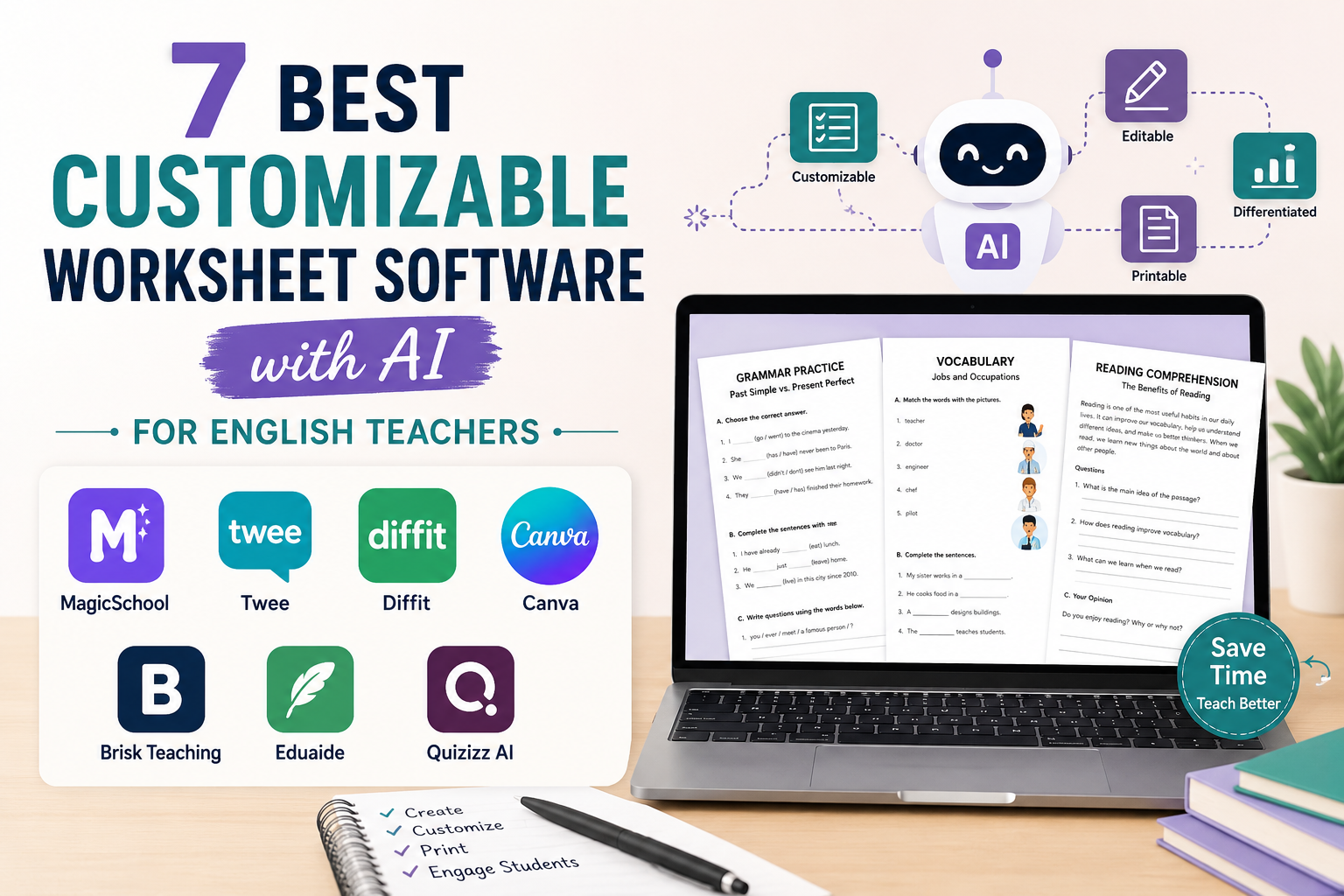
Choosing the best customizable worksheet software can save English teachers hours of preparation time. The right tool should help you create editable worksheets, adapt tasks to student level, change question types, add answer keys, and prepare printable or digital activities for ESL lessons.
For English teachers, the best worksheet software is not only the tool that creates a worksheet quickly. It is the tool that lets you customize the worksheet so it actually fits your students, your lesson aim, your classroom format, and your teaching style.
In this guide, we compare seven AI and teacher-friendly worksheet tools. You will see which tools are useful for ESL worksheets, reading activities, quizzes, vocabulary practice, printable handouts, differentiated tasks, and classroom-ready materials.
If you want a broader workflow for creating worksheet content with prompts, start with AI Worksheet Generator for English Teachers. This article focuses more specifically on where to find the best customizable worksheet software and how to choose the right tool.
Best Software for Teacher Worksheet Customization: Quick Answer
The best software for teacher worksheet customization depends on what you need.
For ESL and English teachers, a strong worksheet tool should help you:
- create editable worksheet content;
- adapt questions to learner level;
- generate grammar, vocabulary, reading, listening, or quiz tasks;
- add answer keys;
- change instructions;
- export or print the final worksheet;
- reuse the worksheet in future lessons.
If you want fast AI-generated worksheet drafts, tools such as MagicSchool, Twee, Diffit, Brisk Teaching, and Eduaide are worth exploring.
If you want beautiful printable worksheet layouts, Canva is especially useful. If you want quizzes and interactive practice, Wayground can help you turn questions into digital activities.
For most English teachers, the best option is not one single tool. A practical workflow is to generate the worksheet content with an AI tool, edit it for your learners, and then format it for print or digital use.
Quick Comparison: Best Customizable Worksheet Software for English Teachers
The best customizable worksheet software isn’t necessarily the one that generates the most activities. What matters is whether you can adjust the content for your learners and use the finished worksheet in your preferred format.
Here’s how the seven tools differ.
| Tool | Best for ESL teachers who need… | What you can customise | Worksheet output |
|---|---|---|---|
| Twee | Grammar, vocabulary, reading, and listening exercises | Language tasks, examples, questions, and answer keys | Teacher-created lessons can be exported as PDF, Google Docs, or Google Forms |
| MagicSchool | Quick AI-generated worksheet drafts | Instructions, questions, learning objectives, and task difficulty | Google and Microsoft exports; availability depends on plan |
| Diffit | Differentiated reading worksheets | Reading levels, supporting activities, and language scaffolding | Printable PDF; Google and Microsoft exports on paid plans |
| Brisk Teaching | Worksheets based on existing teaching resources | Content generated from documents, articles, PDFs, and videos | Google Docs, Google Forms, or Microsoft Word |
| Canva | Attractive printable worksheets | Text, layout, fonts, images, answer spaces, and design | Printable PDF or shareable designs |
| Wayground (formerly Quizizz) | Digital quizzes and printable assessments | Questions, answer choices, explanations, and worksheet display options | Online activities or printable/downloadable worksheets |
| Eduaide.AI | Worksheets within a broader teaching workflow | AI-generated activities, instructions, questions, and differentiated resources | PDF, Google Docs, and Microsoft Word |
Some export and editing features depend on subscription level. Check each platform’s official website before upgrading.
Which Tool Should You Choose?
For ESL-specific worksheets: Twee is particularly relevant because its tools focus on English language teaching.
For adapting reading materials to different levels: Diffit offers a practical way to prepare differentiated texts and activities.
For creating worksheets from existing articles, documents, or videos: Brisk Teaching is worth considering.
For visually polished printable worksheets: Canva gives teachers more control over the final layout.
For interactive quizzes and self-paced practice: Wayground combines editable questions with online and printable formats.
For broader AI-assisted classroom preparation: MagicSchool and Eduaide provide worksheet creation alongside lesson-planning and assessment tools.
For example, if you’re preparing a B1 lesson about travel, you could generate a reading activity using Twee or Diffit, revise the questions for your students, and then use Canva if you want a more visually polished printable worksheet.
The right choice depends on whether your priority is content generation, language-level differentiation, visual design, or digital assessment.
What to Look for in Teacher Worksheet Customization Software
Before choosing a tool, think about what “customizable” really means.
A good worksheet tool should let you change:
- the student level;
- the topic;
- the grammar point;
- the vocabulary list;
- the number of questions;
- the question type;
- the instructions;
- the examples;
- the answer key;
- the layout;
- the export format.
For ESL teachers, customization is especially important because one worksheet rarely fits every class. A worksheet for A2 students should look different from a worksheet for B2 students. A worksheet for young learners should look different from a worksheet for adult learners.
When you create reading or vocabulary tasks, you may also want to adapt the text level. For this kind of workflow, you can connect your software choice with the ideas in Reading Worksheet Generator and Spelling Worksheet Maker.
1. Twee: Best Customizable Worksheet Software for ESL and EFL Teachers
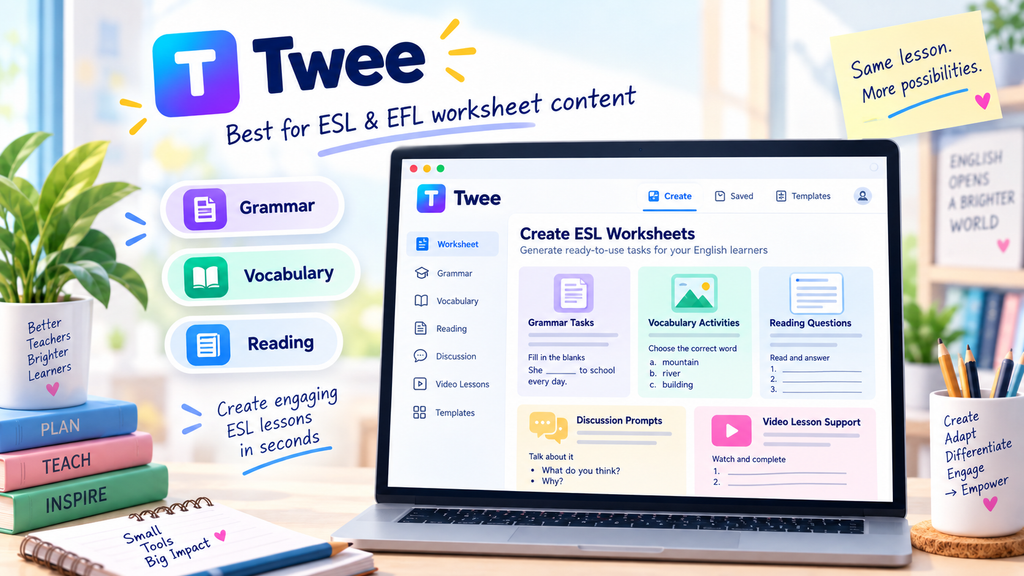
Twee is one of the most relevant tools for English teachers because it is built around language teaching tasks. It can help teachers create grammar exercises, vocabulary activities, discussion questions, reading tasks, listening materials, video-based activities, and other classroom resources.
For ESL/EFL teachers, Twee is useful because the tool categories match what English teachers often prepare:
- grammar practice;
- vocabulary exercises;
- reading comprehension;
- discussion questions;
- video and audio tasks;
- writing activities;
- classroom prompts.
This makes it a strong choice if you want customizable worksheet software that feels close to actual English teaching.
Why English teachers may like it
Twee is useful when you already know your lesson topic and need several task types quickly. For example, if your lesson is about travel problems, you can create vocabulary practice, discussion questions, grammar tasks, and reading questions around the same topic.
If you are preparing an ESL lesson plan, you can use Twee to create the worksheet activities, then connect them to a lesson structure using Lesson Plan Generator.
Best use case
Use Twee when you want language-focused worksheet tasks, especially for grammar, vocabulary, reading, speaking, and video lessons.
Possible limitation
You still need to review the worksheet carefully. AI-generated exercises can be useful, but teachers should check the level, answer key, wording, and classroom suitability before using them.
2. MagicSchool: Best for Fast AI Worksheet Drafts
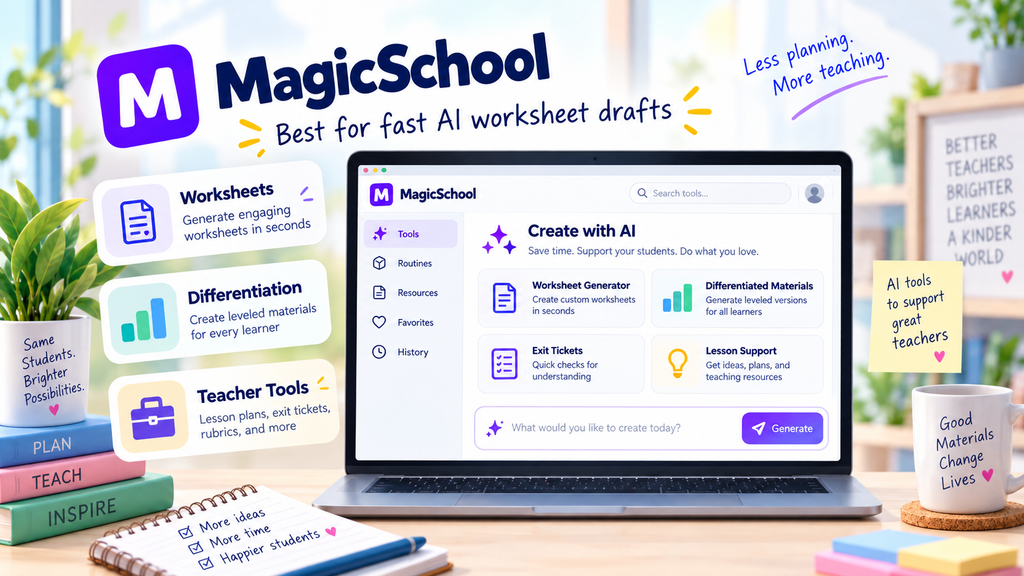
MagicSchool offers an AI worksheet generator and many other teacher tools. It is useful when you want to create a worksheet draft quickly from a topic, grade level, or learning objective.
For English teachers, MagicSchool can be helpful when you need a quick starting point for:
- grammar worksheets;
- vocabulary practice;
- reading comprehension;
- short quizzes;
- exit tickets;
- lesson activities;
- differentiated tasks.
It is also useful if you want one teacher platform with many AI tools, not only worksheet generation.
Why English teachers may like it
MagicSchool can help reduce blank-page time. Instead of writing every question manually, you can generate a first draft and then edit it for your students.
For example, after reading AI Worksheet Generator for English Teachers, you could use MagicSchool to create a first draft and then revise the worksheet with the prompts from that guide.
Best use case
Use MagicSchool when you want quick AI-generated worksheet drafts and a wider collection of teacher tools in one place.
Possible limitation
The output may still need teacher editing. For ESL learners, always check that the language level, examples, and instructions match your class.
3. Diffit: Best for Reading Worksheets and Differentiation
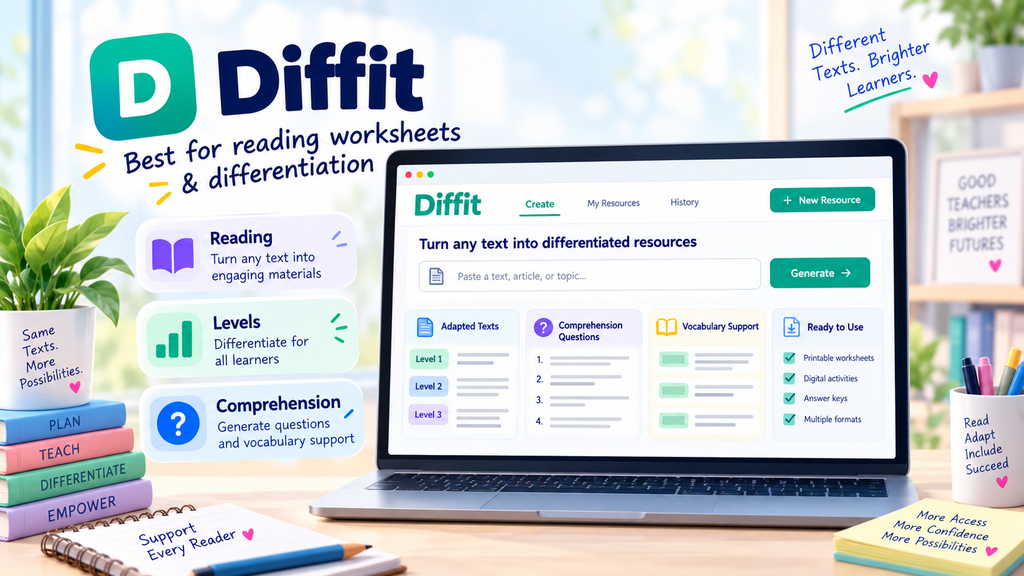
Diffit is especially useful when you want to create reading materials and differentiated resources. It can help teachers create adapted texts, comprehension questions, vocabulary activities, and classroom-ready materials.
This makes Diffit a strong choice if your main need is reading-based worksheets.
For English teachers, it can support:
- reading passages;
- comprehension questions;
- vocabulary support;
- different reading levels;
- classroom handouts;
- student-friendly texts.
Why English teachers may like it
Reading worksheets often take a long time to prepare because teachers need a suitable text, level-appropriate vocabulary, fair comprehension questions, and an answer key. Diffit can help create a more complete reading resource faster.
If you publish or teach reading lessons often, Diffit works well alongside your Reading Worksheet Generator workflow.
Best use case
Use Diffit when you want to create reading worksheets, adapt texts to different levels, or prepare differentiated reading tasks.
Possible limitation
Diffit may be less focused on general ESL speaking or grammar tasks than tools designed specifically for language teachers. It is strongest when the worksheet is built around text and reading comprehension.
4. Brisk Teaching: Best for Turning Existing Resources into Worksheets
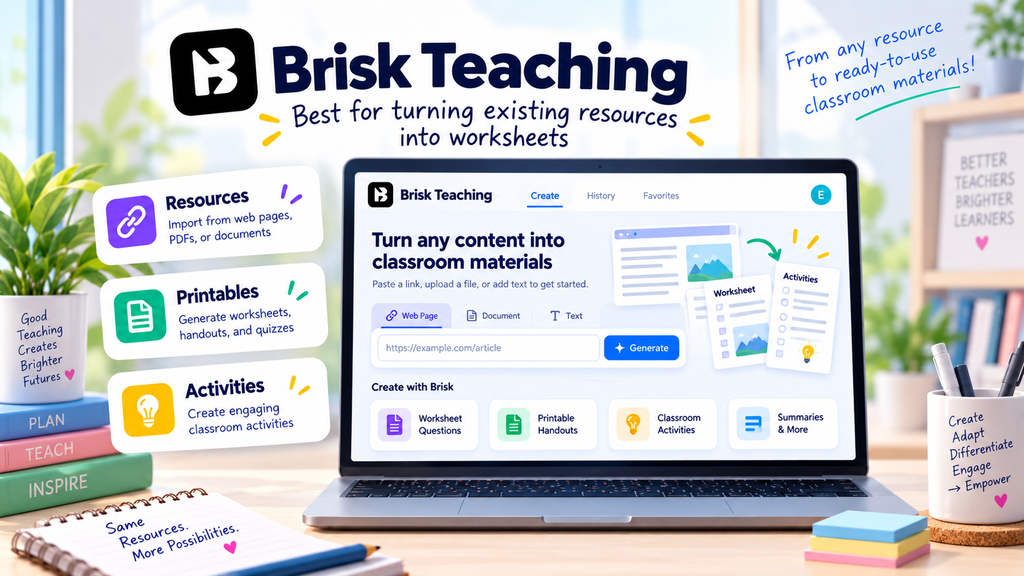
Brisk Teaching is useful when you want to create teaching materials from resources you already use, such as web pages, documents, videos, or classroom content. Its printables and classroom material features can help teachers create worksheets, questions, activities, and other resources.
For English teachers, Brisk can be helpful when you already have a text, article, video, or lesson source and want to turn it into a worksheet.
It can support:
- worksheets;
- printables;
- questions and answers;
- vocabulary practice;
- exit tickets;
- classroom activities;
- resource adaptation.
Why English teachers may like it
Brisk is practical because many teachers do not start from zero. They often start with a web page, a reading text, a Google Doc, a video, or an existing resource. Brisk can help transform that material into something more teachable.
If you use videos in class, you can combine this kind of tool with AI Video Question Maker to create comprehension questions, vocabulary tasks, and discussion prompts.
Best use case
Use Brisk when you want to transform existing content into classroom materials.
Possible limitation
As with any AI tool, you should check accuracy, answer keys, copyright issues, and student level before sharing the final worksheet.
5. Canva: Best for Printable Worksheet Design
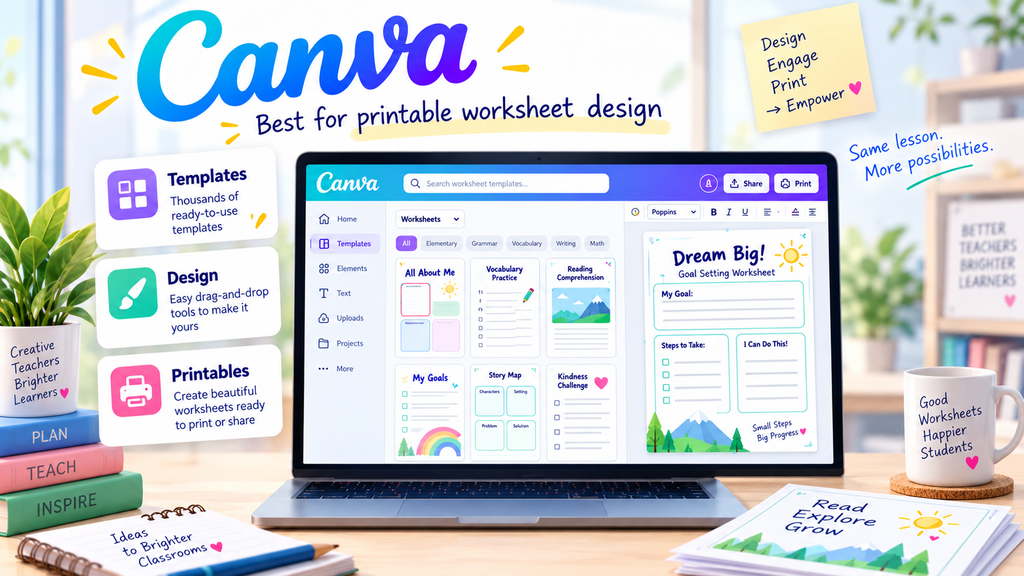
Canva is not only an AI worksheet tool. It is also a design platform with worksheet templates. This makes it useful when you already have worksheet content but want the final version to look clean, professional, and printable.
For English teachers, Canva can help with:
- printable worksheets;
- vocabulary worksheets;
- reading handouts;
- grammar practice pages;
- quiz sheets;
- classroom posters;
- lesson materials;
- student-friendly layouts.
Why English teachers may like it
Many AI tools create useful text but plain formatting. Canva helps you turn that content into a worksheet students actually want to use.
For example, you can generate a quiz using ESL Quiz Templates, then paste the questions into Canva and format them with headings, answer spaces, icons, and sections.
Best use case
Use Canva when design, layout, printing, and visual clarity matter.
Possible limitation
Canva is strongest for design. If you need deep ESL-specific question generation, you may want to create the content with another AI tool first and then format it in Canva.
6. Wayground: Best for Turning Worksheets into Digital Quizzes
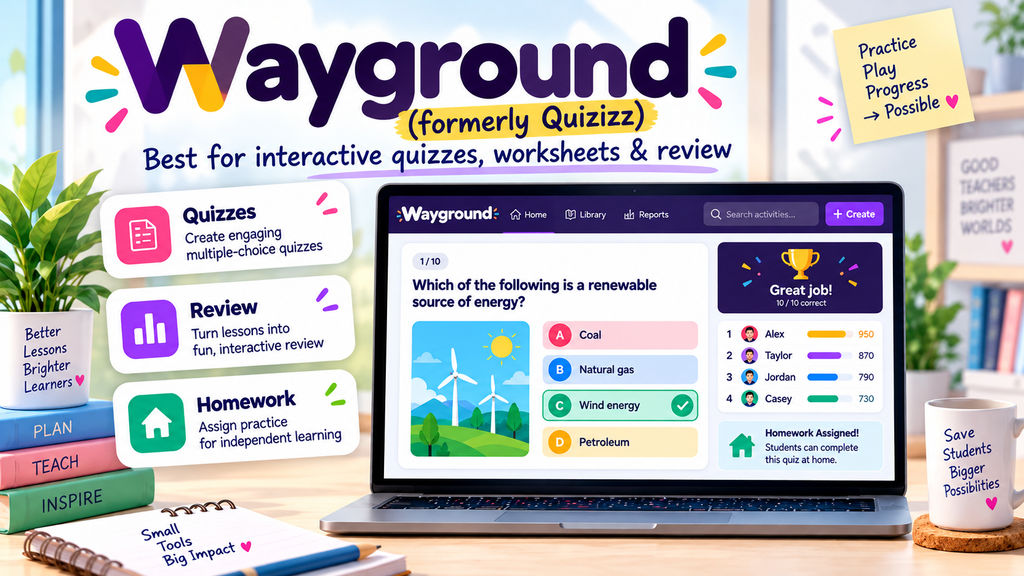
Wayground is useful when you want to turn questions into interactive quizzes, digital practice, or review activities. It is not the same as a printable worksheet design tool, but it can be a strong option when your worksheet is quiz-based.
For English teachers, Wayground can support:
- grammar quizzes;
- vocabulary review;
- reading checks;
- listening comprehension questions;
- homework practice;
- revision games;
- low-stakes assessment.
Why English teachers may like it
Some worksheets work better as interactive quizzes. If you want students to practise repeatedly, answer questions online, or complete a quick review activity, Wayground can be more engaging than a paper worksheet.
This is especially useful after creating questions with ESL Quiz Templates.
Best use case
Use Wayground when your worksheet is mainly a quiz, review task, or digital assessment activity.
Possible limitation
Wayground is not always the best choice for long-form worksheets, writing practice, or printable design. It works best when the activity is question-based.
7. Eduaide: Best for Teacher Resource Creation and Classroom Materials
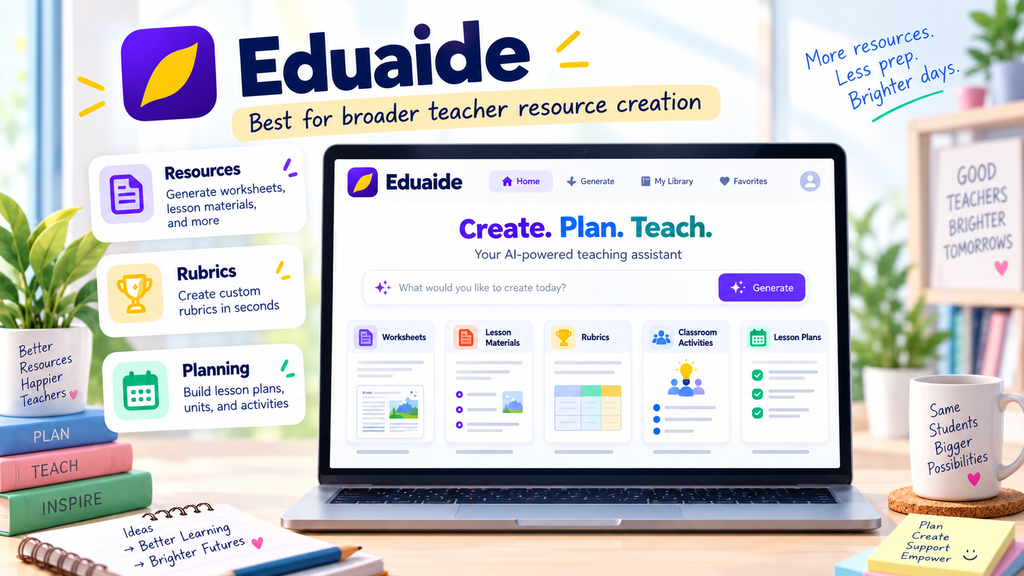
Eduaide is an AI teaching platform that can help teachers create worksheets, lesson materials, discussion activities, rubrics, assessments, and classroom resources. It is useful if you want a broader teacher workspace rather than a single-purpose worksheet generator.
For English teachers, Eduaide can help create:
- worksheets;
- lesson materials;
- classroom activities;
- assessment tasks;
- graphic organizers;
- differentiated resources;
- support materials.
Why English teachers may like it
Eduaide can be useful when worksheet creation is part of a larger planning workflow. For example, you may want to create the lesson aim, classroom activity, worksheet, exit ticket, and homework in one planning process.
This connects naturally with ChatGPT Lesson Planning if you want to build a full teaching workflow rather than one isolated worksheet.
Best use case
Use Eduaide when you want worksheet creation inside a broader teacher planning and resource-generation platform.
Possible limitation
For ESL-specific tasks, you may still need to adjust the language level, examples, and instructions carefully.
Where to Find the Best Customizable Worksheet Software
If you are wondering where to find best customizable worksheet software, start by thinking about the type of worksheet you want to create.
You can find customizable worksheet software in four main places:
- AI worksheet generators;
- ESL/EFL teacher tools;
- quiz and assessment platforms;
- design platforms.
AI worksheet generators are useful when you want fast content. ESL/EFL teacher tools are useful when you need language-focused tasks. Quiz platforms are useful when the worksheet is mainly for checking understanding. Design platforms are useful when you want the final worksheet to look polished and printable.
For English teachers, the best place to start is with tools that allow editing. A worksheet is only useful if you can adjust the level, instructions, question types, examples, and answer key for your learners.
Best Tool by Teaching Need
Best for ESL grammar and vocabulary worksheets
Use Twee if you want language-focused activities for grammar, vocabulary, reading, speaking, and listening.
Best for fast worksheet drafts
Use MagicSchool if you want a quick AI-generated worksheet draft that you can edit.
Best for reading worksheets
Use Diffit if you want adapted reading passages, comprehension questions, and vocabulary support.
Best for existing resources
Use Brisk Teaching if you already have an article, document, video, or classroom resource and want to turn it into a worksheet or printable.
Best for worksheet design
Use Canva if you want printable layouts, visual design, and clean student handouts.
Best for digital quizzes
Use Wayground if your worksheet is better as an interactive quiz or review activity.
Best for broader teacher planning
Use Eduaide if you want worksheet creation together with lesson materials, classroom activities, rubrics, and other teaching resources.
How to Choose the Best Worksheet Software for English Teachers
Before choosing a tool, ask yourself these questions:
- Do I need a printable worksheet or a digital activity?
- Do I need ESL-specific grammar and vocabulary tasks?
- Do I need reading-level adaptation?
- Do I need a beautiful design?
- Do I need answer keys?
- Do I need quizzes?
- Do I need to edit every part of the worksheet?
- Do I want to reuse the worksheet later?
- Do I need free access or paid features?
- Does the tool fit my teaching workflow?
For example, if you teach a B1 reading lesson, you might create the reading task in Diffit, add extra questions using the Reading Worksheet Generator prompts, and then format the final handout in Canva.
If you teach grammar and vocabulary, you might use Twee or MagicSchool to create the worksheet draft, then use your own examples to make the tasks more relevant to your students.
A Practical Workflow for Customizable Worksheets
Here is a simple workflow English teachers can use.
Step 1: Start with the lesson aim
Do not start with the tool. Start with the purpose.
Example:
Students will be able to use past simple verbs to describe weekend activities.
Step 2: Choose the worksheet type
Decide whether you need:
- grammar practice;
- vocabulary review;
- reading comprehension;
- listening questions;
- video questions;
- speaking preparation;
- writing support;
- quiz practice.
Step 3: Generate the first draft
Use an AI worksheet tool or prompt to create the first version.
Step 4: Customize the worksheet
Edit the:
- level;
- examples;
- instructions;
- number of questions;
- difficulty;
- answer key;
- classroom context.
Step 5: Format the final version
Use a design tool such as Canva if you want the worksheet to look more polished.
Step 6: Test the worksheet quickly
Before using it in class, ask:
- Are the instructions clear?
- Is the level suitable?
- Is the answer key correct?
- Are there enough examples?
- Can students complete it in the available time?
This is where teacher judgement matters most. AI can create the draft, but the teacher makes it useful.
Example: Choosing Worksheet Software for a B1 ESL Lesson
Imagine you are teaching a B1 lesson about travel problems.
Your lesson aim is:
Students will be able to describe common travel problems and make simple complaints using past simple verbs.
You could use:
- Twee to create vocabulary and grammar exercises;
- MagicSchool to generate a worksheet draft;
- Diffit to create a short reading text about a travel problem;
- Wayground to make a review quiz;
- Canva to design the final printable worksheet.
Then you could connect the worksheet to a complete class using Lesson Plan Generator.
This workflow is stronger than simply asking AI to “make a worksheet” because each tool has a clear role.
Common Mistakes When Choosing Worksheet Software
Mistake 1: Choosing the tool before the lesson aim
A tool cannot fix an unclear lesson aim. Decide what students should practise first.
Mistake 2: Using AI output without editing
AI worksheet drafts often need revision. Check the level, instructions, examples, and answers.
Mistake 3: Choosing design over learning value
A worksheet can look beautiful but still be weak. The activities must support the lesson aim.
Mistake 4: Forgetting answer keys
Answer keys save time and help teachers check the worksheet before class.
Mistake 5: Ignoring student level
The best customizable worksheet software should help you adapt the worksheet to A1, A2, B1, B2, or another level.
Mistake 6: Creating too many activities
A worksheet does not need to include everything. A focused worksheet is usually better than an overloaded one.
Mistake 7: Not checking tool limitations
Some tools are better for content generation. Others are better for design or quizzes. Choose based on your teaching need.
FAQ: Teacher Worksheet Customization Software
What is the best software for teacher worksheet customization?
The best software for teacher worksheet customization is software that lets teachers create, edit, adapt, and export worksheets for their own learners. English teachers should look for level control, editable questions, answer keys, printable layouts, and support for grammar, vocabulary, reading, listening, writing, and quiz tasks.
Where can I find the best customizable worksheet software?
You can find the best customizable worksheet software in AI worksheet generators, ESL teacher tools, quiz platforms, teacher productivity platforms, and design tools. Good places to start include tools such as Twee, MagicSchool, Diffit, Brisk Teaching, Canva, Wayground, and Eduaide.
What should English teachers look for in worksheet customization software?
English teachers should look for editable instructions, different question types, learner-level adaptation, answer keys, export options, and the ability to adapt worksheets for ESL grammar, vocabulary, reading, writing, speaking, and listening lessons.
Is AI worksheet software better than normal worksheet templates?
AI worksheet software is better for speed and adaptation, while normal worksheet templates are useful for structure and design. The best workflow is often to generate the worksheet content with AI, edit it carefully, and then format it with a clean template.
What is the best AI worksheet generator for ESL teachers?
For ESL teachers, the best AI worksheet generator depends on the task. Twee is strong for language-teaching activities, MagicSchool is useful for fast worksheet drafts, Diffit is helpful for reading worksheets, and Canva is useful for printable design.
Can I use customizable worksheet software for quizzes?
Yes. Many worksheets can become quizzes. If you want digital quizzes, you can use a platform such as Wayground. If you want printable quiz worksheets, you can use the prompts in ESL Quiz Templates and then format the result in Canva or another worksheet tool.
Should teachers use AI-generated worksheets without checking them?
No. Teachers should always check AI-generated worksheets before using them. Review the instructions, level, examples, answer key, timing, and suitability for your students.
Final Recommendation
The best software for teacher worksheet customization is the tool that fits your teaching workflow.
For ESL and English teachers:
- use Twee for language-focused ESL activities;
- use MagicSchool for fast worksheet drafts;
- use Diffit for reading and differentiation;
- use Brisk Teaching for turning existing resources into classroom materials;
- use Canva for printable worksheet design;
- use Wayground for digital quizzes;
- use Eduaide for broader teacher resource creation.
The best workflow is often to combine tools. Generate the content with AI, customize it for your learners, check the answer key, and format the final worksheet clearly.
AI can help you save preparation time, but your teacher judgement is what makes the worksheet effective.
Comments
One response to “7 Best Customizable Worksheet Software with AI for English Teachers”
[…] you are mainly looking for worksheet tools, start with Best Customizable Worksheet Software with AI for English Teachers. If you want a full lesson-planning workflow, read Lesson Plan Generator: AI Prompts for Better ESL […]