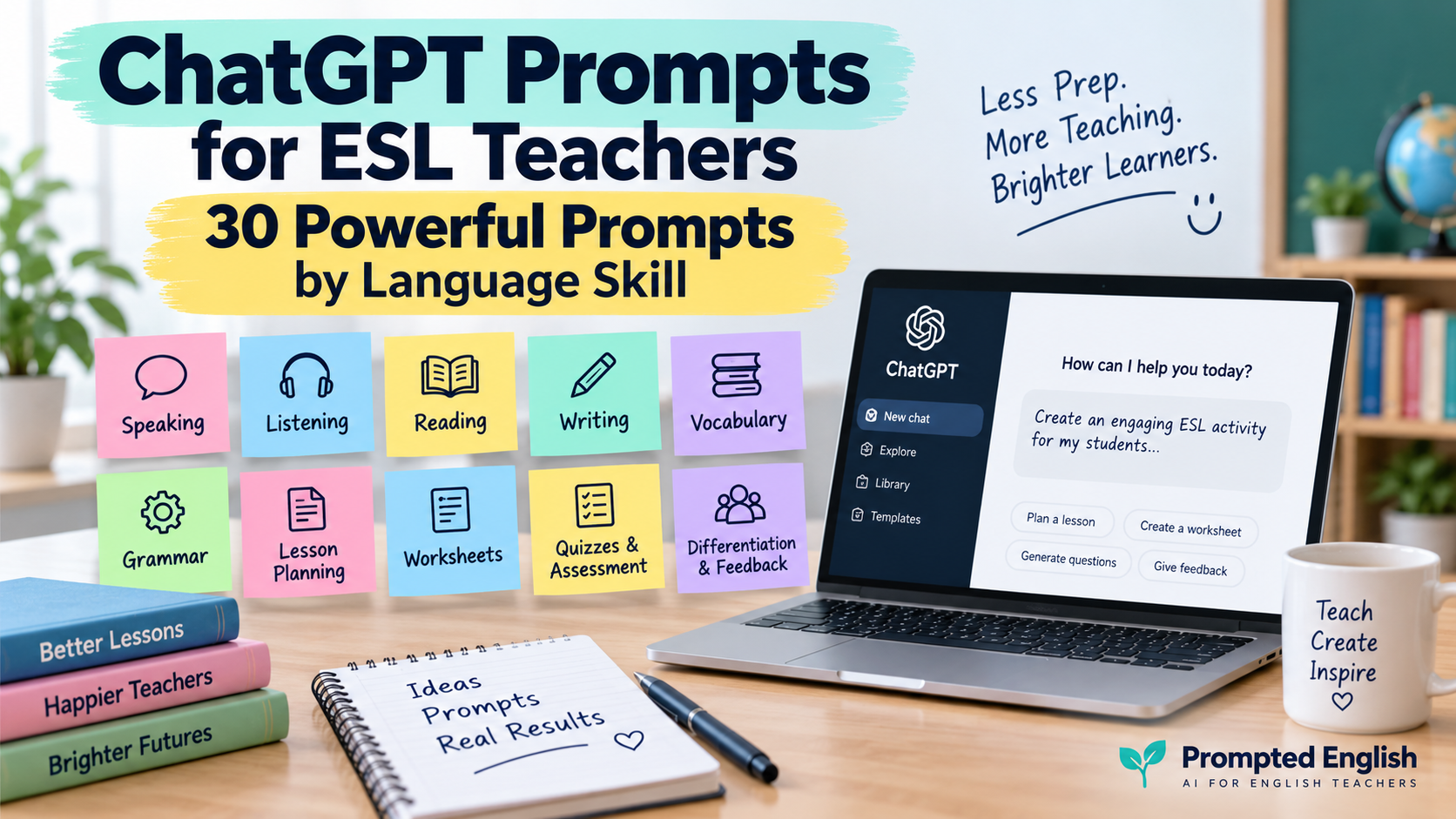
The best ChatGPT prompts for ESL teachers do more than ask AI to “make an activity.”
They tell ChatGPT who the learners are, what they need to practise, how difficult the task should be, and what the teacher wants the final activity to look like.
That difference matters.
Compare:
Make some speaking questions.
with:
Create six B1 speaking questions about travel. Start with two personal questions, then move to opinion questions. Avoid yes/no questions and add one follow-up prompt to each.
The second prompt gives ChatGPT far more useful teaching context.
For English teachers, this can help with almost every part of lesson preparation: speaking, listening, reading, writing, grammar, vocabulary, worksheets, quizzes, differentiation, and feedback.
OpenAI’s current educator guidance recommends treating generated material as a starting point rather than assuming it is automatically correct. It specifically reminds educators that they know their classes best and should review and adapt model output before using it.
That is the approach throughout this guide.
Below are 30 copy-paste ChatGPT prompts for ESL teachers, organised by language skill and everyday teaching task.
If you are still exploring where AI fits into your teaching, read AI for Language Teachers: An Essential Practical Starting Guide. For a broader teacher-assistant workflow, see AI Teaching Assistant for English Teachers.
How to Get Better Results from ChatGPT Prompts
Before the 30 prompts, it helps to know what information makes an ESL prompt useful.
Whenever possible, include:
- learner level;
- age or learner type;
- lesson topic;
- lesson aim;
- target vocabulary or grammar;
- lesson length;
- activity type;
- number of items;
- required output format;
- anything ChatGPT should avoid.
The CEFR organises language proficiency from A1 to C2 and provides communicative “can-do” descriptors, so giving ChatGPT a CEFR level can be a useful starting point when adapting language difficulty.
A reusable structure is:
Act as an experienced ESL teacher.

Student level:
[LEVEL]

Learner context:
[AGE / SCHOOL / UNIVERSITY / ADULT / PRIVATE TUTORING]

Lesson topic:
[TOPIC]

Lesson aim:
[LESSON AIM]

Target language or skill:
[TARGET]

Create:
[DESCRIBE THE ACTIVITY]

Requirements:
[NUMBER OF ITEMS / LENGTH / FORMAT / SUPPORT]

Keep the language appropriate for [LEVEL].
You do not need to include every field every time. But the more relevant context you provide, the easier it is to refine the output.
Speaking Prompts
Prompt 1: Create Level-Appropriate Discussion Questions
Use this when you need conversation questions around almost any topic.
Act as an experienced ESL speaking teacher.

Create 10 discussion questions for [LEVEL] English learners.

Topic:
[TOPIC]

Organise the questions as follows:
- 3 easy personal questions;
- 3 experience-based questions;
- 3 opinion questions;
- 1 deeper discussion question.

Avoid yes/no questions.

Add one natural follow-up question to each item.

Use clear, natural English appropriate for [LEVEL].
This works especially well for conversation classes, speaking clubs, pair work, and the final stage of a topic-based lesson.
For more specialised speaking workflows, see AI Discussion Questions Generator: 9 Easy Prompts for Better ESL Speaking.
Prompt 2: Build a Pair-Work Speaking Activity
Create a 15-minute pair-work speaking activity for [LEVEL] ESL learners.

Topic:
[TOPIC]

Lesson aim:
[LESSON AIM]

Include:
1. a 2-minute warm-up;
2. 5 main questions;
3. useful vocabulary;
4. 4 sentence starters;
5. follow-up questions;
6. a final task where partners must reach a decision or agreement.

Make sure both students have plenty of speaking time.
The final “decision” stage gives students a reason to communicate rather than simply answering isolated questions.
Prompt 3: Create a Speaking Fluency Challenge
Create a speaking fluency challenge for [LEVEL] English learners.

Topic:
[TOPIC]

Give students:
- 5 short speaking topics;
- 30 seconds of preparation for each;
- a suggested speaking time of 60 seconds;
- 3 useful phrases for organising ideas;
- one self-reflection question after each attempt.

Do not focus heavily on grammatical accuracy.

The main goal is fluency and confidence.
You can use this with individuals, pairs, or small groups.
Listening Prompts
ChatGPT works best for listening activities when you provide a transcript, summary, or the key content yourself rather than expecting it to know exactly what happened in a particular recording.
Prompt 4: Turn a Transcript into Listening Questions
Act as an ESL listening teacher.

Student level:
[LEVEL]

Transcript:
[PASTE TRANSCRIPT]

Create:
1. 2 prediction questions;
2. 3 gist questions;
3. 6 detailed comprehension questions;
4. 3 vocabulary-in-context questions;
5. 3 post-listening discussion questions;
6. an answer key.

Make sure the questions can be answered from the transcript.
Prompt 5: Create a Two-Listening Sequence
Turn this transcript into a two-stage ESL listening activity.

Student level:
[LEVEL]

Transcript:
[PASTE TRANSCRIPT]

For the first listening:
Create 3 simple gist questions.

For the second listening:
Create 6 more detailed questions.

Then add:
- 5 useful words or phrases;
- one pair discussion task;
- an answer key.

Do not require students to understand every word.
This gives students a clear reason to listen twice.
Prompt 6: Turn a Video into Listening and Speaking Practice
Create an ESL lesson activity based on this video transcript or summary.

Student level:
[LEVEL]

Video topic:
[TOPIC]

Transcript or detailed summary:
[PASTE HERE]

Create:
1. 3 pre-watching questions;
2. 3 gist questions;
3. 5 detail questions;
4. 3 useful vocabulary items;
5. 4 post-video discussion questions;
6. one short follow-up speaking task.

Provide answers where appropriate.
For a more complete workflow, use AI Video Question Maker: 9 Prompts for Better ESL Listening Lessons.
Reading Prompts
Prompt 7: Create a Complete Reading Activity
Act as an experienced ESL reading teacher.

Student level:
[LEVEL]

Reading text:
[PASTE TEXT]

Create:
1. 3 pre-reading questions;
2. 5 key vocabulary items;
3. 2 gist questions;
4. 6 detailed comprehension questions;
5. 3 inference or interpretation questions;
6. 3 post-reading discussion questions;
7. an answer key.

Keep all tasks appropriate for [LEVEL].
Prompt 8: Simplify a Reading Text Without Changing Its Meaning
Adapt this reading text for [LEVEL] English learners.

Original text:
[PASTE TEXT]

Requirements:
- preserve the main ideas;
- shorten overly complex sentences;
- replace unnecessarily difficult vocabulary;
- keep useful topic-specific vocabulary where possible;
- do not oversimplify the content.

After the adapted text, provide:
1. 5 potentially difficult words;
2. simple definitions;
3. 5 comprehension questions.
Always compare the adaptation with the original before using it, especially when factual accuracy matters.
Prompt 9: Turn a Reading into Post-Reading Speaking
Turn this reading into a communicative post-reading activity.

Student level:
[LEVEL]

Text:
[PASTE TEXT]

Do not create comprehension questions.

Instead, create:
- 3 reaction questions;
- 4 personal connection questions;
- 4 opinion questions;
- one pair-work task;
- one small-group decision task;
- 5 useful phrases students can use during discussion.
You can combine these prompts with Reading Worksheet Generator: 7 AI Prompts for Better ESL Reading Lessons.
Writing Prompts
Prompt 10: Create a Guided Writing Task
Act as an ESL writing teacher.

Student level:
[LEVEL]

Writing type:
[EMAIL / PARAGRAPH / ESSAY / STORY / REVIEW / REPORT]

Topic:
[TOPIC]

Create:
1. a clear student-friendly task;
2. a suggested structure;
3. 5 useful expressions;
4. a short planning checklist;
5. a self-editing checklist.

Do not write the complete answer for the student.
That final instruction is useful when you want AI to support learning rather than simply complete the task.
Prompt 11: Create a Model Text for Analysis
Write a model [TEXT TYPE] for [LEVEL] English learners.

Topic:
[TOPIC]

Length:
[WORD COUNT]

Target features:
[GRAMMAR / VOCABULARY / ORGANISATION FEATURES]

After the model, identify:
1. the introduction;
2. main ideas;
3. linking expressions;
4. useful vocabulary;
5. examples of the target language.

Then create 4 noticing questions for students.
A model becomes more pedagogically useful when students analyse it instead of simply copying it.
Prompt 12: Turn Writing Errors into a Revision Activity
Act as a supportive ESL writing teacher.

Student level:
[LEVEL]

Student text:
[PASTE ANONYMISED TEXT]

Do not rewrite the whole composition.

Instead:
1. identify up to 5 important patterns for improvement;
2. explain each one simply;
3. quote only a short example where necessary;
4. create one practice item for each problem;
5. give the student a revision checklist.

Prioritise the errors that most affect communication.
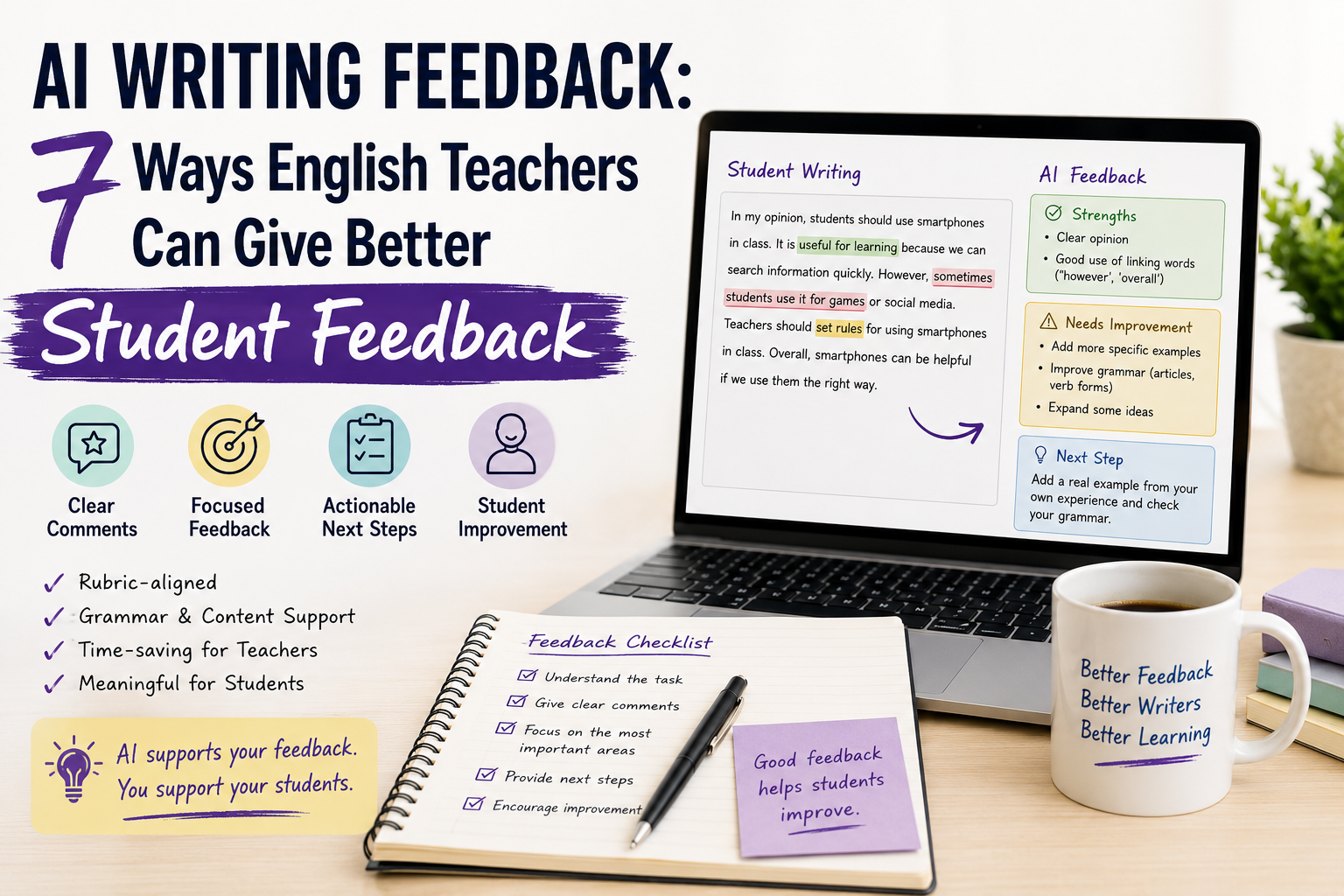
For a fuller feedback workflow, read AI Writing Feedback: 7 Ways English Teachers Can Give Better Student Feedback.
Vocabulary Prompts
Prompt 13: Turn Vocabulary into a Complete Practice Sequence
Create a vocabulary practice sequence for [LEVEL] ESL learners.

Topic:
[TOPIC]

Target vocabulary:
[PASTE WORDS]

Create:
1. simple definitions;
2. one example sentence for each word;
3. a matching activity;
4. 5 gap-fill questions;
5. 5 personalised speaking questions;
6. one short pair-work challenge;
7. an answer key.

Make sure the vocabulary is used naturally.
Prompt 14: Generate Vocabulary from a Topic
Suggest 12 useful vocabulary items for [LEVEL] English learners studying:

[TOPIC]

For each item provide:
- the word or phrase;
- a simple definition;
- one natural example;
- a common collocation where appropriate.

Then choose the 8 most useful items for active classroom practice.

Avoid rare or overly academic vocabulary unless the level requires it.
Prompt 15: Create a Retrieval Vocabulary Game
Create a 10-minute vocabulary retrieval game for [LEVEL] learners.

Target words:
[PASTE WORDS]

Create a mixture of:
- definitions;
- incomplete sentences;
- synonyms or antonyms;
- example situations;
- speaking challenges.

Do not show the target word inside the clue.

Provide answers separately.
This also works well as one of the quick activities in AI Classroom Activities: 10 Easy ESL Ideas for the Last 10 Minutes of Class.
Grammar Prompts
Prompt 16: Explain a Grammar Point Simply
Explain this grammar point to [LEVEL] ESL learners:

[GRAMMAR POINT]

Use:
1. a short explanation;
2. the basic form;
3. 4 clear examples;
4. 2 common learner mistakes;
5. a short comparison with a commonly confused structure;
6. 5 quick checking questions.

Avoid unnecessary grammatical terminology.
Prompt 17: Create Controlled and Freer Grammar Practice
Create grammar practice for [LEVEL] English learners.

Target grammar:
[GRAMMAR POINT]

Topic:
[TOPIC]

Create:
1. 5 highly controlled practice items;
2. 5 sentence-completion items;
3. 4 personalised questions;
4. one pair speaking activity requiring the target grammar;
5. an answer key.

Move gradually from controlled practice to meaningful language use.
Prompt 18: Generate Realistic Error-Correction Sentences
Create an error-correction activity for [LEVEL] ESL learners.

Target grammar:
[GRAMMAR POINT]

Create 8 sentences.

Requirements:
- 6 sentences should contain one realistic learner error;
- 2 sentences should be correct;
- do not make the errors too obvious;
- keep the vocabulary appropriate for [LEVEL].

Provide:
1. corrected versions;
2. a short explanation for each correction.
Lesson Planning Prompts
Prompt 19: Create a Full ESL Lesson Plan
Act as an experienced ESL teacher.

Create a [TIME]-minute lesson plan for [LEVEL] English learners.

Topic:
[TOPIC]

Main lesson aim:
[LESSON AIM]

Target language or skill:
[TARGET]

Class context:
[AGE / CLASS SIZE / ONLINE OR FACE-TO-FACE]

Include:
1. warm-up;
2. input or presentation;
3. controlled practice;
4. freer practice;
5. feedback;
6. assessment or checking;
7. homework if appropriate;
8. timing for every stage.

Make the timing realistic.
Prompt 20: Improve an Existing Lesson Plan
Review this ESL lesson plan as an experienced teacher.

Student level:
[LEVEL]

Lesson length:
[TIME]

Lesson aim:
[AIM]

Current plan:
[PASTE PLAN]

Evaluate:
- alignment with the lesson aim;
- timing;
- student talking time;
- task difficulty;
- transitions;
- opportunities for meaningful language use.

Then recommend only the changes that would genuinely improve the lesson.

Do not redesign everything unnecessarily.
Prompt 21: Create a Lesson from Existing Materials
Help me build an ESL lesson around this material.

Student level:
[LEVEL]

Lesson length:
[TIME]

Material:
[PASTE TEXT / ACTIVITY / DESCRIPTION]

Create:
1. one clear lesson aim;
2. a short lead-in;
3. a way to use the material;
4. one language-focused activity;
5. one communicative activity;
6. a final learning check.

Use the material as the centre of the lesson rather than creating an unrelated plan.
For more detailed workflows, see ChatGPT Lesson Planning: A Prompt Sequence for Better ESL Lessons and Lesson Plan Generator: AI Prompts for Better ESL Lessons.
Worksheet Prompts
Prompt 22: Create a Mixed-Practice Worksheet
Create a printable ESL worksheet for [LEVEL] learners.

Topic:
[TOPIC]

Target language:
[TARGET]

Include:
1. a short warm-up;
2. 5 matching items;
3. 5 gap-fill items;
4. 5 language-use questions;
5. one speaking task;
6. one short writing task;
7. an answer key.

Use clear student-facing instructions.

Keep the worksheet focused on one main learning aim.
Prompt 23: Differentiate One Worksheet for Three Levels
Adapt this ESL worksheet for a mixed-ability class.

Original worksheet:
[PASTE ACTIVITY]

Create three versions:

SUPPORT VERSION:
- simpler instructions;
- vocabulary support;
- sentence starters;
- fewer items where necessary.

CORE VERSION:
- appropriate for the main class level.

CHALLENGE VERSION:
- less scaffolding;
- more open-ended language use;
- one extension task.

Keep the same overall learning objective across all three versions.
Prompt 24: Turn Lesson Notes into a Worksheet
Turn these lesson notes into a student-friendly ESL worksheet.

Student level:
[LEVEL]

Lesson notes:
[PASTE NOTES]

Lesson aim:
[AIM]

Create:
1. a short title;
2. clear instructions;
3. an introductory task;
4. controlled practice;
5. meaningful practice;
6. one pair or speaking task;
7. a brief review;
8. an answer key.

Remove information students do not need to see.
For more worksheet-specific prompts, use AI Worksheet Generator for English Teachers: 7 Ways to Create Better ESL Worksheets.
Quiz and Assessment Prompts
Prompt 25: Create a Quick Review Quiz
Create a 10-question review quiz for [LEVEL] English learners.

Lesson content:
[PASTE OR DESCRIBE CONTENT]

Create:
- 3 vocabulary questions;
- 3 language-use questions;
- 2 comprehension or meaning questions;
- 2 application questions.

Use a mixture of question types.

Provide a separate answer key.

Only test material students have had an opportunity to learn.
Prompt 26: Create an ESL Exit Ticket
Create a 5-minute exit ticket for [LEVEL] ESL learners.

Lesson aim:
[LESSON AIM]

Target language or skill:
[TARGET]

Create:
1. one recall question;
2. one language-use question;
3. one application question;
4. one confidence or reflection question.

Keep it short enough to complete before students leave.
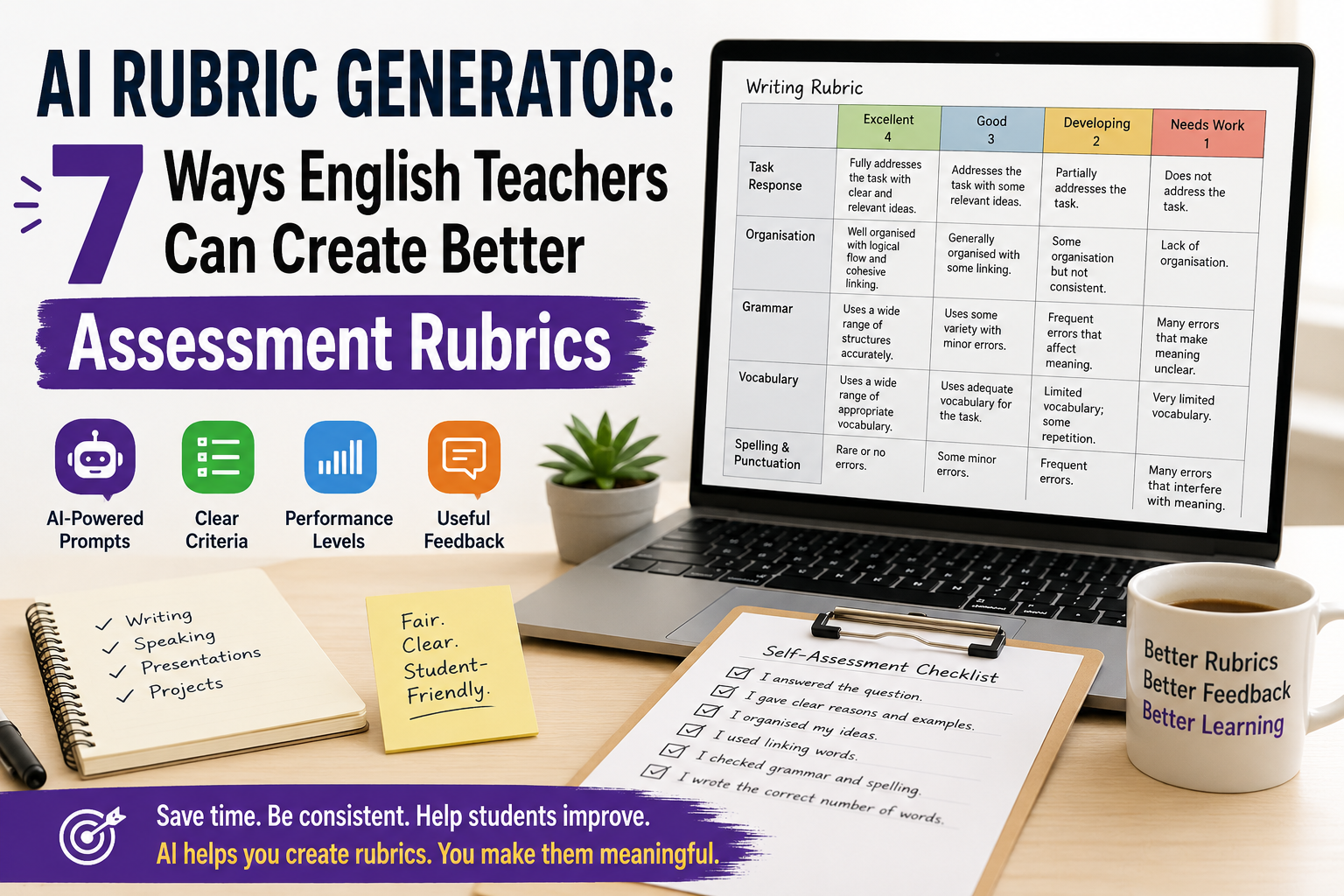
Prompt 27: Generate a Rubric Draft
Create a draft assessment rubric for this ESL task.

Student level:
[LEVEL]

Assessment task:
[DESCRIBE TASK]

Create 4 criteria that directly match the task.

Use 4 performance levels.

For each descriptor:
- use clear observable language;
- avoid vague words such as "good" unless explained;
- distinguish performance levels meaningfully.

Then explain briefly why each criterion is relevant.

This is a draft for teacher review, not an automatic grading system.
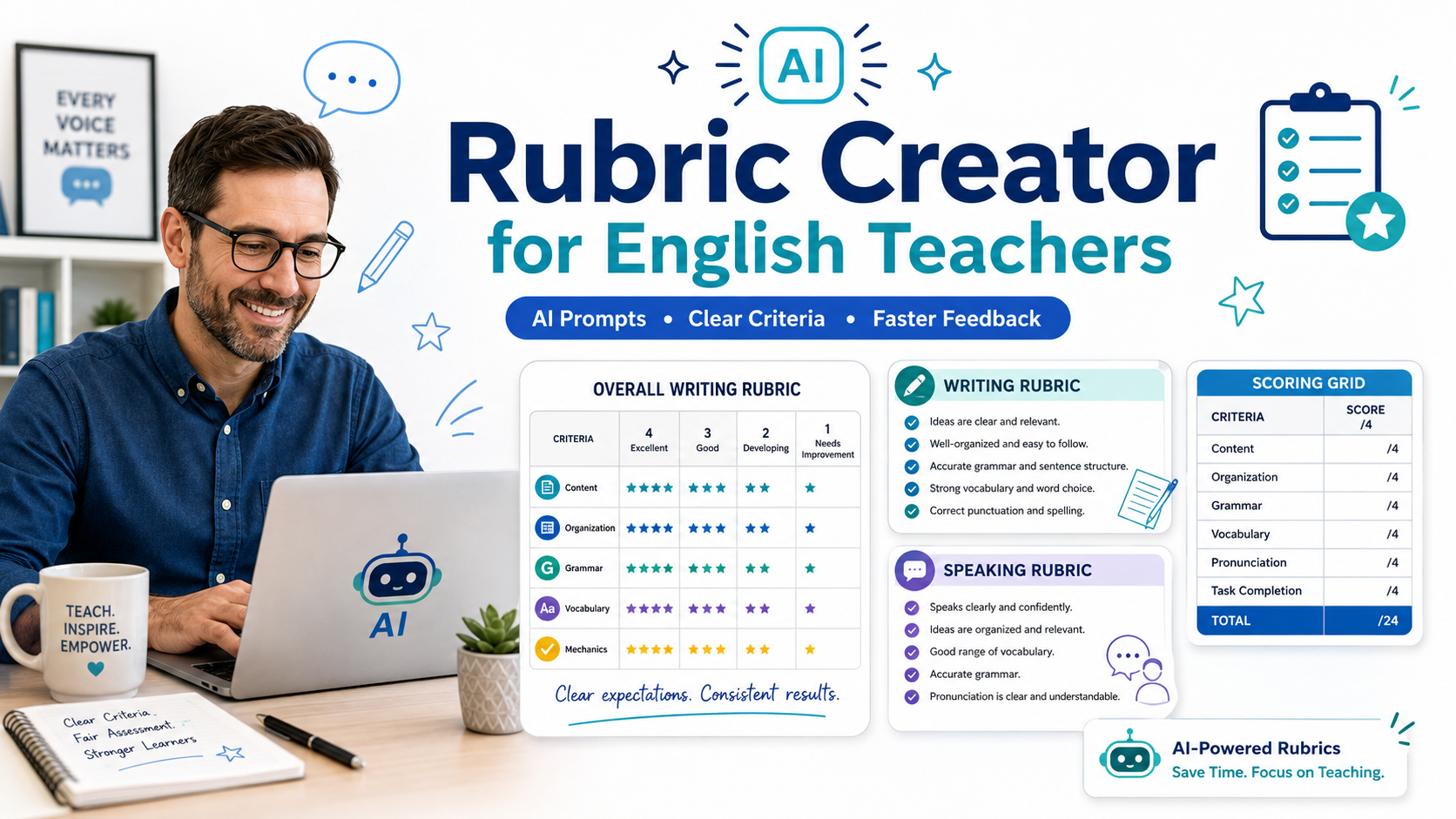
For quizzes, use ESL Quiz Templates: AI Prompts for Grammar, Vocabulary, Reading, and Listening. For rubrics, your Rubric Creator guide provides more specialised prompts.
Differentiation and Feedback Prompts
Prompt 28: Differentiate an Activity Without Changing the Aim
Differentiate this ESL activity for a mixed-ability class.

Main level:
[LEVEL]

Activity:
[PASTE ACTIVITY]

Learning aim:
[AIM]

Create:
1. extra support for students who need it;
2. the standard version;
3. an extension for stronger students.

Possible support may include:
- vocabulary;
- sentence starters;
- examples;
- fewer items;
- guided steps.

Keep the same core learning objective for everyone.
Prompt 29: Draft Supportive Writing Feedback
Act as a supportive ESL writing feedback assistant.

Student level:
[LEVEL]

Writing task:
[PASTE TASK]

Student text:
[PASTE ANONYMISED TEXT]

Provide feedback in this order:

1. Two specific strengths
2. Two priority areas for improvement
3. One example showing how an issue could be improved
4. Three questions that guide the student to revise independently
5. One clear next step

Do not give a final grade.

Keep the tone encouraging but specific.
When using student work with any external AI service, follow your institution’s privacy rules and avoid sharing unnecessary identifying information.
Prompt 30: Create Personalised Revision Practice
Create targeted revision practice for an ESL learner.

Student level:
[LEVEL]

Areas that need more practice:
[PASTE SKILLS / ERRORS / TOPICS]

Create a short 15-minute revision activity with:
1. one quick reminder;
2. 5 focused practice items;
3. one personalised language-use task;
4. one speaking or writing challenge;
5. an answer key where appropriate;
6. one final self-check question.

Focus only on the stated learning needs.
One Master ChatGPT Prompt for ESL Teachers
Sometimes you do not need a specialised prompt.
You need one flexible template that can be reused for almost anything.
Save this version:
Act as an experienced ESL/EFL teacher.

My learners:
[LEVEL + AGE / CONTEXT]

Lesson topic:
[TOPIC]

Main learning aim:
[AIM]

Target language or skill:
[TARGET]

Available time:
[TIME]

I need:
[DESCRIBE WHAT YOU WANT]

Requirements:
- make it appropriate for the learners' level;
- use natural English;
- keep instructions clear;
- make students actively use English;
- include an answer key where appropriate;
- keep the activity realistic for the available time.

Before finalising, check whether the activity actually supports the stated lesson aim.
You can use this for almost anything:
- a warm-up;
- worksheet;
- reading task;
- speaking activity;
- vocabulary review;
- grammar exercise;
- quiz;
- exit ticket;
- homework task.
How to Improve a Weak ChatGPT Response
You do not always need to start again.
Often, the fastest approach is to give ChatGPT a follow-up instruction.
If the activity is too difficult
Simplify this for [LEVEL] learners.

Use shorter instructions, more common vocabulary, and additional language support.
If it is too easy
Make this more challenging for [LEVEL] learners.

Require more explanation, justification, comparison, and independent language use.
If it is too generic
Make this activity more specific to the following lesson aim:

[LESSON AIM]

Remove anything that does not directly support that aim.
If there is too much material
Reduce this activity so it can realistically be completed in [TIME] minutes.
If you want more speaking
Adapt this task so students spend more time speaking to each other and less time listening to the teacher.
If the instructions are unclear
Rewrite the student instructions using short, direct sentences appropriate for [LEVEL].
If the examples sound unnatural
Review all examples for natural English.

Replace awkward or unrealistic examples while keeping the target language unchanged.
These follow-up commands can be just as valuable as the original prompt.
A Practical ChatGPT Workflow for ESL Teachers
Instead of asking ChatGPT to create an entire lesson in one step, use it as part of a short teacher-led process.
Step 1: Decide the learning aim
Start with what students should learn or be able to do.
For example:
Students will be able to give advice using should and shouldn’t.
Step 2: Ask for ideas
Use ChatGPT to brainstorm possible activities.
Step 3: Choose one
Do not automatically use everything the AI generates.
Choose the activity that best fits your students.
Step 4: Develop it
Ask for a worksheet, speaking task, examples, or assessment.
Step 5: Check the output
Review:
- accuracy;
- level;
- instructions;
- answer keys;
- timing;
- appropriateness.
Step 6: Adapt it
Replace generic examples with examples that make sense for your learners.
Step 7: Teach
During the lesson, respond to what students actually need.
AI helps with preparation.
The teacher still makes the classroom decisions.
British Council TeachingEnglish similarly presents generative AI as something language teachers can explore critically, rather than treating generated material as inherently reliable or pedagogically appropriate.
Common Mistakes When Using ChatGPT Prompts for ESL Teachers
Mistake 1: Writing prompts that are too vague
Instead of:
Make a grammar worksheet.
try:
Create an A2 worksheet with eight controlled practice items on the past simple, followed by one pair-speaking activity.
Specific prompts usually produce more usable material.
Mistake 2: Forgetting the learner level
Always give ChatGPT some indication of difficulty.
A task suitable for A2 students may be frustratingly easy for B2 students, while a B2 task may overwhelm A2 learners.
Mistake 3: Generating more than you need
AI makes it easy to generate 30 questions when you only need five.
Tell it:
Create exactly five questions.
or:
The activity must take no more than eight minutes.
Mistake 4: Treating the first answer as final
Use follow-up prompts.
Simplify it.
Shorten it.
Make it more communicative.
Change the examples.
Add scaffolding.
AI output is editable.
Mistake 5: Forgetting the lesson aim
An attractive activity can still be pedagogically weak if it does not support what students are meant to learn.
Always connect the prompt to an aim.
Mistake 6: Trusting answer keys automatically
Check grammar answers, reading answers, definitions, explanations, and factual information before class.
OpenAI’s educator guidance explicitly notes that generated information may be incorrect and recommends that educators review outputs themselves.
Mistake 7: Giving students finished answers instead of learning support
For writing, for example, it can be more useful to ask AI for:
- planning questions;
- sentence starters;
- model analysis;
- feedback;
- revision prompts;
rather than immediately generating the entire essay.
A Simple Prompt Formula to Remember
If you do not want to save dozens of templates, remember this formula:
ROLE + LEARNERS + AIM + TASK + CONSTRAINTS + OUTPUT
For example:
ROLE
Act as an experienced ESL teacher.
LEARNERS
My students are B1 university EFL learners.
AIM
They are learning to express and support opinions.
TASK
Create a pair speaking activity about social media.
CONSTRAINTS
It must take 15 minutes and avoid yes/no questions.
OUTPUT
Include six questions, four useful phrases, follow-up questions, and teacher instructions.
Combined:
Act as an experienced ESL teacher.

My students are B1 university EFL learners.

They are learning to express and support opinions.

Create a 15-minute pair speaking activity about social media.

Avoid yes/no questions.

Include:
- 6 discussion questions;
- 4 useful phrases;
- follow-up questions;
- short teacher instructions.
That simple formula can generate hundreds of useful variations.
FAQ: ChatGPT Prompts for ESL Teachers
What are the best ChatGPT prompts for ESL teachers?
The best prompts clearly specify the student level, lesson aim, topic, activity type, available time, and desired output. Prompts that provide teaching context usually produce more useful results than broad requests such as “make an ESL lesson.”
Can ESL teachers use ChatGPT for lesson planning?
Yes. ChatGPT can help teachers brainstorm lesson stages, create first-draft lesson plans, suggest activities, and adapt existing plans. Teachers should review timing, accuracy, level, and suitability before using the material.
Can ChatGPT create ESL worksheets?
Yes. Teachers can prompt ChatGPT to create grammar, vocabulary, reading, speaking, and mixed-practice worksheet content. You can also ask it for answer keys and differentiated versions.
Can ChatGPT create speaking activities?
Yes. It can generate discussion questions, role-play ideas, pair tasks, debates, sentence starters, follow-up questions, and fluency activities.
Can ChatGPT create listening activities?
Yes, especially when you provide a transcript or detailed summary of the listening material. You can then generate gist questions, detailed comprehension questions, vocabulary tasks, and post-listening discussion.
Can ChatGPT provide feedback on ESL writing?
ChatGPT can help draft feedback and identify possible revision priorities. Teachers should still review the feedback, make assessment decisions themselves, and follow applicable privacy and institutional policies.
Can ChatGPT adapt materials for different CEFR levels?
Yes. You can ask it to simplify or increase the difficulty of texts and activities for levels such as A1, A2, B1, B2, C1, or C2. CEFR levels themselves are defined through communicative descriptors rather than simply vocabulary difficulty.
How detailed should a ChatGPT teaching prompt be?
Include enough information to constrain the task without making the prompt unnecessarily complicated. Level, aim, topic, activity type, available time, and expected output are usually the most useful details.
Should teachers trust everything ChatGPT generates?
No. AI-generated teaching material should be reviewed for accuracy, appropriateness, level, answer quality, and alignment with the lesson aim before use.
Is ChatGPT only useful for lesson planning?
No. It can also support worksheets, speaking questions, reading tasks, vocabulary practice, grammar exercises, quizzes, rubrics, differentiation, feedback drafts, revision activities, and classroom organisation.
Final Recommendation
The most useful ChatGPT prompts for ESL teachers are not necessarily the longest prompts.
They are the prompts that give ChatGPT the right teaching context.
Remember:
- specify the learner level;
- define the lesson aim;
- explain exactly what you need;
- limit the amount of material;
- ask for a clear format;
- review the output;
- adapt it to your learners.
ChatGPT can help you create the first draft faster.
Your knowledge of your students determines what actually belongs in the lesson.
For more practical AI workflows, explore AI Teaching Assistant for English Teachers, AI Classroom Activities, and AI Discussion Questions Generator.
You can also explore OpenAI’s education resources and British Council TeachingEnglish for broader guidance on using generative AI in education. OpenAI’s current education resources cover both K–12 and higher-education use cases, including teaching, feedback, curriculum design, and AI literacy.