You planned the lesson carefully.
Students completed the main activity.
You check the clock.
There are still 10 minutes left.
This happens to almost every English teacher.
The problem is that ten minutes is too long to waste, but often too short to begin another major lesson stage. That is where AI classroom activities can be surprisingly useful.
With a short prompt, AI can quickly create:
- vocabulary challenges;
- discussion questions;
- mini quizzes;
- error-correction tasks;
- speaking games;
- short writing activities;
- exit tickets;
- review activities.
The important point is not to let AI take over the lesson. It is to use AI to generate a useful activity quickly when you need one.
If you already use AI for broader lesson preparation, you may also find AI Teaching Assistant for English Teachers useful. If you are just beginning, start with AI for Language Teachers: An Essential Practical Starting Guide.
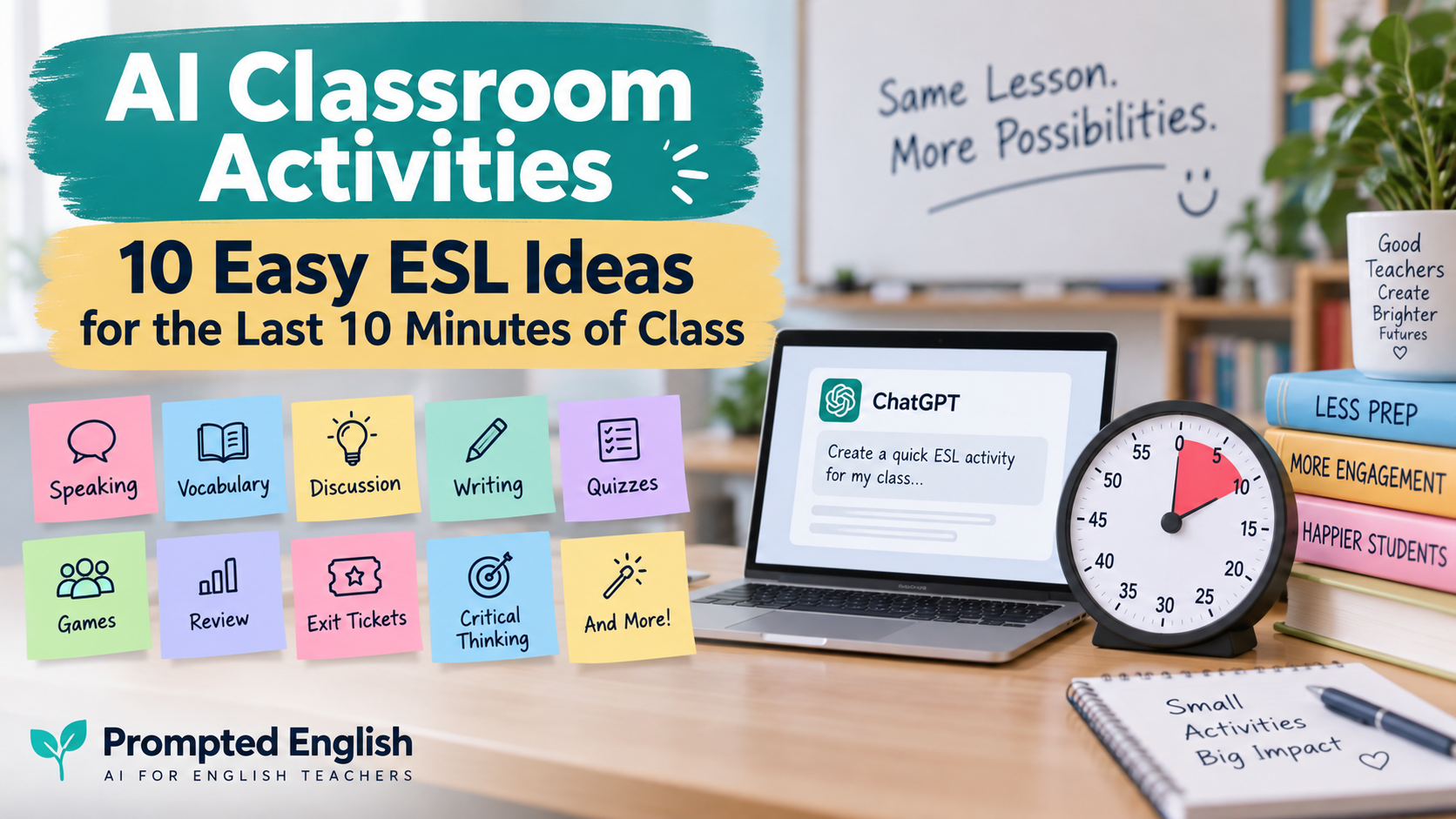
In this guide, you will find 10 quick AI classroom activities that English teachers can use during the final 5–10 minutes of class.
Each activity includes a copy-paste prompt you can adapt to your learners.
Why the Last 10 Minutes of an ESL Lesson Matter
The final minutes of a lesson are easy to underestimate.
Teachers sometimes use them for casual conversation, early packing, or simply waiting for the bell.
But those minutes can also help students:
- review vocabulary;
- retrieve what they learned;
- notice language errors;
- practise speaking;
- reflect on the lesson;
- connect ideas;
- leave class with a clear takeaway.
You do not need another full worksheet.
Sometimes you only need one focused task.
That is why short AI classroom activities work well here. AI can generate the material quickly, while you decide whether the activity fits your students and lesson aim.
1. The One-Minute Vocabulary Challenge
This activity works well after vocabulary, reading, listening, or topic-based lessons.
Ask AI to select key words from your lesson and turn them into a quick challenge.
Copy-paste prompt
Act as an ESL teacher.

Create a quick vocabulary challenge for [LEVEL] English learners.

Lesson topic:
[TOPIC]

Target vocabulary:
[PASTE WORDS]

Create 5 short challenges.

Include a mixture of:
- definitions;
- example sentences;
- synonyms;
- fill-in-the-blank sentences;
- short speaking questions.

The activity should take no more than 7 minutes.
Classroom idea
Divide students into pairs.
Read one challenge at a time.
Students earn one point for each correct answer.
For a more communicative version, ask students to use each vocabulary word in a sentence about themselves.
If you regularly turn vocabulary into printable practice, AI Worksheet Generator for English Teachers gives you a more complete worksheet workflow.
2. AI “Would You Rather?” for Speaking Practice
“Would you rather?” questions are useful because students usually understand the task immediately.
They also encourage students to:
- make choices;
- explain reasons;
- compare options;
- react to classmates.
Copy-paste prompt
Create 8 "Would you rather?" questions for [LEVEL] ESL learners.

Topic:
[TOPIC]

Make the questions:
- interesting;
- classroom-appropriate;
- easy to understand;
- likely to produce different opinions.

Avoid questions that require specialist knowledge.

After each question, add one simple follow-up question beginning with:
Why?
How?
or
What about...?
Example
For a lesson about travel:
Would you rather travel alone or with friends?
Follow-up:
Why?
Or:
Would you rather visit one country for a month or four countries in one week?
Ask students to move to different sides of the room depending on their answer.
Then choose one or two students to explain their choice.
This turns a simple question into a short speaking activity.
For more structured speaking prompts, use AI Discussion Questions Generator: 9 Easy Prompts for Better ESL Speaking.
3. Three Discussion Questions
Sometimes the simplest activity is the best one.
Ask AI to create just three strong discussion questions based on today’s lesson.
The important word is three.
You do not need twenty questions when there are only ten minutes left.
Copy-paste prompt
Create 3 ESL discussion questions for [LEVEL] learners.

Today's lesson topic:
[TOPIC]

Lesson aim:
[LESSON AIM]

Question 1:
Make it easy and personal.

Question 2:
Ask students to explain an opinion.

Question 3:
Make it slightly more challenging and require a reason or example.

Avoid yes/no questions.

Add one useful sentence starter for each question.
Classroom workflow
Give students one minute to think.
Then:
- discuss Question 1 with a partner;
- change partners for Question 2;
- discuss Question 3 in groups of three or four.
This gives the final minutes of class a clear structure without requiring additional materials.
4. Fix the Sentence
Error correction works very well as a short review activity.
You can ask AI to create sentences containing mistakes related to the grammar or vocabulary students studied.
Copy-paste prompt
Create a quick error-correction activity for [LEVEL] ESL learners.

Language point:
[GRAMMAR OR VOCABULARY TARGET]

Create 6 sentences.

Five sentences should contain one realistic learner error.

One sentence should be completely correct.

Include errors related to:
[EXAMPLE: verb forms, articles, word order, prepositions]

Provide the corrected answers separately.

Keep the language suitable for [LEVEL].
Example
If students studied the present perfect:
I have went to London twice.
Students correct:
I have been to London twice.
You can make this competitive.
Show one sentence.
Pairs have 20 seconds to find the mistake.
Then ask:
Why is it wrong?
That extra question moves students beyond guessing.
5. Guess the Word
This is one of the easiest AI classroom activities to reuse across levels.
AI can generate clues for vocabulary students have already studied.
Copy-paste prompt
Create a "Guess the Word" game for [LEVEL] English learners.

Topic:
[TOPIC]

Vocabulary:
[PASTE TARGET WORDS]

For each word, create 3 clues:
1. a general clue;
2. a clearer clue;
3. an easy final clue.

Do not include the target word inside the clues.

Provide the answers separately.
Example
Target word: pollution
Clue 1:
It is a problem in many large cities.
Clue 2:
Cars and factories can cause it.
Clue 3:
It makes air, water, or land dirty.
Students score three points if they guess after the first clue, two after the second, and one after the third.
It takes almost no preparation and works well with vocabulary from reading or listening lessons.
6. The Five-Minute Mini Debate
A mini debate works especially well with B1 and above.
Students do not need a formal debate structure.
They simply need:
- one clear statement;
- useful language;
- a few minutes to discuss.
Copy-paste prompt
Create a 5-minute mini debate for [LEVEL] ESL learners.

Topic:
[TOPIC]

Create:
1. one clear debate statement;
2. 3 arguments students might use to agree;
3. 3 arguments students might use to disagree;
4. 4 useful phrases for expressing opinions politely.

Make the topic classroom-appropriate and suitable for [LEVEL].
Example
Statement:
Students should be allowed to use smartphones during lessons.
Useful phrases:
I agree because…
I see your point, but…
In my opinion…
It depends on…
Divide the room into Agree and Disagree.
Give students one minute to prepare.
Then let both sides explain their ideas.
This is especially effective if the topic connects to the lesson students have just completed.
7. Five-Question Review Quiz
A short quiz is one of the easiest ways to check what students remember.
Instead of asking AI for a long quiz, ask for only five questions based on the lesson.
Copy-paste prompt
Create a 5-question review quiz for [LEVEL] ESL learners.

Today's lesson:
[DESCRIBE LESSON]

Target language or skill:
[TARGET]

Create:
1. one vocabulary question;
2. one grammar or language-use question;
3. one meaning or comprehension question;
4. one application question;
5. one short challenge question.

Provide the answers.

The quiz should take less than 7 minutes.
You can:
- read questions aloud;
- display them on the screen;
- let students answer in teams;
- ask students to write answers individually.
If you want more complete quiz formats, ESL Quiz Templates: AI Prompts for Grammar, Vocabulary, Reading, and Listening includes reusable workflows for longer assessments.
8. The ESL Exit Ticket
An exit ticket is one of the most useful ways to finish a lesson.
It tells you what students understood and where they may still need help.
Copy-paste prompt
Create a short ESL exit ticket for [LEVEL] learners.

Lesson topic:
[TOPIC]

Lesson aim:
[LESSON AIM]

Create 3 questions:

1. one question checking what students learned;
2. one question requiring students to use the target language;
3. one reflection question about what they found easy or difficult.

The exit ticket should take no more than 5 minutes.
Example
For a lesson about giving advice:
1. What expression did we practise today?
2. Give one piece of advice to someone who is tired.
3. What part of today’s lesson was most difficult for you?
You can collect answers on paper, ask students verbally, or use a simple digital form.
Exit tickets are especially useful because they help you plan the next lesson based on actual student responses.
9. Continue the Story
This activity adds creativity to the end of a lesson.
Give students the beginning of a short story and ask them to continue it.
AI can generate the opening based on the language students studied.
Copy-paste prompt
Create the beginning of a short story for [LEVEL] ESL learners.

Topic:
[TOPIC]

Target language:
[GRAMMAR OR VOCABULARY]

Write only 4-5 sentences.

End the story at an interesting moment.

Students should then continue the story by speaking or writing.

Make sure the story naturally encourages use of:
[TARGET LANGUAGE]
Example
For past simple and past continuous:
Maya was walking home when she noticed a small box beside the road. It was raining heavily, and nobody else was nearby. She picked up the box and heard something moving inside. Just then, her phone started ringing…
Students continue the story.
They can:
- write three sentences;
- tell a partner what happens next;
- create different endings in groups.
You can then ask groups to share the most interesting ending.
10. “Teach Me Something From Today’s Lesson”
This final activity requires almost no preparation.
It is also a powerful way to check whether students actually understood the lesson.
Instead of the teacher reviewing everything, students become the teachers.
You can use AI to create simple prompts.
Copy-paste prompt
Create a 5-minute student reflection activity for [LEVEL] ESL learners.

Today's lesson:
[TOPIC]

Create 5 short prompts beginning with ideas such as:

- Explain...
- Give an example of...
- Teach your partner...
- Correct...
- Use...

The prompts should help students demonstrate something they learned today.

Keep them simple and practical.
Students might receive prompts such as:
Teach your partner one new vocabulary word.
Give an example using today’s grammar.
Explain one rule from today’s lesson.
Correct one common mistake.
Ask your partner a question using today’s target language.
This activity is useful because students are retrieving information rather than simply hearing the teacher repeat it.
Which AI Classroom Activity Should You Use?
The best activity depends on what happened during the lesson.
If students learned new vocabulary, try:
Guess the Word or Vocabulary Challenge.
If the lesson focused on grammar, try:
Fix the Sentence.
If students need more speaking practice, use:
Would You Rather?, Three Discussion Questions, or a Mini Debate.
If you want to check learning, choose:
Five-Question Review Quiz or Exit Ticket.
If students need something creative, try:
Continue the Story.
If you want students to reflect, use:
Teach Me Something From Today’s Lesson.
The activity should support the lesson—not simply fill time.
A Useful Master Prompt for Any Spare 10 Minutes
You can also use one flexible prompt when you do not know which activity to choose.
Act as an experienced ESL teacher.

I have approximately 10 minutes left in my lesson.

Student level:
[LEVEL]

Today's topic:
[TOPIC]

Lesson aim:
[LESSON AIM]

What students have already done:
[BRIEF DESCRIPTION]

Suggest 5 possible final activities.

Each activity must:
- take 5-10 minutes;
- require little or no preparation;
- reinforce today's learning;
- be suitable for [LEVEL];
- involve students actively.

Include simple instructions for the teacher.

Recommend which activity is best and explain briefly why.
This turns AI into a quick brainstorming assistant rather than asking it to design your entire lesson.
For more structured planning, see Lesson Plan Generator: AI Prompts for Better ESL Lessons.
How to Improve AI-Generated Classroom Activities
Do not assume the first AI suggestion is automatically suitable.
You can improve the output with short follow-up prompts.
Make it easier
Simplify this activity for A2 learners.

Use shorter instructions, easier vocabulary, and more language support.
Make it more challenging
Adapt this activity for B2 learners.

Require longer answers, reasons, examples, and more independent language use.
Make it more communicative
Adapt this activity so students spend more time speaking to each other and less time listening to the teacher.
Reduce preparation
Rewrite this activity so the teacher needs no printed materials and can run it using only the board or projector.
Make it shorter
Adapt this activity so it can be completed in exactly 5 minutes.
Small follow-up prompts often turn a generic AI idea into something much more practical.
Common Mistakes When Using AI Classroom Activities
Mistake 1: Using an activity only because it looks fun
A classroom activity should ideally connect to the lesson aim.
Fun is useful.
Relevant fun is better.
Mistake 2: Generating too much material
If you have eight minutes left, you do not need twenty questions.
Ask AI for:
- three questions;
- five quiz items;
- one debate statement;
- six sentences.
Mistake 3: Failing to consider the learner level
AI might suggest a vocabulary or a set of instructions that would be too complex for the learners.
Always mention:
- A2;
- B1;
- B2;
- or another relevant level.
Mistake 4: Not allowing students time to think
Speaking activities work much better when the learners have 30-60 seconds to prepare beforehand.
Let the students have some time to think before speaking.
Mistake 5: Choosing irrelevant filler activities
The final ten minutes could be used to repeat or reinforce some information that the students have received during the lesson.
Think of:
What do I want the students to remember at the end of the lesson?
And choose the activity accordingly.
Mistake 6: Relying on AI-generated answers blindly
If AI creates examples of grammar, explanations of vocabulary, quiz answers, or any corrections, check them before using.
AI-generated classroom activities will be only drafts.
The teacher is still responsible for the final version.
A Simple 10-Minute ESL Routine
If you regularly finish the lessons with some free time, you can develop a routine.
For instance:
Minutes 1-2: Recall
Students write down three things that they remember from the lesson.
Minutes 3-6: Use
Students complete a short speaking, vocabulary, or grammar activity.
Minutes 7-9: Share
Students compare their answers with their partner.
Minute 10: Exit question
Ask the last question:
What is one thing from today’s lesson that you want to remember?
Such routine works great since the students complete the lesson by retrieving and using the information they have received.
How AI Classroom Activities Could Be Related to ESL Lessons in General
These short activities also could be easily connected to other resources.
If you started your lesson with a reading task, end it with AI-generated discussion questions by using Reading Worksheet Generator.
If you used a video in your lesson, end it with the short speaking activity from AI Video Question Maker.
If your lesson was based mostly on worksheets, use the final five minutes as a speaking or exit-ticket activity and not as the new worksheet.
If you need a broader help with your lesson planning, AI Teaching Assistant for English Teachers shows how AI could help teachers in the lesson planning while leaving the control over the lesson preparation to the teacher.
Quick Checklist for Using a Last-Minute AI Activity
Before starting the activity, ask yourself the following questions:
- Does this activity connect to today’s lesson?
- Could students understand the instructions quickly?
- Could it actually fit into the available time?
- Is the language appropriate for the students’ level?
- Will the students use English?
- Should I check any AI-generated answers first?
- Will I be able to stop the activity easily if time runs out?
If the answer to all these questions is yes, you could use the activity.
FAQ about AI Classroom Activities
What are AI classroom activities?
AI classroom activities are teaching tasks generated or adapted by the help of artificial intelligence. It includes quizzes, speaking questions, vocabulary games, writing prompts, error-correction tasks, exit tickets, and lesson reviews.
Can AI generate ESL classroom activities?
Yes. AI could generate activities for vocabulary, grammar, reading, listening, speaking, writing, and review lessons. The teacher should specify the level, the topic, the aim of the lesson, and the available time.
What could I do with the last 10 minutes of my ESL lesson?
You could use vocabulary challenges, speaking discussion, mini-debate, review quiz, error-correction task, exit ticket, storytelling, or student reflections.
What are some quick ESL activities with no preparation?
Quick no-preparation activities include Would You Rather, Guess the Word, Three Discussion Questions, Fix the Sentence, Mini Debate, and Teach Your Partner.
Can AI generate exit tickets for English lessons?
Yes. You just should tell AI your lesson aim, its topic, and the level of your students. Then you should ask it to create two or three short questions for your students.
Can AI generate classroom activities for different CEFR levels?
Yes. Just tell the AI whether your students are A1, A2, B1, B2, C1, or another level. You also could ask it to make the activity simpler or more difficult.
Should teachers use AI-generated activities without checking them?
No. Teachers should check AI-generated language, answers, instructions, difficulty, and appropriateness before using the activity with the students.
What is the best AI classroom activity for speaking?
Short discussion questions, Would You Rather, mini-debates, pair interviews, and follow-up questions are particularly good because they encourage students to use their own language.
Final Recommendation
The last ten minutes of an English lesson do not have to be wasted.
They also do not require another complex lesson plan.
With carefully designed AI classroom activities, you could turn these minutes into useful vocabulary practice, speaking, review, reflections, or assessment.
The best way to use AI in such cases is:
- Mention the level of your students;
- Explain today’s lesson topic and its aim;
- Specify exactly how much time you have;
- Ask AI to create a short activity;
- Review the output;
- Adapt the activity to your students;
- Let the students do the job.
AI will create the activity.
The teacher will decide whether this activity could be done during the last ten minutes of the lesson.