Tag: ESL Assessment

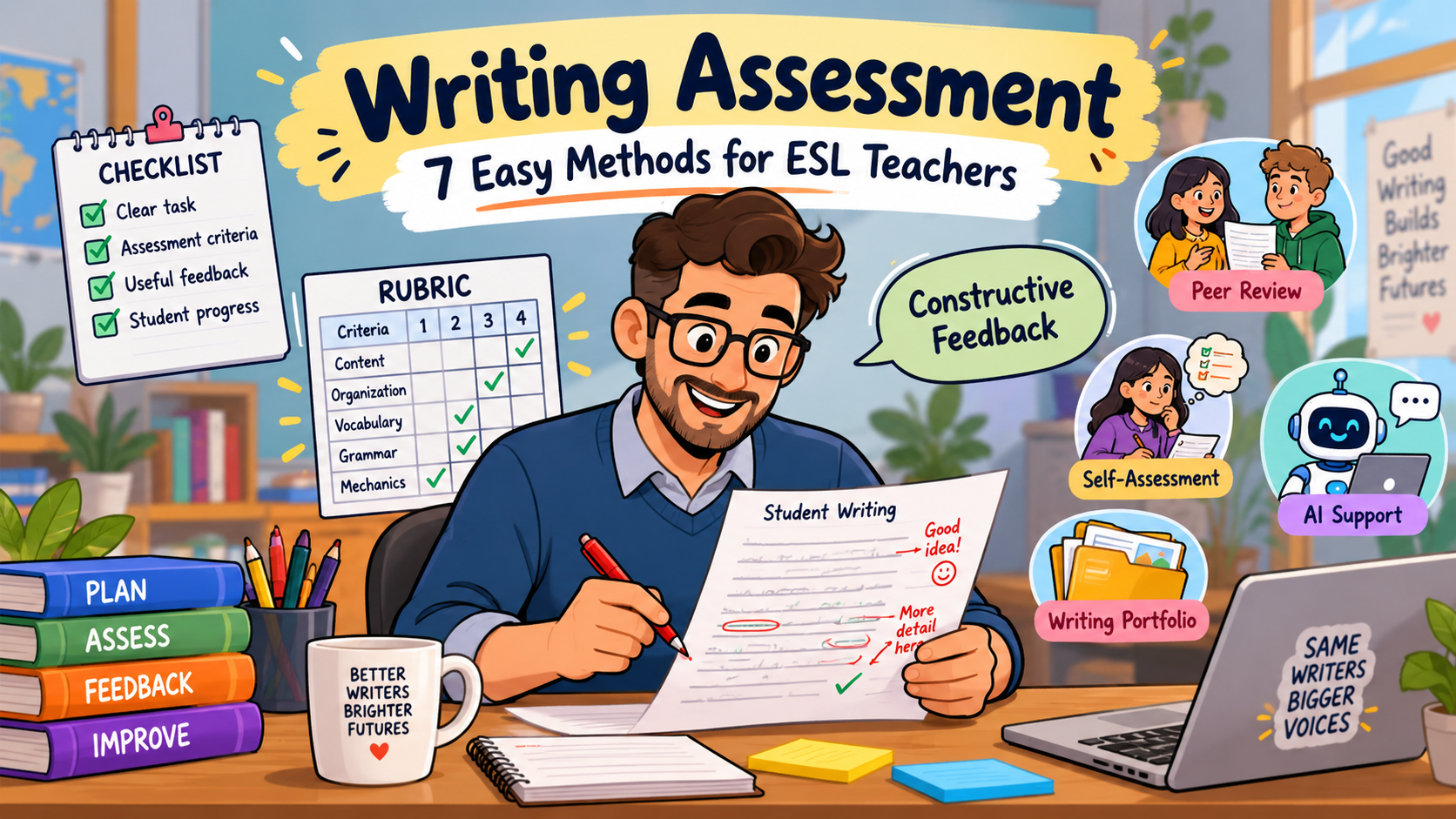
  • Writing Assessment: 7 Easy Methods for ESL Teachers

    Writing Assessment: 7 Easy Methods for ESL Teachers

    A student hands in a paragraph about a memorable holiday. The ideas are interesting, the meaning is clear, and the student has made a genuine effort to use new vocabulary.

    But the past-tense verbs are all over the place.

    What should you do? Take marks off for every error? Focus on the ideas? Correct the grammar? Or ask the student to revise the paragraph first?

    These are the everyday decisions behind writing assessment. And they’re not always straightforward, especially when your students are still learning how to express themselves in English.

    Effective assessment should help you understand what a student can already do, what needs attention, and what should happen next. A score might be part of that process, but a number on its own tells the student very little.

    The good news is that you don’t need an elaborate marking system to make better decisions. There are several practical writing assessment methods that work in ordinary ESL classrooms, including classes with limited time and mixed ability levels.

    In this article, we’ll explore seven approaches, from familiar rubrics to portfolios and AI-assisted feedback. We’ll also use the same example of student writing throughout, so you can see how different methods reveal different things about one piece of work.

    What Is Writing Assessment in ESL Teaching?

    Writing assessment is the process of collecting and interpreting evidence about a learner’s ability to communicate through writing.

    Sometimes that means grading a final essay or exam answer. At other times, it means reading a first draft, noticing a recurring problem, and deciding what to teach next.

    Those two purposes matter.

    Summative assessment looks at what students have achieved, usually at the end of a task, unit, or course. Formative assessment takes place during learning and provides information that can guide improvement.

    In an ESL classroom, good writing assessment considers more than grammar. Depending on the task, you might assess whether students have addressed the prompt, communicated successfully with the intended reader, organised their ideas, and used appropriate language.

    For example, Cambridge English’s B1 writing-assessment guide identifies four assessment areas: Content, Communicative Achievement, Organisation, and Language.

    These are useful dimensions to consider even when you’re not preparing students for a Cambridge examination.

    The important thing is to decide what matters for the particular writing task before you begin marking.

    One B1 Writing Sample, Seven Ways to Assess It

    Imagine you’ve given a B1 class the following assignment:

    Writing task: Your English-speaking friend Alex is visiting your city next month. Write an email recommending a place to visit. Explain what visitors can do there and why you like it. Write approximately 90–120 words.

    A student submits this email.

    Sample student response

    Hi Alex,

    You should visit the old market in my city. It is near the centre and there are many small shops. Last Saturday I go there with my sister and we buy some traditional cakes. The people was friendly and one seller tell us interesting stories.

    You can also take photos of the old buildings. I like the market because it is lively and you can learn about our culture. If you visit next month, I can take you there. I am sure you will enjoy it.

    See you,

    Samir

    This is a fictional student response created for illustration.

    There is plenty to like here. The writer answers the task, addresses the intended reader, and develops an understandable recommendation.

    There are also several tense and agreement errors:

    • I go instead of I went
    • we buy instead of we bought
    • the people was instead of the people were
    • one seller tell instead of one seller told

    Let’s see what happens when we assess this email in different ways.

    1. Analytic Rubrics: Assess Writing One Criterion at a Time

    An analytic rubric separates writing performance into individual criteria.

    Rather than giving a student one overall mark, you evaluate several dimensions independently.

    This is one of the most versatile writing assessment methods for ESL teachers because it makes the reasons behind a score more visible.

    For our B1 email, we could use this classroom rubric:

    CriterionMaximum
    Content and task completion4
    Communicative appropriateness4
    Organisation and coherence4
    Language range and accuracy4
    Total16

    Each criterion would need descriptors explaining what different scores mean.

    Here is an illustrative evaluation of Samir’s email.

    CriterionIllustrative scoreReason
    Content3/4Addresses the task and gives relevant details
    Communication3/4Friendly, understandable email with an appropriate tone
    Organisation3/4Ideas progress logically, though some connections could improve
    Language2/4Meaning is clear, but repeated verb-form errors reduce accuracy
    Total11/16Classroom illustration, not an official Cambridge grade

    Another teacher might make slightly different judgments. That is why the descriptors, task expectations, and consistent application of the rubric matter.

    The real value is the profile.

    Instead of telling Samir that his writing is simply “average,” you can show him that he is communicating successfully but needs more control over past-tense forms.

    When to use an analytic rubric

    Analytic rubrics are particularly useful for essays, emails, reports, stories, and other substantial writing assignments. They’re also helpful when students will revise their work, because they can see which criterion needs the most attention.

    If you want to build a rubric for a particular task, see our Rubric Creator guide for English teachers. You can also adapt the templates in our Free Rubric Maker guide.

    A practical warning: Don’t make your rubric more complicated than the assignment. A 100-word email rarely needs twelve separate marking categories.

    2. Holistic Scoring: Judge the Overall Quality

    Sometimes you need to assess a large number of short texts, or you simply want an overall impression of how successfully a student completed a writing task.

    That’s where holistic scoring can be useful.

    Instead of marking separate criteria, you assign one overall performance level based on a set of descriptions.

    For a classroom exercise, you might use a simple four-level scale:

    ScoreOverall description
    4Communicates fully and clearly, with few difficulties for the reader
    3Communicates successfully, despite noticeable language weaknesses
    2Communicates some ideas, but problems affect clarity or task completion
    1Communicates very little of the intended message

    Using this illustrative scale, Samir’s email might receive 3/4.

    Why?

    Because the message is understandable, the recommendation is relevant, and the reader would know where to go and what to expect.

    The grammar mistakes matter, but they do not prevent communication.

    Holistic scoring can be efficient. Its weakness is that it doesn’t tell Samir which part of his writing needs improvement unless you add feedback.

    It can also hide meaningful differences. Two students may receive the same score even though one struggles with organisation and the other with grammar.

    For that reason, I wouldn’t rely exclusively on holistic scoring when the main purpose is helping learners revise their writing.

    It has a place in writing assessment, but it’s not a complete feedback strategy.

    3. Formative Writing Assessment: Respond Before the Final Draft

    Here’s a question worth asking whenever you collect student writing:

    Is this piece of work finished, or is there still an opportunity to improve it?

    If students are going to revise their texts, marking every small error immediately may not be the most useful approach.

    You may achieve more by identifying one or two important problems and giving students time to address them.

    Consider Samir’s email.

    Instead of correcting all four verb errors, you could write:

    Your recommendation is clear, and you’ve included good reasons for visiting the market. Look again at the sentences beginning with “Last Saturday.” What tense should you use for these completed actions?

    The student now has something specific to investigate.

    In the next draft, he might change:

    Last Saturday I go there with my sister and we buy some traditional cakes.

    to:

    Last Saturday I went there with my sister and we bought some traditional cakes.

    That’s a small revision, but it shows learning.

    A simple formative assessment routine

    Try this sequence with a short writing assignment:

    1. Students write a first draft.
    2. You identify one clear strength and one priority for improvement.
    3. Students revise the relevant section.
    4. You check whether the revision addresses the feedback.

    You don’t necessarily need to assign a grade during this process.

    The Education Endowment Foundation’s guidance on teacher feedback emphasises feedback that moves learning forward and, importantly, planning opportunities for students to use it.

    That’s a useful principle for ESL writing assessment. Feedback has little value if students never have a chance to act on it.

    This approach is especially appropriate when you’re teaching students how to write, rather than only measuring their final performance.

    4. Portfolio Assessment: Look at Progress Across Several Tasks

    A single paragraph can tell you something about a student’s writing ability.

    It cannot tell you everything.

    Students have good days and difficult days. They may write confidently about familiar experiences but struggle with an unfamiliar genre. One assignment can reveal a problem without showing whether that problem is persistent.

    A writing portfolio gives you a longer view.

    Students collect selected pieces of writing over several weeks or months. These might include first drafts, revised drafts, different text types, and short reflections.

    Imagine Samir’s portfolio contains:

    • Week 1: a personal email
    • Week 3: a description of a memorable experience
    • Week 5: a short opinion paragraph
    • Week 7: a revised email with a reflection on improvements

    Rather than asking only, “How good is his latest paragraph?”, you can ask:

    Is he organising his ideas more clearly?

    Are past-tense errors becoming less frequent?

    Can he use feedback independently?

    Does he write effectively across different tasks?

    These are valuable questions, especially in courses where students are expected to develop writing ability over time.

    Keep the portfolio manageable

    A portfolio doesn’t have to contain every sentence a student has written.

    Three or four carefully selected pieces, each accompanied by a brief reflection, may be more useful than a folder full of unexamined assignments.

    You could ask students to finish each reflection with:

    One improvement I made in this piece was…

    One problem I still need to work on is…

    In my next writing task, I will focus on…

    Portfolio-based writing assessment makes progress easier to discuss. It also gives students evidence that their writing can improve through revision, not simply through completing more assignments.

    5. Peer Assessment: Teach Students to Read Like Writers

    If you’ve ever asked students to exchange paragraphs and “check each other’s work,” you’ll know the results can be unpredictable.

    Some learners correct every spelling mistake they notice.

    Others write “Good!” and hand the paper back.

    That doesn’t mean peer assessment is a bad idea. It usually means students need clearer guidance about what they’re supposed to look for.

    The British Council’s guidance on encouraging peer response offers practical ways to involve learners in commenting on one another’s writing, including its content and organisation.

    For Samir’s email, you could give a partner just three questions:

    Peer review card

    1. Does the writer recommend a clear place to visit?
    2. Can you find two reasons why the place is worth visiting?
    3. Is there one sentence you would like the writer to explain or improve?

    The partner might respond:

    I understand why you like the market. I especially like the detail about traditional cakes. Could you tell us what kind of cakes they were?

    This is a meaningful comment.

    It’s not a grade. It’s a reader asking the writer to make the message more interesting and specific.

    Introduce peer assessment gradually

    Model the process first with a sample paragraph. Demonstrate how to give specific feedback without being unkind or rewriting somebody else’s work.

    For early attempts, limit students to two strengths and one suggestion.

    You can introduce more detailed language checks later.

    Peer assessment can be especially valuable in large ESL classes, where providing extensive individual feedback on every draft is difficult. However, students’ comments should be monitored, and peer-generated scores should not automatically replace teacher judgments in high-stakes assessment.

    6. Self-Assessment: Help Students Recognise Their Own Progress

    Students often depend on the teacher to identify every problem.

    But imagine how much easier the writing process becomes when learners start noticing some of those problems independently.

    Self-assessment helps develop that habit.

    Rather than simply asking students, “Is your writing good?”, give them a checklist connected to the assignment.

    For Samir’s email, the checklist could look like this:

    B1 Email Self-Assessment Checklist

    • I recommended a specific place.
    • I explained what visitors can do there.
    • I gave at least one reason for my recommendation.
    • I used an appropriate opening and closing.
    • My ideas are in a logical order.
    • I checked verbs referring to past events.
    • I reread my email from the reader’s point of view.

    Notice that the checklist doesn’t ask students to judge everything at once.

    It directs their attention to the actual task.

    You could also ask them to underline the sentence they’re most satisfied with and circle one sentence they’d like to improve.

    Samir might underline:

    I like the market because it is lively and you can learn about our culture.

    Then circle:

    Last Saturday I go there with my sister…

    That gives you a useful starting point for a conversation about revision.

    The Council of Europe’s CEFR descriptors can also inform student-friendly self-assessment statements about what learners can do at different proficiency levels.

    The goal is not to make students perfectly accurate judges of their own writing overnight. It is to make assessment criteria more understandable and give learners greater responsibility for improvement.

    7. AI-Assisted Writing Assessment: Use Technology to Support Teacher Judgment

    AI can be helpful when you’re reviewing student writing, particularly if you need to identify repeated language problems or generate practice based on feedback.

    But I would be cautious about using it as an automatic examiner.

    An AI-generated score may appear precise, even when the underlying judgment is questionable. It may misunderstand the assignment, overcorrect acceptable language, or give different feedback when the same work is submitted again.

    For that reason, I recommend using AI primarily for preliminary analysis, feedback drafting, and revision support, not as the sole authority for grades.

    Example: Analysing Samir’s email with AI

    You could paste the fictional email into an AI tool and use this prompt:

    Act as an experienced B1 ESL writing teacher.

    Review the following student email against these criteria:

    • Content and task completion
    • Communicative appropriateness
    • Organisation
    • Language range and accuracy

    First identify two specific strengths.

    Then identify up to three recurring problems that would be useful for the student to revise.

    Explain your observations using short examples from the text.

    Do not assign a final grade. Do not rewrite the entire email.

    If a point is uncertain, say so.

    Writing task: [PASTE TASK]

    Student response: [PASTE ANONYMISED RESPONSE]

    You would then review the suggestions yourself.

    For example, the tool may notice the incorrect past-tense forms. You can check those observations and decide whether to address all of them or focus on the most important pattern.

    Turn feedback into practice

    AI can also help you create a targeted follow-up activity.

    After identifying the past-tense issue, you could ask:

    Create five short exercises for B1 students practising irregular past-tense verbs in the context of describing visits and experiences. Include an answer key, followed by two personalised writing questions.

    This creates a connection between assessment and the next learning activity.

    For a more detailed AI feedback workflow, read our AI Writing Feedback guide. If you want to generate task-specific marking criteria, our AI Rubric Generator guide covers that separately.

    A privacy reminder: Don’t upload identifiable student work to external AI tools without the required institutional authorisation and an appropriate basis for handling that information. For classroom use, anonymised or fictional examples are often the safer starting point.

    AI-assisted writing assessment is most useful when it saves teachers time on preliminary work while leaving the important educational decisions with them.

    Which Writing Assessment Method Should You Choose?

    You don’t need to use all seven methods for every assignment.

    In fact, that would probably make your marking workload worse.

    Choose according to what you need to find out.

    Your main goalMethod to consider
    Give a detailed, criterion-based gradeAnalytic rubric
    Make an overall judgment efficientlyHolistic scoring
    Improve a draft before submissionFormative assessment
    Track development over timePortfolio
    Develop audience awareness and collaborationPeer assessment
    Build student independenceSelf-assessment
    Speed up preliminary analysis or draft feedbackAI-assisted review

    These approaches can work together.

    For example, you might give students a self-assessment checklist before submission, use an analytic rubric to evaluate the completed writing, and ask them to revise one area based on your feedback.

    That’s already a fairly rich assessment process.

    There’s no need to make it more elaborate unless the learning objective justifies it.

    How to Create a Simple Writing Assessment Rubric

    If you haven’t built a rubric before, start with the assignment rather than a complicated template.

    Let’s use the B1 email task again.

    First, identify the main expectations. Students must recommend a place, explain why they like it, write appropriately to a friend, and use understandable English.

    Then translate those expectations into criteria.

    A simple four-criterion rubric might use:

    Content: Has the student addressed all important parts of the task?

    Communication: Is the tone and style appropriate for the intended reader?

    Organisation: Can the reader follow the ideas easily?

    Language: Are the vocabulary and grammar suitable and sufficiently accurate?

    Next, decide what stronger and weaker performance would look like.

    For a four-point content criterion, for example:

    ScoreContent descriptor
    4All parts of the task are addressed with relevant supporting detail
    3Main requirements are met, with some supporting detail
    2Some requirements are addressed, but important information is missing
    1Very little relevant information is communicated

    This is an illustrative classroom scale, not a standardised examination rubric.

    If you are preparing students for a specific examination, use the official assessment criteria instead.

    The key is that your descriptors should describe observable differences in performance. Words like “excellent,” “good,” and “weak” mean very little unless students understand what those judgments involve.

    How to Give Writing Feedback Students Can Actually Use

    A marked paper isn’t necessarily a useful paper.

    Imagine receiving this comment:

    Good effort. Improve your grammar.

    You would know the teacher was dissatisfied with something, but you wouldn’t know exactly what to change.

    Now compare:

    You included relevant details and your recommendation is easy to understand. Check the past-tense verbs in the sentences about last Saturday. Revise those sentences before submitting the final version.

    The second comment is actionable.

    It identifies a strength, names a specific issue, and gives the student a next step.

    That doesn’t mean every sentence needs a detailed explanation.

    In fact, feedback can become overwhelming when teachers correct too much at once.

    The Education Endowment Foundation’s evidence review on feedback emphasises information that helps learners understand how to improve and provides opportunities to act on it.

    For practical ESL writing assessment, I’d use three questions when reviewing your own comments:

    1. Does the student know what they’ve done successfully?
    2. Do they know what to improve next?
    3. Will they have an opportunity to use the feedback?

    If the answer to the third question is no, consider whether the assignment needs a short revision stage.

    A Manageable Writing Assessment Routine for Busy ESL Teachers

    Assessing thirty essays is different from assessing five.

    Even a well-designed rubric becomes exhausting if you try to write detailed comments on every criterion for every student.

    Here’s a routine that can help keep the work manageable.

    Before students write

    Share the task expectations and a short example of successful performance.

    During drafting

    Use quick formative checks. If several students are struggling with the same issue, address it with the class rather than writing the same comment repeatedly.

    Before submission

    Give students a short self-assessment checklist.

    During marking

    Use consistent criteria and focus your individual comments on the most important strengths and revision priorities.

    After returning work

    Allow time for students to revise at least one aspect of their writing.

    You might also keep a private note of recurring problems across the class. If twelve students struggle with paragraph organisation, that may suggest a useful focus for the next lesson.

    This is where writing assessment becomes more than a grading task. The information you collect helps you decide what to teach.

    Common Writing Assessment Mistakes to Avoid

    Correcting every error at once

    A page covered in corrections can discourage students and make it difficult to decide what to fix first. Prioritise errors that most affect the learning objective or communication.

    Changing the criteria after reading the work

    Students deserve to know what counts before they submit the assignment. Establish expectations in advance, especially for graded tasks.

    Overvaluing grammatical accuracy

    Accuracy matters, but an error-free paragraph that ignores the assignment is not necessarily better than a well-developed response containing a few language mistakes.

    Giving feedback that students cannot act on

    Comments should point toward a manageable improvement, not simply describe what is wrong.

    Treating peer and self-assessment as automatic

    Students need examples, clear criteria, and practice before they can give useful judgments.

    Trusting AI-generated scores too easily

    A detailed explanation from an AI tool can sound authoritative without being sufficiently reliable for grading. Check its claims against the task, rubric, and student’s actual text.

    Using one assessment method for every purpose

    A final examination, a first draft, and a semester-long writing portfolio serve different purposes. Their assessment procedures should reflect that.

    Writing Assessment Checklist for Teachers

    Before assessing your next ESL writing assignment, check the following.

    • The task has a clear communicative purpose.
    • Students understand what successful writing should include.
    • The assessment criteria match the assignment.
    • I am judging content and communication as well as language accuracy.
    • Any scores are based on consistent descriptors.
    • Feedback identifies specific, manageable improvements.
    • Students have an opportunity to act on feedback when appropriate.
    • I can use the results to inform future teaching.
    • Any AI assistance complies with student privacy and institutional requirements.

    You can adapt this checklist for emails, narratives, descriptions, reports, or essays.

    For narrative assignments in particular, a planning tool can prevent some organisational problems before they appear. See our Narrative Writing Graphic Organizer guide for five practical templates.

    Frequently Asked Questions About Writing Assessment

    What is writing assessment in ESL?

    Writing assessment is the process of evaluating how effectively English language learners communicate through written text. It can involve grading completed assignments, reviewing drafts, giving formative feedback, or examining progress across multiple writing tasks.

    What are the main criteria for assessing writing?

    Common criteria include content, communicative effectiveness, organisation, vocabulary, grammar, and overall language control. The criteria should depend on the writing task and the purpose of assessment.

    What is the difference between analytic and holistic writing assessment?

    Analytic assessment gives separate judgments for individual criteria, such as content and language. Holistic assessment gives one overall judgment of the complete piece of writing. Analytic approaches generally provide a more detailed performance profile, while holistic scoring can be quicker.

    How do you assess writing at B1 level?

    Start with a task suitable for B1 learners and clear descriptors. Consider whether students communicate the necessary content, use an appropriate style, organise ideas coherently, and demonstrate suitable language control. Cambridge English publishes a detailed B1 writing-assessment guide that teachers can consult for examination-specific criteria.

    What is formative writing assessment?

    Formative writing assessment takes place while learning is still developing. Teachers identify strengths and areas for improvement, provide feedback, and create opportunities for students to revise or apply what they’ve learned.

    Can students assess their own writing?

    Yes. Students can use checklists, rubrics, examples, and reflection questions to examine their work. Self-assessment becomes more useful when criteria are specific and teachers model how to apply them.

    Is peer assessment reliable for ESL writing?

    Peer assessment can support learning, but the quality of students’ judgments depends on their understanding of the criteria and the preparation they receive. It is particularly useful for feedback and revision, while formal grading may require additional teacher oversight.

    Can ChatGPT assess student writing?

    ChatGPT can help identify possible language issues, draft feedback, suggest rubric criteria, and create revision exercises. However, generated assessments may contain errors or inconsistencies. Teachers should review the suggestions and remain responsible for consequential grading decisions.

    Which writing assessment method is best?

    There isn’t one method that is best for every situation. Analytic rubrics work well for detailed grading, formative assessment for revision, portfolios for tracking development, and peer or self-assessment for increasing learner involvement. The strongest choice depends on your objective.

    Final Thoughts

    A student can write a grammatically imperfect paragraph and still communicate something meaningful.

    Another student can produce nearly flawless sentences and fail to answer the assignment.

    If our assessment looks only at errors, we risk missing that difference.

    The purpose of writing assessment is to understand what learners can do with written English, where they need support, and how we can help them move forward.

    You don’t need to abandon grades or rubrics to achieve that. You simply need to use them thoughtfully.

    Begin with clear criteria. Choose an assessment method that fits the task. Give feedback students can understand. And wherever possible, let them do something with that feedback.

    For your next writing assignment, try changing just one part of the process. Perhaps students complete a self-assessment checklist before submitting. Perhaps you comment on two priorities instead of correcting everything. Or perhaps you keep a first and final draft so progress becomes visible.

    Small changes are often enough to make assessment more informative—and more useful to the people doing the writing.

    Free resource for English teachers

    Want ready-made rubrics and practical feedback templates for your next ESL writing assignment?

    Get the Free Rubric & Feedback Templates for English Teachers, including writing and speaking rubrics, student checklists, AI prompts, and feedback examples you can adapt to your classes.
  • Online Multiple Choice Questions: 9 Easy Ways to Create Better ESL Quizzes

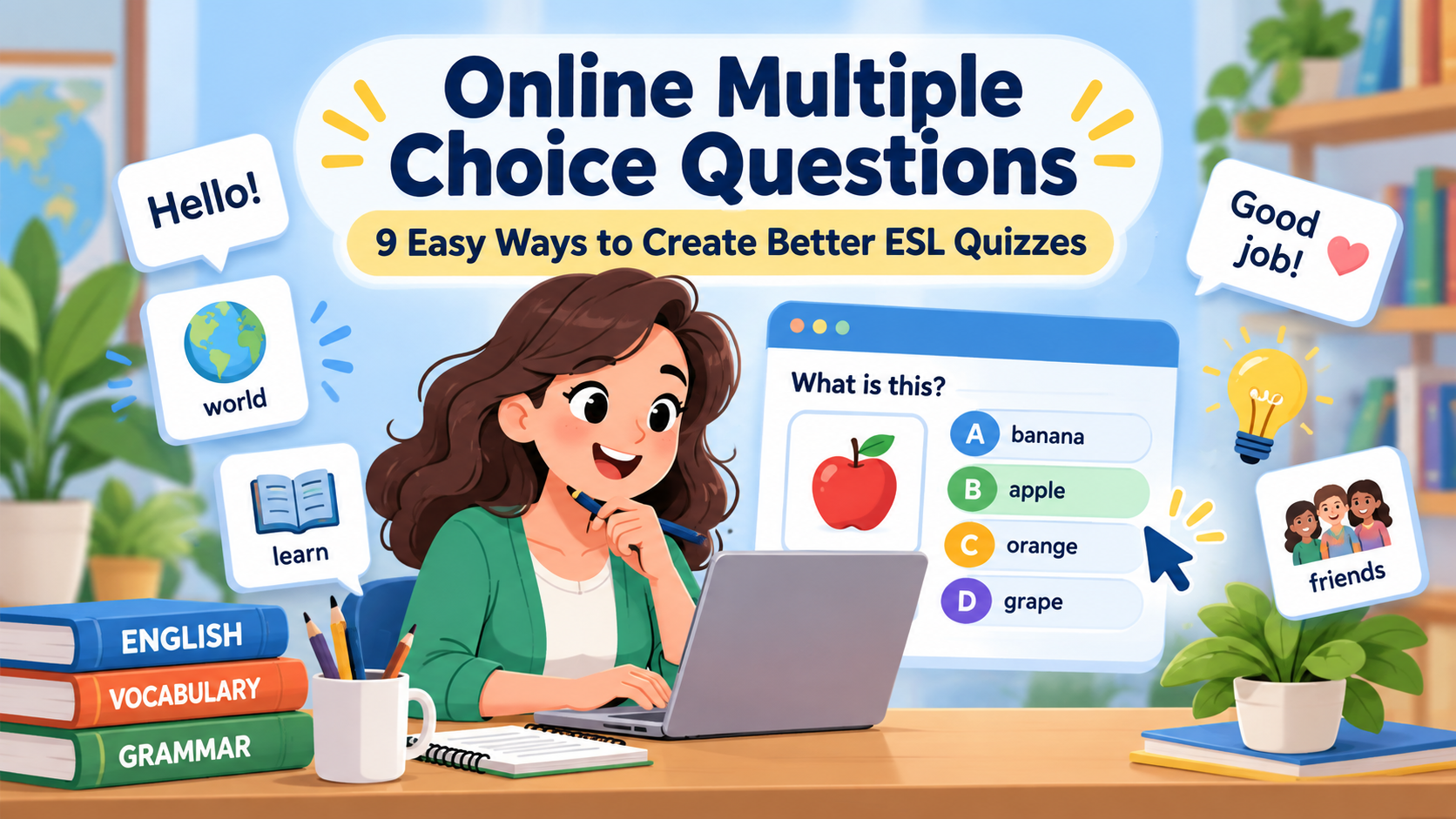
    Online Multiple Choice Questions: 9 Easy Ways to Create Better ESL Quizzes

    Online multiple choice questions can help English teachers check vocabulary, grammar, reading, listening, and language use quickly.

    But creating a useful multiple-choice quiz is not simply a matter of writing one correct answer and three random wrong answers.

    Good online multiple choice questions should make students think about the language or skill being assessed. The question should be clear, the correct answer should be defensible, and the distractors should be believable enough to reveal what students actually understand.

    That distinction becomes especially important when teachers use AI to generate quizzes. AI can produce a large number of questions quickly, but those questions still need teacher review.

    OpenAI’s guidance for educators similarly recommends treating generated material as a starting point rather than assuming that every output is automatically correct or appropriate for a particular class. OpenAI’s guidance for educators using ChatGPT

    In this guide, you will learn nine practical ways to create better online multiple choice questions, along with ESL examples and copy-paste AI prompts.

    If you want a broader bank of ready-to-use quiz prompts, see ESL Quiz Templates: AI Prompts for Grammar, Vocabulary, Reading, and Listening.


    What Are Online Multiple Choice Questions?

    Online multiple choice questions ask students to select an answer from a set of possible options in a digital quiz, form, learning platform, or assessment tool.

    A typical item contains:

    Stem: the question or incomplete sentence.

    Correct answer: the best answer.

    Distractors: incorrect alternatives designed to be plausible.

    For example:

    She _____ to university every morning.

    A. go
    B. goes
    C. going
    D. gone

    The correct answer is goes.

    The other answers are not random. Each represents a possible learner error.

    That is what makes the item useful.

    The British Council describes multiple-choice items as questions in which learners choose from several provided options, and notes that they can be designed so students identify the best answer rather than merely an obviously correct one. British Council: Multiple choice in language teaching


    1. Start Every Question with One Clear Learning Objective

    Before creating online multiple choice questions, decide exactly what you want to measure.

    Do not begin with:

    I need ten quiz questions.

    Begin with:

    I need ten questions that check whether B1 students can distinguish the past simple from the present perfect.

    That small change makes the quiz more focused.

    A question should normally test one main thing.

    For example, if the lesson objective is:

    Students can choose the correct past tense in a completed past-time context.

    A suitable item could be:

    We _____ the museum last Saturday.

    A. visit
    B. have visited
    C. visited
    D. are visiting

    Here, the phrase last Saturday provides a clear past-time context.

    The item directly tests the target language.

    A weaker question would include unnecessarily difficult vocabulary that distracts students from the grammar point.

    AI prompt

    Act as an experienced ESL assessment designer.
    
    Student level:
    [LEVEL]
    
    Learning objective:
    [OBJECTIVE]
    
    Create 8 online multiple choice questions that assess only this objective.
    
    For each question:
    - provide one correct answer;
    - provide three plausible distractors;
    - keep vocabulary appropriate for [LEVEL];
    - avoid testing unrelated language;
    - include the correct answer separately.
    
    Do not make the correct option noticeably longer than the distractors.

    When generating online multiple choice questions, defining the objective first is one of the easiest ways to prevent a quiz from becoming a collection of unrelated items.


    2. Write Clear Question Stems

    The stem should tell students exactly what they need to do.

    Avoid unnecessary wording.

    Compare these two examples.

    Weak

    Considering everything that we discussed in today’s lesson concerning the grammatical forms used to express situations that occurred at a particular time in the past, which of the following sentences would be considered grammatically correct?

    Better

    Which sentence is correct?

    The second version measures English rather than the student’s ability to decode the teacher’s instructions.

    For ESL learners, especially at lower levels, complicated instructions can distort assessment results.

    A student might understand the target grammar but misunderstand the question.

    Example

    Instead of:

    Which one of these alternatives would be considered the most suitable lexical selection to complete the sentence below?

    Use:

    Choose the best word.

    Then give the sentence.

    A useful rule

    When writing online multiple choice questions, try reading the stem without the answer choices.

    Students should still understand what they are being asked.


    3. Make Sure There Is One Clearly Best Answer

    One common problem with online multiple choice questions is accidental ambiguity.

    Consider:

    I _____ football yesterday.

    A. played
    B. enjoyed
    C. watched
    D. liked

    Depending on the intended meaning, several answers could work.

    That makes the item difficult to score fairly.

    Now compare:

    I _____ football with my friends yesterday.

    A. played
    B. made
    C. did
    D. took

    Played is clearly the best answer.

    Before publishing a question, ask:

    • Could another option also be correct?
    • Does the sentence contain enough context?
    • Am I testing the intended language point?
    • Would two experienced teachers choose the same answer?

    If not, revise the item.

    This is particularly important when AI generates online multiple choice questions, because grammatically possible alternatives can occasionally appear among the supposed distractors.


    4. Use Plausible Distractors

    Distractors are what make online multiple choice questions diagnostically useful.

    Consider:

    My sister _____ coffee every morning.

    A. drinks
    B. elephant
    C. yesterday
    D. quickly

    Only one option can grammatically fit.

    Students do not need to understand third-person singular -s. They only need to notice that three options are impossible.

    A better version is:

    My sister _____ coffee every morning.

    A. drink
    B. drinks
    C. drinking
    D. drank

    Now every distractor reflects a possible learner error.

    Sources of useful distractors

    You can build distractors from:

    • common grammatical errors;
    • similar vocabulary;
    • incorrect word forms;
    • confusing collocations;
    • false friends;
    • tense confusion;
    • spelling mistakes;
    • errors you have already observed in class.

    Vocabulary example

    We need to _____ a decision soon.

    A. make
    B. do
    C. create
    D. build

    The distractors are believable because students may know all four verbs.

    The item therefore tests knowledge of the collocation make a decision.

    The British Council specifically notes that multiple-choice questions can be useful for distinctions involving collocation, connotation, and formality when learners must select the best alternative.

    AI prompt for stronger distractors

    Act as an ESL assessment designer.
    
    Student level:
    [LEVEL]
    
    Correct answer:
    [ANSWER]
    
    Question:
    [QUESTION]
    
    Create three plausible distractors.
    
    The distractors should represent realistic errors that [LEVEL] English learners might make.
    
    Avoid:
    - obviously ridiculous options;
    - answers from unrelated word classes;
    - options much longer or shorter than the correct answer.
    
    Explain briefly what misconception each distractor represents.

    This prompt can significantly improve AI-generated online multiple choice questions.


    5. Avoid Giving Students Accidental Clues

    Sometimes students can answer online multiple choice questions without knowing the language because the question itself contains clues.

    Clue 1: One answer is much longer

    A. went
    B. saw
    C. made
    D. had been travelling to the city

    Students may assume D is correct simply because it looks more detailed.

    Clue 2: Grammar reveals the answer

    She bought _____ umbrella.

    A. a
    B. an
    C. some
    D. many

    This is fine if the target is articles.

    But if you are trying to test vocabulary related to weather, the article an may unintentionally reveal the answer.

    Clue 3: Repeated wording

    If the reading text says:

    The company decided to postpone the meeting because of severe weather.

    and the question asks:

    Why did the company postpone the meeting?

    A. Because of severe weather
    B. Because employees were tired
    C. Because the building was closed
    D. Because the manager was travelling

    Students can simply match identical wording.

    For stronger reading assessment, paraphrase the answer.

    A. Dangerous weather conditions made the meeting difficult to hold.

    That requires more comprehension.

    Clue 4: Correct answers follow a pattern

    If the answer sequence is:

    A
    B
    C
    D
    A
    B
    C
    D

    students may notice the pattern.

    Randomise the order when appropriate.


    6. Match the Question Type to the Language Skill

    You can use online multiple choice questions for much more than grammar.

    Cambridge English assessment formats, for example, use multiple-choice tasks across reading and listening, including questions based on longer texts and recordings. Cambridge English example assessment formats

    Here are several classroom applications.

    Vocabulary

    The word exhausted is closest in meaning to:

    A. very tired
    B. very angry
    C. very excited
    D. very hungry

    Grammar

    If I _____ more time, I would learn another language.

    A. have
    B. had
    C. will have
    D. am having

    Reading

    After a short text:

    Why did Lina decide to leave early?

    A. She felt unwell.
    B. She had finished her work.
    C. Her friend called her.
    D. The building was closing.

    Listening

    After students hear a conversation:

    What are the speakers mainly discussing?

    A. changing their travel plans
    B. buying a new car
    C. preparing for an exam
    D. choosing a restaurant

    Language use

    Which sentence sounds most natural?

    A. I made my homework.
    B. I did my homework.
    C. I created my homework.
    D. I worked my homework.

    Pragmatics

    Your classmate says, “I’m really nervous about tomorrow’s presentation.”

    Which response is most appropriate?

    A. Never mind.
    B. That’s impossible.
    C. I’m sure you’ll do well.
    D. You are nervous yesterday.

    This variety prevents online multiple choice questions from becoming nothing more than grammar drills.

    For listening and video assessment ideas, see AI Video Question Maker: 9 Prompts for Better ESL Listening Lessons.


    7. Include Some Questions That Require Thinking

    Not every question should test simple recall.

    Students can also interpret, compare, infer, or apply information.

    Compare:

    Recall question

    Where did the character go?

    Inference question

    Why was the character probably worried?

    The second question requires students to combine information from the text.

    You can therefore mix easier online multiple choice questions with questions that require deeper processing.

    A simple reading quiz could contain:

    • 2 gist questions;
    • 3 detail questions;
    • 2 vocabulary-in-context questions;
    • 2 inference questions;
    • 1 main-idea question.

    That creates a more balanced assessment.

    AI prompt

    Act as an experienced ESL reading assessment designer.
    
    Student level:
    [LEVEL]
    
    Reading text:
    [PASTE TEXT]
    
    Create 10 online multiple choice questions.
    
    Include:
    - 2 gist questions;
    - 3 detailed comprehension questions;
    - 2 vocabulary-in-context questions;
    - 2 inference questions;
    - 1 main-idea question.
    
    Each question should have:
    - one clearly correct answer;
    - three plausible distractors;
    - an answer key;
    - a one-sentence explanation.
    
    Avoid copying full sentences directly from the text into the correct answers.

    If you are building reading materials first, you can combine this with Reading Worksheet Generator: 7 AI Prompts for Better ESL Reading Lessons.


    8. Add Feedback Instead of Showing Only a Score

    One advantage of digital assessment is that online multiple choice questions can potentially become learning activities rather than simple tests.

    Instead of showing:

    Incorrect.

    provide something more useful:

    Correct answer: B — has lived

    We use the present perfect because the situation began in the past and continues now.

    That feedback helps students understand why the answer was wrong.

    Google Forms, for example, allows teachers to turn a form into a quiz, identify correct answers, assign points, and add answer feedback. Teachers can also control which information respondents see after the quiz. Google’s official guide to creating quizzes in Google Forms

    AI prompt for feedback

    For the following online multiple choice questions, create concise feedback for each item.
    
    Student level:
    [LEVEL]
    
    Questions:
    [PASTE QUESTIONS]
    
    For every question provide:
    
    Correct answer:
    [ANSWER]
    
    Explanation:
    Explain why the correct option works in 1-2 sentences.
    
    Common mistake:
    Explain why students might choose the most tempting distractor.
    
    Keep explanations appropriate for [LEVEL].

    This is particularly useful for self-study or low-stakes revision quizzes.


    9. Review AI-Generated Questions Before Publishing

    AI can generate online multiple choice questions quickly, but speed does not guarantee assessment quality.

    Before publishing, check:

    • Is the correct answer actually correct?
    • Could another answer also work?
    • Are the distractors plausible?
    • Is the vocabulary appropriate?
    • Does the question match the learning objective?
    • Is there an accidental clue?
    • Is the answer key correct?
    • Is the difficulty suitable?
    • Does the question require information students were actually taught?

    OpenAI’s educator guidance explicitly reminds teachers that model-generated information can be incorrect and that educators should review outputs based on their knowledge of their own class.

    AI quality-check prompt

    Act as an experienced ESL assessment reviewer.
    
    Review these online multiple choice questions:
    
    [PASTE QUESTIONS]
    
    For each question check:
    
    1. Is the stem clear?
    2. Is there exactly one best answer?
    3. Are the distractors plausible?
    4. Are there accidental clues?
    5. Is the vocabulary appropriate for [LEVEL]?
    6. Does the question assess the intended objective?
    7. Is the answer key correct?
    
    Rewrite only questions that genuinely need improvement.
    
    Explain each change briefly.

    This second-pass workflow is usually better than accepting the first AI-generated quiz unchanged.


    Example: Weak vs Better Online Multiple Choice Questions

    The difference between weak and effective online multiple choice questions becomes clearer when you compare them directly.

    Vocabulary

    Weak

    What does enormous mean?

    A. big
    B. sandwich
    C. yesterday
    D. walk

    Better

    The apartment was enormous. It had six bedrooms and three living rooms.

    What does enormous mean?

    A. extremely large
    B. unusually quiet
    C. very expensive
    D. recently built

    The second version provides context and believable alternatives.


    Grammar

    Weak

    Choose the past tense.

    A. go
    B. went
    C. going
    D. goes

    Better

    We _____ to the beach last Sunday.

    A. go
    B. went
    C. have gone
    D. are going

    The improved version requires students to interpret time context.


    Reading

    Weak

    Text:

    Tom missed the bus because he woke up late.

    Question:

    Why did Tom miss the bus?

    A. Because he woke up late
    B. Because he woke up early
    C. Because he likes buses
    D. Because he ate a sandwich

    Better

    What caused Tom to miss the bus?

    A. He did not get up on time.
    B. The bus arrived earlier than expected.
    C. He decided to walk instead.
    D. The bus route had changed.

    The stronger item tests comprehension rather than simple word matching.


    AI Prompts for Creating Online Multiple Choice Questions

    The following prompts can help you generate online multiple choice questions for common ESL teaching tasks.

    Vocabulary prompt

    Create 10 online multiple choice questions for [LEVEL] ESL students.
    
    Target vocabulary:
    [WORDS]
    
    For each item:
    - place the target word in a natural context;
    - ask students to identify meaning, usage, or collocation;
    - include one correct answer and three plausible distractors;
    - avoid dictionary-style questions where possible.
    
    Provide a separate answer key.

    Grammar prompt

    Create 10 online multiple choice questions for [LEVEL] students.
    
    Target grammar:
    [GRAMMAR POINT]
    
    Use meaningful sentence contexts.
    
    Distractors should reflect common learner errors.
    
    Do not make every question follow the same sentence pattern.
    
    Provide:
    - correct answer;
    - short explanation;
    - misconception represented by each distractor.

    Reading prompt

    Create 8 online multiple choice questions from this reading text:
    
    [PASTE TEXT]
    
    Student level:
    [LEVEL]
    
    Include:
    - gist;
    - detail;
    - vocabulary in context;
    - inference.
    
    Use three or four options per question.
    
    Paraphrase the correct answer instead of copying complete phrases from the text.
    
    Provide an answer key.

    Listening prompt

    Create online multiple choice questions from this listening transcript.
    
    Student level:
    [LEVEL]
    
    Transcript:
    [PASTE TRANSCRIPT]
    
    Create:
    - 2 gist questions;
    - 4 detail questions;
    - 2 inference questions.
    
    Each question should include:
    - one correct answer;
    - three plausible distractors.
    
    Do not ask about information that cannot be heard or reasonably inferred.

    Rewrite weak questions

    Improve these online multiple choice questions:
    
    [PASTE QUESTIONS]
    
    Keep the same learning objectives.
    
    Improve:
    - stem clarity;
    - distractor quality;
    - level appropriateness;
    - answer balance;
    - context.
    
    Remove accidental clues.
    
    Make sure every item has exactly one best answer.

    Differentiate a quiz

    Adapt these online multiple choice questions for a mixed-level ESL class.
    
    Original level:
    [LEVEL]
    
    Questions:
    [PASTE QUIZ]
    
    Create:
    
    SUPPORT VERSION
    - simpler wording;
    - more context;
    - slightly easier distractors.
    
    CORE VERSION
    - retain the original difficulty.
    
    CHALLENGE VERSION
    - more subtle distractors;
    - greater inference or language discrimination.
    
    Keep the same learning objectives across all versions.

    For more reusable teaching prompts, see ChatGPT Prompts for ESL Teachers: 30 Powerful Prompts by Language Skill.


    How to Put Online Multiple Choice Questions into Google Forms

    After you create the questions, you need somewhere students can answer them.

    Google Forms is one simple option for online multiple choice questions.

    According to Google’s current documentation, teachers can turn a form into a quiz, add question types, specify correct answers, assign points, and provide answer feedback.

    A basic workflow is:

    1. Create a new Google Form.
    2. Open Settings.
    3. Enable Make this a quiz.
    4. Add your multiple-choice question.
    5. Enter the answer options.
    6. Open the answer key.
    7. select the correct answer.
    8. Assign points.
    9. Add answer feedback if useful.
    10. Preview the quiz before sharing it.

    Google Forms official quiz instructions

    You do not have to use Google Forms. The same online multiple choice questions can be transferred into many LMSs and quiz platforms.

    The more important issue is question quality.

    A sophisticated platform cannot rescue a poorly designed question.


    A Simple ESL Online Quiz Structure

    If you want a balanced 15-question quiz, try this structure:

    Questions 1–3: vocabulary

    Questions 4–7: grammar or language use

    Questions 8–11: reading or listening comprehension

    Questions 12–13: vocabulary in context

    Questions 14–15: application or inference

    This prevents the quiz from relying entirely on one question type.

    For a shorter exit quiz, try:

    • 2 recall questions;
    • 2 language-use questions;
    • 1 application question.

    You can generate the initial quiz with AI and then review the online multiple choice questions manually before publishing.


    Common Mistakes with Online Multiple Choice Questions

    Mistake 1: Making the wrong answers ridiculous

    If three answers are obviously impossible, the question does not measure much.

    Use learner errors as distractors instead.

    Mistake 2: Testing difficult vocabulary unintentionally

    If the quiz is meant to assess grammar, the vocabulary should not become the real challenge.

    Mistake 3: Creating two correct answers

    Always check whether another option could work in a different interpretation.

    Mistake 4: Copying exact phrases from a reading text

    This may encourage word matching rather than comprehension.

    Paraphrase where appropriate.

    Mistake 5: Making every question simple recall

    Include some interpretation, inference, collocation, or application questions when appropriate.

    Mistake 6: Using AI output without review

    AI-generated online multiple choice questions should be checked for accuracy, ambiguity, difficulty, and distractor quality.

    Mistake 7: Creating too many questions

    A longer quiz is not automatically a better quiz.

    Ten focused questions may provide more useful information than thirty repetitive ones.

    Mistake 8: Giving only a final score

    For practice activities, short explanations can turn mistakes into learning opportunities.

    Mistake 9: Ignoring what wrong answers tell you

    Distractors can reveal misconceptions.

    If many students choose the same incorrect option, that may tell you something important about what needs reteaching.


    Teacher Checklist for Online Multiple Choice Questions

    Before publishing your quiz, check each item.

    Question

    • Is the stem clear?
    • Is unnecessary wording removed?
    • Is the language suitable for the students’ level?
    • Does the question test the intended objective?

    Answers

    • Is there one clearly best answer?
    • Are distractors believable?
    • Are options similar in length and style?
    • Have accidental clues been removed?

    Assessment

    • Is the difficulty appropriate?
    • Are several skills or cognitive demands represented where appropriate?
    • Are students being tested on material they had an opportunity to learn?

    Technical check

    • Is the answer key correct?
    • Are point values correct?
    • Does the quiz display properly?
    • Have you previewed it as a student?

    This checklist can catch many problems before students encounter the online multiple choice questions.


    FAQ: Online Multiple Choice Questions

    What are online multiple choice questions?

    Online multiple choice questions are digital assessment items in which learners select an answer from several options. They can be used for vocabulary, grammar, reading, listening, language use, revision, and formative assessment.

    How many options should online multiple choice questions have?

    Three or four options are common. What matters more than the number is whether the incorrect options are plausible and whether there is one clearly best answer.

    Can I create online multiple choice questions with AI?

    Yes. AI can generate drafts of online multiple choice questions, distractors, answer explanations, and differentiated versions. Teachers should still review the questions for accuracy and appropriateness before using them.

    What makes a good multiple-choice distractor?

    A good distractor is incorrect but believable. Common learner errors, confusing vocabulary, incorrect grammatical forms, and similar collocations can all provide useful distractors.

    Can online multiple choice questions assess reading?

    Yes. They can assess gist, detail, vocabulary in context, main ideas, inference, and interpretation. Major language assessments also use multiple-choice formats in reading tasks.

    Can online multiple choice questions assess listening?

    Yes. Students can listen to a recording and answer questions about main ideas, details, speaker purpose, attitudes, or inference. Cambridge English assessment formats include multiple-choice listening tasks.

    How do I create online multiple choice questions in Google Forms?

    Turn the form into a quiz in Settings, add your questions and answer options, then use the answer key to mark correct answers and assign points. Google Forms also supports answer feedback.

    Should I explain wrong answers?

    For formative assessment or independent practice, brief explanations can be valuable because they help students understand the reason for an error instead of seeing only a score.

    How many questions should an ESL quiz contain?

    It depends on the objective and available time. A focused review quiz may need only five to ten questions, while a broader assessment may require more.

    Should I use only multiple-choice questions?

    Not necessarily. Online multiple choice questions are efficient for many purposes, but speaking, extended writing, production, and open-ended reasoning may require other assessment formats as well.


    Final Recommendation

    Well-designed online multiple choice questions can do much more than produce a quick score.

    They can help English teachers identify:

    • vocabulary gaps;
    • grammar confusion;
    • reading problems;
    • listening difficulties;
    • common misconceptions;
    • areas that need reteaching.

    The key is to design the questions carefully.

    Start with a clear learning objective.

    Write a simple stem.

    Create one clearly best answer.

    Use realistic distractors.

    Remove accidental clues.

    Match the item to the skill being assessed.

    Add deeper-thinking questions where appropriate.

    Provide useful feedback.

    And review AI-generated online multiple choice questions before students see them.

    AI can dramatically reduce preparation time, but the teacher still decides whether the assessment actually measures what students are supposed to learn.

    For additional quiz workflows, explore ESL Quiz Templates for English Teachers and AI Teaching Assistant for English Teachers.

  • ESL Quiz Templates: AI Prompts for Grammar, Vocabulary, Reading, and Listening

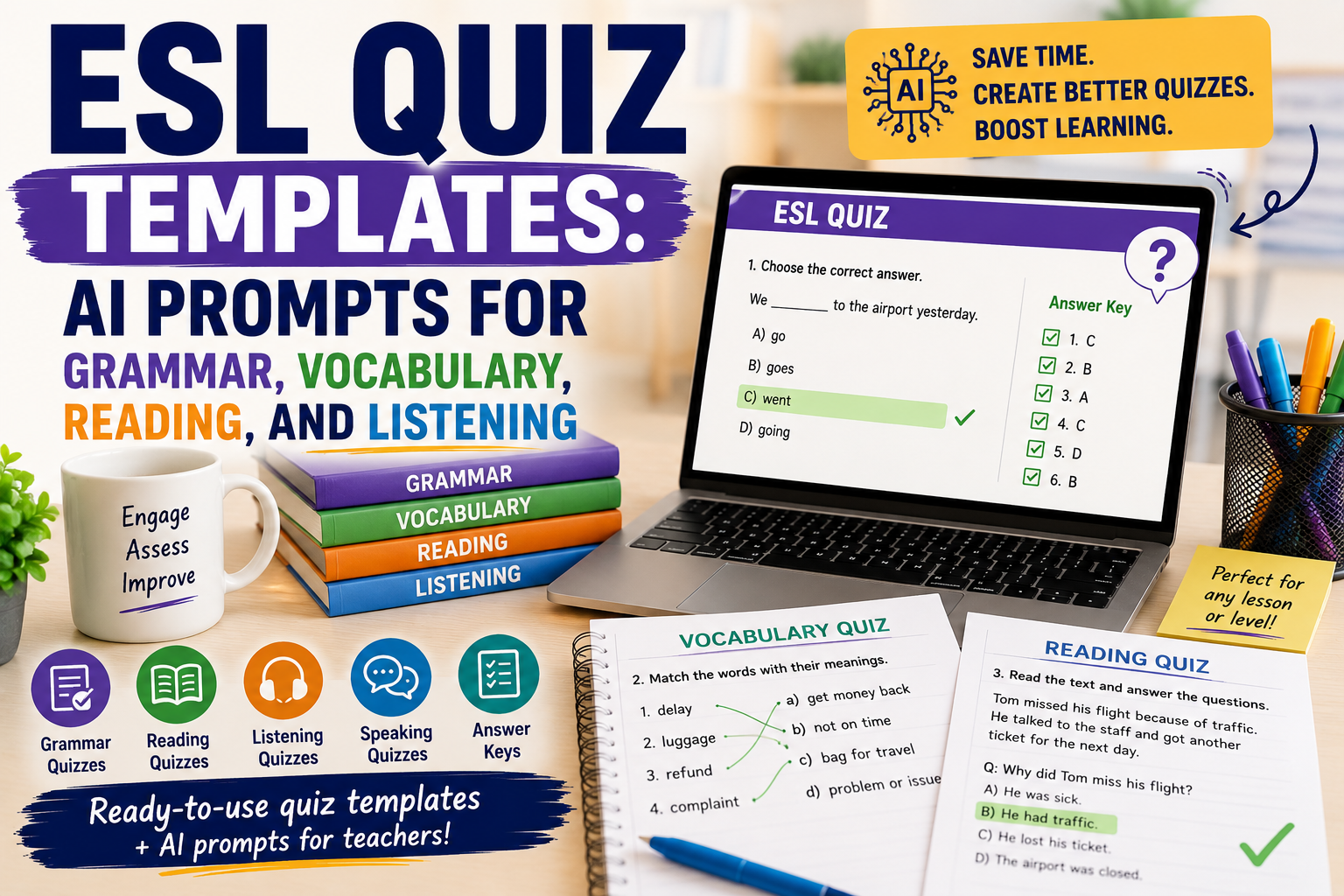
    ESL Quiz Templates: AI Prompts for Grammar, Vocabulary, Reading, and Listening

    An ESL quiz can do more than check answers. Used well, it can help English teachers review grammar, practise vocabulary, check reading comprehension, support listening lessons, and quickly see what students need next.

    The problem is that quiz preparation takes time. Teachers need clear questions, suitable difficulty, answer keys, distractors, instructions, and sometimes different versions for different levels. This is where AI can help.

    With the right prompt, you can create better ESL quiz templates faster. You can ask AI to generate grammar quizzes, vocabulary checks, reading comprehension questions, listening tasks, video quizzes, exit tickets, and review activities. The teacher still reviews the quiz, edits weak questions, and checks the answer key, but AI gives a useful first draft.

    In this guide, you will find practical ESL quiz templates and AI prompts you can copy, adapt, and use for your English classes.

    If you already use AI to create worksheets, you may also find these guides useful: AI Worksheet Generator for English Teachers: 7 Ways to Create Better ESL Worksheets, Reading Worksheet Generator: 7 AI Prompts for Better ESL Reading Lessons, and AI Video Question Maker: 9 Prompts for Better ESL Listening Lessons.

    What Makes a Good ESL Quiz?

    A good ESL quiz is not just a list of random questions. It should match the lesson aim, student level, and language skill you want to check.

    A useful ESL quiz should be:

    • clear enough for students to understand;
    • focused on one main skill or lesson goal;
    • suitable for the students’ English level;
    • short enough to complete without stress;
    • fair, with no confusing trick questions;
    • easy for the teacher to mark;
    • connected to what students studied recently.

    For example, if your lesson focused on the past simple, the quiz should not suddenly test advanced conditionals. If your students are A2 learners, the instructions should not be written at a B2 level.

    AI can help with quiz creation, but only when you give it enough context.

    How AI Can Help English Teachers Create ESL Quizzes

    AI can support quiz preparation by helping you create:

    • multiple-choice questions;
    • gap-fill questions;
    • matching activities;
    • true/false questions;
    • short-answer questions;
    • vocabulary quizzes;
    • grammar quizzes;
    • reading comprehension quizzes;
    • listening comprehension quizzes;
    • video-based quizzes;
    • answer keys;
    • easier or harder versions of the same quiz.

    The key is to avoid vague prompts like:

    Make an ESL quiz.
    

    That usually produces a generic quiz.

    A better prompt includes the level, topic, skill, target language, number of questions, question type, and answer key.

    Use this basic structure:

    Create an ESL quiz for [LEVEL] learners.
    
    Topic:
    [TOPIC]
    
    Skill or language focus:
    [GRAMMAR / VOCABULARY / READING / LISTENING / SPEAKING PREPARATION]
    
    Create:
    [NUMBER] questions.
    
    Question types:
    [QUESTION TYPES]
    
    Add:
    - clear student instructions;
    - an answer key;
    - simple language suitable for [LEVEL].
    

    Now let’s look at specific ESL quiz templates.

    ESL Quiz Template 1: Grammar Quiz

    A grammar quiz helps you check whether students can use a structure accurately. It works best when it focuses on one grammar point.

    Use this prompt:

    Act as an experienced ESL teacher.
    
    Create a grammar quiz for [LEVEL] English learners.
    
    Grammar focus:
    [GRAMMAR POINT]
    
    Lesson context:
    [BRIEF CONTEXT]
    
    Create:
    1. 5 multiple-choice questions;
    2. 5 gap-fill questions;
    3. 3 sentence correction questions;
    4. an answer key.
    
    Use clear, natural sentences.
    Avoid trick questions.
    Make the quiz suitable for [LEVEL] learners.
    

    Example

    Create a grammar quiz for A2 English learners.
    
    Grammar focus:
    Past simple regular and irregular verbs
    
    Lesson context:
    Students studied daily activities and weekend routines.
    
    Create:
    1. 5 multiple-choice questions;
    2. 5 gap-fill questions;
    3. 3 sentence correction questions;
    4. an answer key.
    

    Teacher tip

    Keep grammar quizzes focused. A short quiz on one grammar point is usually more useful than a long quiz that mixes too many structures.

    ESL Quiz Template 2: Vocabulary Quiz

    A vocabulary quiz should test meaning, use, and context — not only spelling or translation.

    Use this prompt:

    Create a vocabulary quiz for [LEVEL] ESL learners.
    
    Topic:
    [TOPIC]
    
    Target vocabulary:
    [PASTE WORD LIST]
    
    Create:
    1. 5 matching questions;
    2. 5 multiple-choice meaning questions;
    3. 5 gap-fill sentences;
    4. 3 short personalisation questions;
    5. an answer key.
    
    Use simple example sentences and make the vocabulary useful in context.
    

    Example

    Create a vocabulary quiz for B1 ESL learners.
    
    Topic:
    Healthy habits
    
    Target vocabulary:
    sleep well, drink water, exercise, screen time, routine, reduce, improve, energy
    
    Create:
    1. 5 matching questions;
    2. 5 multiple-choice meaning questions;
    3. 5 gap-fill sentences;
    4. 3 short personalisation questions;
    5. an answer key.
    

    This connects well with Spelling Worksheet Maker: 7 AI Prompts to Create Better English Worksheets article because spelling, vocabulary, and short quizzes often work together.

    ESL Quiz Template 3: Reading Comprehension Quiz

    A reading quiz should check different levels of understanding: main idea, details, vocabulary, and inference.

    Use this prompt:

    Act as an ESL reading teacher.
    
    Create a reading comprehension quiz for [LEVEL] learners.
    
    Reading text:
    [PASTE TEXT]
    
    Create:
    1. 3 main-idea questions;
    2. 5 detail questions;
    3. 4 vocabulary-in-context questions;
    4. 2 inference questions;
    5. an answer key.
    
    Make the questions clear and suitable for [LEVEL].
    Do not ask questions that cannot be answered from the text.
    

    Why this works

    This prompt avoids one common problem: AI sometimes creates questions that are too broad or not directly supported by the text. By telling it to use only the text, you get a fairer quiz.

    ESL Quiz Template 4: Listening Quiz

    A listening quiz should help students focus while listening. It should not overload them with too many details.

    Use this prompt:

    Create a listening comprehension quiz for [LEVEL] ESL learners.
    
    Listening topic:
    [TOPIC]
    
    Transcript or summary:
    [PASTE TRANSCRIPT OR SUMMARY]
    
    Create:
    1. 3 gist questions;
    2. 5 detail questions;
    3. 4 vocabulary-in-context questions;
    4. 2 short-answer questions;
    5. an answer key.
    
    Make the questions follow the order of the listening text.
    Use clear and simple wording.
    

    Teacher tip

    For listening, question order matters. If the questions follow the order of the audio or video, students can listen with a clear purpose.

    ESL Quiz Template 5: Video Quiz

    A video quiz combines listening, visual context, comprehension, and discussion.

    Use this prompt:

    Create an ESL video quiz for [LEVEL] learners.
    
    Video topic:
    [TOPIC]
    
    Video transcript or summary:
    [PASTE TRANSCRIPT OR SUMMARY]
    
    Create:
    1. 3 pre-watching prediction questions;
    2. 5 while-watching comprehension questions;
    3. 4 vocabulary questions;
    4. 3 post-watching discussion questions;
    5. an answer key.
    
    Make the quiz suitable for a classroom or online lesson.

    ESL Quiz Template 6: Multiple Choice Question Template

    Multiple-choice questions are useful, but weak answer options can make the quiz too easy or confusing. AI can help you create better distractors.

    Use this prompt:

    Create a multiple-choice ESL quiz for [LEVEL] learners.
    
    Topic:
    [TOPIC]
    
    Language focus:
    [FOCUS]
    
    Create 10 multiple-choice questions.
    
    For each question:
    - write one clear question;
    - give 4 answer options;
    - make only one answer correct;
    - make the wrong options realistic but fair;
    - avoid confusing trick options.
    
    Add an answer key and a short explanation for each answer.
    

    Example

    Create a multiple-choice ESL quiz for B1 learners.
    
    Topic:
    Travel problems
    
    Language focus:
    Past simple and travel vocabulary
    
    Create 10 multiple-choice questions.
    

    Teacher tip

    Always check the wrong answers. Good distractors should be possible mistakes, not silly answers.

    ESL Quiz Template 7: Exit Ticket Quiz

    An exit ticket is a very short quiz at the end of a lesson. It helps you see what students understood before they leave.

    Use this prompt:

    Create a 5-minute ESL exit ticket for [LEVEL] learners.
    
    Lesson topic:
    [TOPIC]
    
    Today’s lesson aim:
    [LESSON AIM]
    
    Create:
    1. 2 quick checking questions;
    2. 1 short production task;
    3. 1 self-assessment question;
    4. 1 question students can ask if they need help.
    
    Make it easy to complete at the end of class.
    

    Example

    Create a 5-minute ESL exit ticket for A2 learners.
    
    Lesson topic:
    Giving advice
    
    Today’s lesson aim:
    Students can use should and shouldn’t to give simple advice.
    

    This kind of quiz is useful because it gives you fast feedback on the lesson. For a quick digital version, you can transfer the questions into Google Forms, which is useful for collecting responses and reviewing results.

    ESL Quiz Template 8: Review Quiz

    A review quiz helps students remember language from previous lessons. It is especially useful before a test or after finishing a unit.

    Use this prompt:

    Create an ESL review quiz for [LEVEL] learners.
    
    Unit topics:
    [LIST TOPICS]
    
    Grammar covered:
    [LIST GRAMMAR POINTS]
    
    Vocabulary covered:
    [LIST VOCABULARY AREAS]
    
    Create:
    1. 5 grammar questions;
    2. 5 vocabulary questions;
    3. 3 reading or sentence-context questions;
    4. 2 short writing questions;
    5. an answer key.
    
    Mix the questions, but keep them suitable for [LEVEL].
    

    Teacher tip

    Review quizzes should help students revise, not punish them. Keep the tone supportive and use questions that reflect what you actually taught. Platforms such as Quizizz can make review practice more interactive, especially when students need repeated low-stakes practice.

    ESL Quiz Template 9: Speaking Preparation Quiz

    A speaking quiz does not have to be a traditional test. You can use it to prepare students for discussion, role play, or oral practice.

    Use this prompt:

    Create a speaking preparation quiz for [LEVEL] ESL learners.
    
    Speaking topic:
    [TOPIC]
    
    Lesson goal:
    [GOAL]
    
    Create:
    1. 5 useful vocabulary questions;
    2. 5 sentence starter completion items;
    3. 4 opinion questions;
    4. 3 pair-work follow-up questions.
    
    Do not make it a grammar-only quiz.
    Help students prepare ideas and language for speaking.
    

    Example

    Create a speaking preparation quiz for B1 ESL learners.
    
    Speaking topic:
    Online learning
    
    Lesson goal:
    Students can express opinions about the advantages and disadvantages of online learning.
    

    This type of quiz helps students prepare before speaking, especially if they need vocabulary and sentence starters. For a lively whole-class warm-up or review round, Kahoot can turn selected questions into a live quiz game.

    ESL Quiz Template 10: Error Correction Quiz

    Error correction quizzes are useful when students keep making the same mistakes.

    Use this prompt:

    Create an ESL error correction quiz for [LEVEL] learners.
    
    Common student errors:
    [LIST ERRORS]
    
    Create 10 sentences.
    Some sentences should contain one error.
    Some sentences should be correct.
    
    Students must:
    1. decide if the sentence is correct or incorrect;
    2. correct the mistake if there is one.
    
    Add an answer key with short explanations.
    

    Example

    Create an ESL error correction quiz for B1 learners.
    
    Common student errors:
    - missing third-person -s;
    - incorrect past simple verbs;
    - article mistakes;
    - word order in questions.
    

    This can also connect to your AI Writing Feedback: 7 Ways English Teachers Can Give Better Student Feedback article, especially if you turn repeated writing errors into future practice.

    How to Improve AI-Generated ESL Quizzes

    AI-generated quizzes are useful, but they are not always ready to use. You should review and improve them before giving them to students.

    Use these follow-up prompts.

    Make the quiz easier

    Simplify this ESL quiz for [LEVEL] learners.
    Use shorter sentences, easier vocabulary, and clearer instructions.
    

    Make the quiz more challenging

    Make this ESL quiz more challenging for [LEVEL] learners.
    Add more context, better distractors, and questions that require understanding, not guessing.
    

    Add an answer key

    Add an answer key to this ESL quiz.
    For each answer, include a short teacher explanation.
    

    Check if the quiz matches the level

    Review this ESL quiz for level suitability.
    
    Student level:
    [LEVEL]
    
    Tell me:
    1. which questions are too easy;
    2. which questions are too difficult;
    3. which instructions need simplification;
    4. what changes you recommend.
    

    Turn the quiz into a printable worksheet

    Format this ESL quiz as a printable worksheet.
    
    Include:
    - title;
    - level;
    - student instructions;
    - sections;
    - space for answers;
    - answer key on a separate section.
    

    This links naturally to your AI Worksheet Generator for English Teachers post.

    Common Mistakes to Avoid When Creating ESL Quizzes with AI

    Mistake 1: Asking for a quiz without a level

    Always include the student level. A quiz for A2 learners should look very different from a quiz for B2 learners.

    Mistake 2: Testing too many things at once

    One quiz should have a clear purpose. Do not mix grammar, reading, vocabulary, listening, speaking, and writing unless it is a review quiz.

    Mistake 3: Trusting the answer key automatically

    AI can make mistakes. Always check the answer key before using the quiz.

    Mistake 4: Making multiple-choice questions too obvious

    If the wrong answers are silly, students do not need to understand the language. Ask AI to create realistic but fair distractors.

    Mistake 5: Forgetting instructions

    Students need to know exactly what to do. Add short instructions before each section.

    Mistake 6: Ignoring student anxiety

    Quizzes can help learning, but they can also make students nervous. Use low-stakes quizzes, review quizzes, and exit tickets to support learning.

    Mistake 7: Using AI output without teacher judgement

    AI can create a draft. The teacher makes it suitable, fair, accurate, and useful.

    Simple ESL Quiz Planning Checklist

    Before using an AI-generated quiz, check:

    • Is the quiz level appropriate?
    • Does it match the lesson aim?
    • Are the instructions clear?
    • Are the questions fair?
    • Are the wrong options realistic?
    • Is the answer key correct?
    • Is the quiz short enough?
    • Does it help students learn, not only test them?
    • Can the results help me decide what to teach next?

    Practical Example: Creating a B1 ESL Quiz with AI

    Imagine you taught a B1 lesson about travel problems. Your students learned vocabulary such as delayed flight, lost luggage, booking, complaint, refund, and customer service. They also practised the past simple.

    You could use this prompt:

    Create a B1 ESL quiz about travel problems.
    
    Lesson focus:
    - travel problem vocabulary;
    - past simple;
    - short complaint sentences.
    
    Create:
    1. 5 vocabulary matching questions;
    2. 5 multiple-choice grammar questions;
    3. 3 short reading comprehension questions based on a short travel complaint;
    4. 2 short writing questions;
    5. an answer key.
    
    Use clear instructions and natural English.
    

    The result could become a short classroom quiz, homework task, or printable worksheet. If you want to turn it into a polished handout, Canva can help you arrange the questions, answer spaces, headings, and visual elements in a printable format.

    FAQ: ESL Quiz Templates and AI Prompts

    What is an ESL quiz?

    An ESL quiz is a short assessment activity used to check English learners’ understanding of grammar, vocabulary, reading, listening, speaking preparation, or lesson content.

    How can AI help create ESL quizzes?

    AI can help teachers create question drafts, answer keys, different quiz versions, multiple-choice options, vocabulary tasks, grammar questions, and reading or listening comprehension checks.

    What should I include in an ESL quiz prompt?

    Include the learner level, topic, skill, target language, number of questions, question type, and whether you want an answer key.

    Can AI create grammar quizzes for ESL students?

    Yes. AI can create grammar quizzes if you provide the grammar point, student level, and preferred question types.

    Can AI create vocabulary quizzes?

    Yes. You can give AI a vocabulary list and ask it to create matching questions, gap-fill sentences, multiple-choice questions, and personalisation tasks.

    Can I use AI to create multiple-choice questions?

    Yes. AI can create multiple-choice questions, but you should check that only one answer is correct and that the distractors are fair.

    Should I use AI-generated ESL quizzes without editing?

    No. Always review the questions, instructions, level, and answer key before using them with students.

    Conclusion

    An ESL quiz can be a powerful teaching tool when it is clear, focused, level-appropriate, and connected to the lesson. With AI, English teachers can create quiz drafts faster for grammar, vocabulary, reading, listening, video lessons, speaking preparation, review, and exit tickets.

    The best results come from specific prompts. Tell AI the student level, topic, skill, language focus, question type, and quiz purpose. Then review the output carefully and adapt it for your learners.

    AI can save preparation time, but teacher judgement is what makes the quiz useful. Used well, AI helps you create quizzes that check understanding, guide revision, and support better English learning.

  • AI Rubric Generator: 7 Ways English Teachers Can Create Better Assessment Rubrics

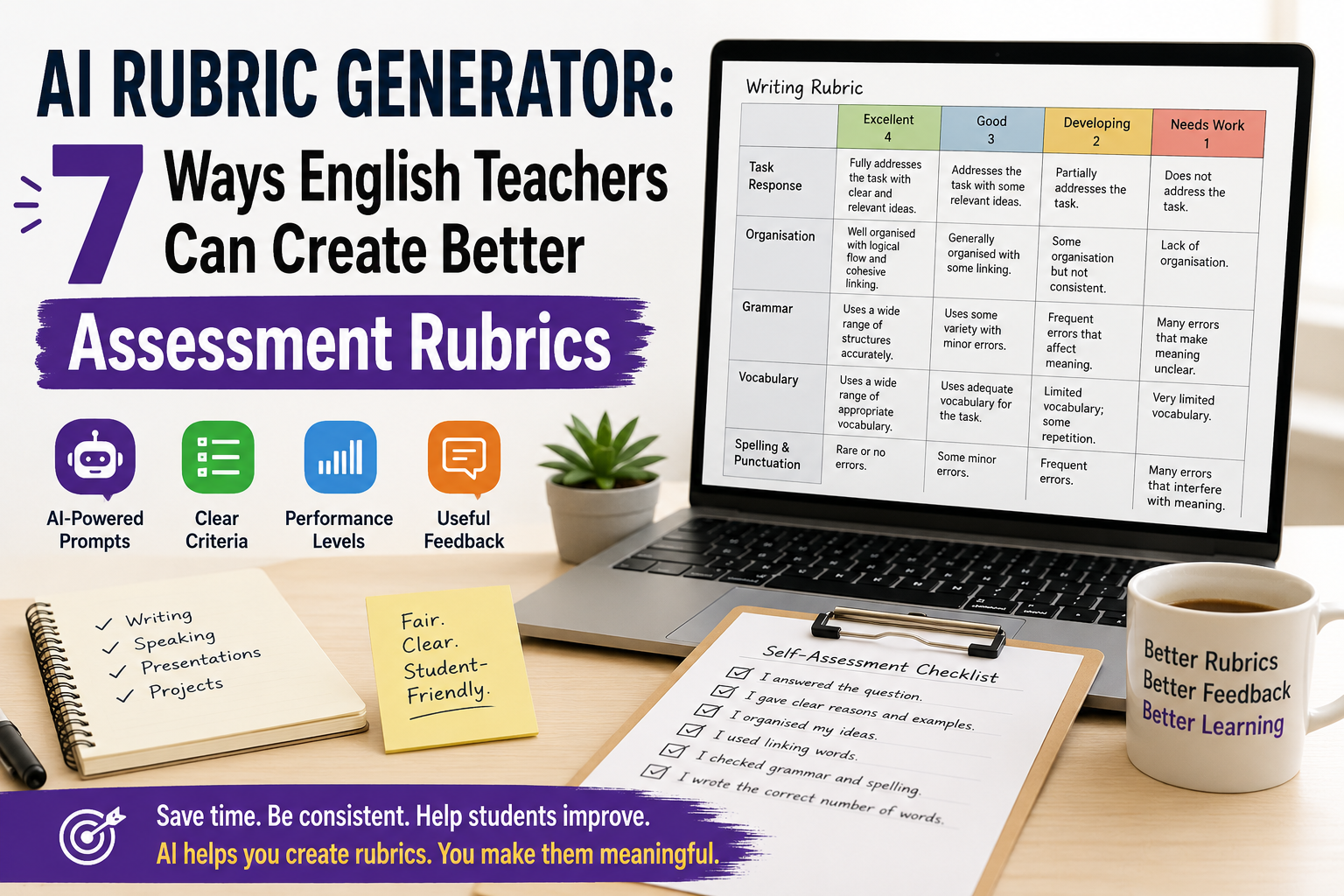
    AI Rubric Generator: 7 Ways English Teachers Can Create Better Assessment Rubrics

    An AI rubric generator can help English teachers create clearer assessment rubrics for writing, speaking, presentations, projects, and classroom tasks. Instead of starting from a blank table, you can use AI to draft criteria, performance levels, descriptors, scores, feedback comments, and student-friendly checklists.

    But AI should not decide your assessment for you. A rubric affects how students understand success, how teachers mark work, and how feedback is given. That means every AI-generated rubric needs teacher review.

    For ESL/EFL teachers and language tutors, the best use of an AI rubric generator is simple: use it to create a strong first draft, then adapt it to your lesson aim, learner level, task type, and classroom context.

    In this guide, you will learn seven practical ways to use AI to create better English assessment rubrics, with copy-paste prompts and teacher-friendly examples.

    If you want a broader prompt-based guide, read Rubric Creator: 7 AI Prompts to Build Better English Marking Rubrics. If you want free template workflows, see Free Rubric Maker: 7 Ways English Teachers Can Create Better Rubrics.

    What Is an AI Rubric Generator?

    An AI rubric generator is a tool or prompt workflow that uses artificial intelligence to create assessment rubrics from your instructions.

    For English teachers, it can help create rubrics for:

    • ESL writing tasks;
    • speaking assessments;
    • oral presentations;
    • role-plays;
    • reading responses;
    • listening tasks;
    • projects;
    • portfolios;
    • peer assessment;
    • student self-assessment.

    A typical rubric includes:

    • assessment criteria;
    • performance levels;
    • descriptors for each level;
    • points or bands;
    • feedback guidance;
    • sometimes a student checklist.

    For example, a writing rubric may include criteria such as task response, organisation, grammar, vocabulary, and spelling. A speaking rubric may include fluency, pronunciation, interaction, vocabulary, and task completion.

    AI can draft these quickly, but the teacher must decide whether they are fair, level-appropriate, and useful.

    Why English Teachers Should Use an AI Rubric Generator

    Creating rubrics takes time. Many teachers know what they want to assess, but turning that into clear descriptors can be difficult.

    An AI rubric generator can help English teachers:

    • save time when creating first drafts;
    • turn lesson aims into assessment criteria;
    • create writing and speaking rubrics;
    • simplify rubric language for students;
    • adapt rubrics for different CEFR levels;
    • create feedback comment banks;
    • make self-assessment checklists;
    • improve marking consistency.

    This is especially useful for ESL/EFL teachers because English assessment is often complex. A student may communicate well but make grammar mistakes. Another student may be accurate but lack fluency. A good rubric helps make these differences clearer.

    Still, AI should support your assessment decisions, not replace them.

    What Makes a Good AI-Generated Rubric?

    A good rubric should be clear, practical, and connected to the actual task.

    Before using any AI-generated rubric, check these questions:

    • Does it match the assignment?
    • Is it appropriate for the learner level?
    • Are the criteria clear?
    • Are the descriptors easy to understand?
    • Is the scoring fair?
    • Does it assess what you actually taught?
    • Can students use it to improve?

    Avoid vague descriptors such as:

    • “excellent language ability”;
    • “good performance”;
    • “weak understanding”;
    • “limited communication.”

    Use clearer descriptors such as:

    • “gives a clear opinion and two reasons”;
    • “uses topic vocabulary accurately”;
    • “speaks clearly enough to be understood”;
    • “organises ideas with basic linking words.”

    A good rubric should help students understand how to do better next time.

    1. Use AI to Create a First-Draft Writing Rubric

    Writing is one of the best uses for an AI rubric generator because writing assessment often includes several criteria at once.

    Use this prompt when you want a first-draft ESL writing rubric:

    Act as an experienced ESL writing teacher.
    
    Create an analytic writing rubric for [LEVEL] English learners.
    
    Writing task:
    [DESCRIBE THE WRITING TASK]
    
    Text length:
    [WORD COUNT]
    
    Assess:
    1. task response;
    2. organisation;
    3. grammar accuracy;
    4. vocabulary;
    5. spelling and punctuation.
    
    Use 4 performance levels:
    Excellent, Good, Developing, Needs Work.
    
    Give a total score out of [POINTS].
    Use clear, student-friendly language.
    

    Example

    Create an analytic writing rubric for B1 ESL learners writing a 120-word opinion paragraph about whether students should use smartphones in class.
    
    Assess task response, organisation, reasons and examples, grammar, vocabulary, and spelling/punctuation.
    
    Use 4 levels and a total score out of 24.
    Use student-friendly language.
    

    This gives you a useful first draft. Then you can shorten, simplify, or adapt it.

    For example:

    Make this rubric shorter and easier for B1 students to understand. Keep the same criteria and score.
    

    2. Use AI to Create a Speaking Assessment Rubric

    Speaking assessment can be difficult because teachers need to listen for fluency, pronunciation, grammar, vocabulary, interaction, and task completion.

    An AI rubric generator can help you create a simple speaking rubric that focuses on the most important criteria.

    Create a speaking assessment rubric for [LEVEL] ESL/EFL learners.
    
    Speaking task:
    [DESCRIBE SPEAKING TASK]
    
    Assess:
    1. task completion;
    2. fluency;
    3. pronunciation;
    4. vocabulary;
    5. interaction.
    
    Use 4 levels:
    Excellent, Good, Developing, Needs Work.
    
    Give a total score out of 20.
    Use practical teacher-friendly descriptors.
    

    Example classroom task

    Students discuss this question in pairs:

    Should students use AI tools for homework?

    The rubric could assess whether students:

    • answer the question;
    • give reasons;
    • respond to their partner;
    • use topic vocabulary;
    • speak clearly enough to be understood.

    Teacher tip

    For informal speaking practice, do not use too many criteria. A short rubric is easier to use while students are speaking.

    3. Use AI to Create a Presentation Rubric

    English presentations assess both language and communication. Students need to organise ideas, speak clearly, use visuals, and engage listeners.

    Use this prompt:

    Create a presentation rubric for [LEVEL] English learners.
    
    Presentation task:
    [DESCRIBE PRESENTATION TOPIC]
    
    Presentation length:
    [TIME LIMIT]
    
    Assess:
    1. content and task completion;
    2. organisation;
    3. spoken English;
    4. pronunciation and clarity;
    5. visual support;
    6. audience engagement.
    
    Use 4 performance levels and a total score out of 24.
    Use clear descriptors suitable for [LEVEL] learners.
    

    Example

    Create a presentation rubric for B2 EFL learners giving a 5-minute presentation about an environmental problem.
    
    Assess content, organisation, language accuracy, vocabulary, pronunciation, visual support, and audience engagement.
    

    Teacher tip

    If the presentation is mainly a language task, make language criteria important. If it is mainly a project task, give more weight to content and organisation.

    4. Use AI to Adapt a Rubric by CEFR Level

    A common problem with rubrics is that they expect too much from lower-level learners. AI can help you adapt criteria for A1, A2, B1, B2, or higher levels.

    Use this prompt:

    Adapt this rubric for [CEFR LEVEL] English learners.
    
    Rubric:
    [PASTE RUBRIC]
    
    Make the descriptors realistic for [CEFR LEVEL].
    Use simple and clear language.
    Remove expectations that are too advanced.
    Keep the same total score.
    

    Example

    For A2 learners, descriptors should include realistic expectations such as:

    • uses simple sentences;
    • gives basic information;
    • uses familiar vocabulary;
    • makes mistakes, but meaning is usually clear.

    For B2 learners, descriptors can include:

    • supports ideas with examples;
    • uses a range of linking words;
    • expresses opinions clearly;
    • uses topic vocabulary accurately.

    Teacher tip

    Do not ask AI to “make it CEFR-aligned” and stop there. Always read the descriptors carefully. AI may still produce criteria that are too broad or too advanced.

    5. Use AI to Make Rubrics Student-Friendly

    Many rubrics are written for teachers, not students. If students cannot understand the rubric, they cannot use it to improve.

    Use AI to rewrite the rubric in simpler language.

    Rewrite this rubric in student-friendly language for [LEVEL] English learners.
    
    Keep the same criteria and score, but simplify the descriptors.
    
    Avoid technical terms. If a technical term is necessary, explain it simply.
    
    Rubric:
    [PASTE RUBRIC]
    

    Example changes

    Instead of:

    Demonstrates effective use of cohesive devices.

    Use:

    Uses linking words such as because, but, so, first, and finally to connect ideas.

    Instead of:

    Shows limited lexical range.

    Use:

    Uses only basic words and repeats the same vocabulary often.

    This makes the rubric more useful before, during, and after the task.

    6. Use AI to Create Feedback Comments from a Rubric

    A rubric gives structure, but students still need feedback. AI can help create a comment bank connected to each rubric criterion.

    Create a feedback comment bank based on this English rubric.
    
    Rubric:
    [PASTE RUBRIC]
    
    For each criterion, write:
    1. 3 positive comments;
    2. 3 improvement comments;
    3. 2 next-step suggestions.
    
    Use supportive teacher language.
    Keep the comments specific, short, and useful.
    

    Example feedback comments

    For organisation:

    • Your ideas are in a clear order.
    • Try to start with a clearer topic sentence.
    • Next time, use linking words to connect your reasons.

    For vocabulary:

    • You used useful topic words from the lesson.
    • Try not to repeat the same word too often.
    • Next time, add two new words from the topic list.

    Teacher tip

    Do not paste AI comments without checking them. Edit them so they match the student’s actual work.

    7. Use AI to Create Student Self-Assessment Checklists

    A rubric is not only for grading. It can also help students check their own work before submission.

    Use this prompt:

    Create a student self-assessment checklist for [LEVEL] English learners.
    
    Task:
    [DESCRIBE TASK]
    
    Use these criteria:
    [PASTE CRITERIA]
    
    Write 6–8 simple checklist statements beginning with “I...”
    
    Add one reflection question:
    “What should I improve next time?”
    

    Example checklist for writing

    Before I submit my paragraph, I checked that:

    • I answered the question.
    • I gave my opinion clearly.
    • I gave at least two reasons.
    • I used linking words.
    • I checked my verbs.
    • I checked spelling and punctuation.
    • I wrote the correct number of words.

    Why this works

    Students become more independent when they know how to check their own work. A self-assessment checklist can also reduce repeated teacher feedback because students notice problems earlier.

    Practical Example: AI Rubric Generator for an ESL Writing Task

    Imagine you are teaching B1 students and the writing task is:

    Write a 120-word opinion paragraph: Should students use AI tools for homework?

    You can use this prompt:

    Act as an experienced ESL writing teacher.
    
    Create an analytic writing rubric for B1 learners.
    
    Task:
    Students write a 120-word opinion paragraph answering:
    “Should students use AI tools for homework?”
    
    Assess:
    1. clear opinion;
    2. reasons and examples;
    3. organisation;
    4. grammar;
    5. vocabulary;
    6. spelling and punctuation.
    
    Use 4 levels:
    Excellent, Good, Developing, Needs Work.
    
    Total score: 24 points.
    Use student-friendly language.
    

    Then improve it:

    Create a shorter student checklist version of this rubric that students can use before submitting their paragraph.
    

    Then create feedback support:

    Create a feedback comment bank for this rubric with positive comments, improvement comments, and next-step suggestions.
    

    This gives you a complete assessment workflow:

    1. teacher rubric;
    2. student checklist;
    3. feedback comments.

    Common Mistakes to Avoid When Using an AI Rubric Generator

    Mistake 1: Using the first output without editing

    AI can create a useful draft, but it may be too generic, too long, or too advanced. Always edit before using it.

    Mistake 2: Including too many criteria

    A rubric with ten criteria is difficult to use. For most English classroom tasks, four to six criteria are enough.

    Mistake 3: Using the same rubric for every task

    A writing task, speaking task, presentation, and project need different rubrics. Start from the task.

    Mistake 4: Forgetting the learner level

    A2 students should not be assessed with B2 expectations. Always specify the level and check the descriptors.

    Mistake 5: Making the rubric too technical

    Students need language they can understand. Create a teacher version and a student version if necessary.

    Mistake 6: Scoring things you did not teach

    If you did not teach presentation structure, do not heavily penalise students for weak presentation structure. Assessment should connect to instruction.

    Mistake 7: Treating AI as the assessor

    AI can help create the rubric, but the teacher remains responsible for fair assessment, feedback, and final grading.

    Simple AI Rubric Review Checklist

    Before using an AI-generated rubric, check:

    • Does it match the task?
    • Is it suitable for the student level?
    • Are the criteria clear?
    • Are there too many criteria?
    • Are performance levels clearly different?
    • Is the scoring fair?
    • Can students understand the language?
    • Does it support feedback, not only grading?
    • Would another teacher understand how to use it?
    • Does it assess what was actually taught?

    This checklist helps you avoid weak AI-generated assessment materials.

    FAQ: AI Rubric Generator for English Teachers

    What is an AI rubric generator?

    An AI rubric generator is a tool or prompt workflow that uses AI to create assessment rubrics. English teachers can use it to draft rubrics for writing, speaking, presentations, projects, and classroom tasks.

    Can AI create rubrics for ESL writing?

    Yes. AI can create first-draft ESL writing rubrics if you provide the learner level, writing task, criteria, performance levels, and scoring system. Teachers should review and adapt the rubric before using it.

    Can AI create speaking rubrics?

    Yes. AI can help create speaking rubrics for fluency, pronunciation, vocabulary, grammar, interaction, and task completion. For classroom use, keep the rubric short and practical.

    Is an AI-generated rubric reliable?

    An AI-generated rubric can be useful as a draft, but it should not be used without teacher review. Check the task fit, level, clarity, fairness, and scoring before using it.

    What should an English writing rubric include?

    A writing rubric often includes task response, organisation, grammar, vocabulary, and spelling or punctuation. The exact criteria should match the writing task and learner level.

    How can I make an AI rubric student-friendly?

    Ask AI to rewrite the rubric in simple language, remove technical terms, and create a checklist version students can use before submitting their work.

    Should I use AI to grade student work?

    This article focuses on using AI to create rubrics, not to replace teacher grading. Teachers should be careful with student privacy, school policies, and fairness if using AI for feedback or assessment.

    Conclusion

    An AI rubric generator can save English teachers time and help create clearer assessment rubrics for writing, speaking, presentations, projects, and classroom tasks. It can draft criteria, performance levels, descriptors, feedback comments, and student checklists much faster than starting from a blank page.

    But the teacher must stay in control. A strong rubric needs to match the task, learner level, lesson aim, and classroom context. AI can help you create the first version, but your professional judgement makes it fair, useful, and student-friendly.

    Used well, an AI rubric generator does more than speed up marking preparation. It helps students understand expectations, reflect on their work, and improve their English more clearly.

  • Free Rubric Maker: 7 Ways English Teachers Can Create Better Rubrics

    Free Rubric Maker: 7 Ways English Teachers Can Create Better Rubrics

    A free rubric maker can help English teachers create clearer assessment criteria without spending hours designing tables from scratch. Whether you teach ESL writing, speaking, presentations, projects, or classroom tasks, a good rubric helps students understand what is expected and helps teachers mark more consistently.

    But “free” does not automatically mean useful. Some rubric tools create generic criteria. Some templates look neat but do not fit your students’ level. Some AI-generated rubrics sound impressive but are too vague for real classroom use.

    For English teachers, ESL/EFL teachers, and private language tutors, the best approach is to combine simple free tools with clear teacher judgement. You can use AI prompts, Google Docs, Canva-style templates, spreadsheets, or basic tables to create rubrics that are practical, student-friendly, and connected to your lesson aims.

    In this guide, you will learn seven ways to create better English rubrics for free, with examples and copy-paste prompts you can adapt.

    If you want a deeper prompt-based guide, read Rubric Creator: 7 AI Prompts to Build Better English Marking Rubrics. If you are creating worksheets and assessment together, you may also find AI Worksheet Generator for English Teachers: 7 Ways to Create Better ESL Worksheets useful.

    What Is a Free Rubric Maker?

    A free rubric maker is any tool, template, or workflow that helps you create rubrics without paying for dedicated assessment software. It might be:

    • an AI chatbot;
    • a Google Docs table;
    • a spreadsheet;
    • a printable template;
    • a classroom resource generator;
    • a design tool;
    • a reusable rubric checklist;
    • a teacher-made prompt workflow.

    In English teaching, a rubric usually helps assess skills such as writing, speaking, presentations, projects, role-plays, or reading responses.

    A rubric commonly includes:

    • assessment criteria;
    • performance levels;
    • clear descriptors;
    • points or bands;
    • space for feedback;
    • sometimes a student self-assessment section.

    For example, a simple ESL writing rubric may assess:

    • task response;
    • organisation;
    • grammar;
    • vocabulary;
    • spelling and punctuation.

    A speaking rubric may assess:

    • fluency;
    • pronunciation;
    • grammar;
    • vocabulary;
    • interaction;
    • task completion.

    The tool you use matters less than the quality of the rubric you create.

    Why English Teachers Need Rubrics

    Rubrics are useful because they make assessment clearer. Instead of simply writing “good work” or “grammar problems,” a rubric shows students exactly what they did well and what they need to improve.

    For English teachers, rubrics help with:

    • more consistent marking;
    • clearer student expectations;
    • faster feedback;
    • better self-assessment;
    • fairer grading;
    • easier peer review;
    • stronger alignment between lesson aims and assessment.

    For example, if students write an opinion paragraph, the rubric can show that the task is not only about grammar. It may also assess whether students gave a clear opinion, used reasons, organised ideas, and checked punctuation.

    This is especially important in ESL/EFL classes because students may focus only on grammar accuracy. A good rubric helps them understand that communication, organisation, vocabulary, and task completion also matter.

    What a Free Rubric Maker Can and Cannot Do

    A free rubric maker can save time, but it cannot do everything for you.

    A free rubric maker can help you:

    • create a first draft;
    • format criteria in a table;
    • generate performance levels;
    • simplify rubric language;
    • adapt rubrics for different tasks;
    • create student checklists;
    • build feedback comment banks.

    A free rubric maker cannot fully decide:

    • what your students need most;
    • whether the rubric fits your exact lesson;
    • whether the level is fair;
    • whether the descriptors match your teaching context;
    • whether the final score reflects your school’s grading policy.

    This is why teacher review is essential. AI and free templates are useful starting points, not final authorities.

    1. Use AI as a Free Rubric Maker

    One of the fastest free or low-cost ways to create a rubric is to use AI. You can describe your task, student level, criteria, and scoring system, then ask AI to generate a rubric.

    This is especially useful when you need a first draft quickly.

    Copy-paste prompt

    Act as an experienced English teacher.
    
    Create an analytic rubric for [LEVEL] ESL/EFL learners.
    
    Task:
    [DESCRIBE THE TASK]
    
    Assess these criteria:
    1. task response;
    2. organisation;
    3. grammar;
    4. vocabulary;
    5. spelling/punctuation or pronunciation, depending on the task.
    
    Use 4 performance levels:
    Excellent, Good, Developing, Needs Work.
    
    Give a total score out of [POINTS].
    Use clear, student-friendly language.
    

    Example

    Create an analytic rubric for B1 ESL learners writing a 120-word opinion paragraph about online learning.
    
    Assess:
    1. clear opinion;
    2. organisation;
    3. reasons and examples;
    4. grammar;
    5. vocabulary;
    6. spelling and punctuation.
    
    Use 4 performance levels and a total score out of 24.
    Use language students can understand.
    

    Why this works

    This prompt gives AI enough detail to create something useful. It includes the level, task, criteria, score, and language style.

    Teacher tip

    Do not use the first AI output immediately. Ask AI to revise it.

    Make this rubric shorter, clearer, and easier for B1 ESL students to understand.
    

    Or:

    Create a compact teacher marking version of this rubric that fits on one page.
    

    For more prompt examples, link to your post on using a rubric creator for English marking rubrics.

    2. Use Google Docs as a Simple Free Rubric Maker

    Google Docs can work well as a free rubric maker because you can create simple tables, duplicate templates, and share rubrics with students.

    You do not need complex software. A clean table is often enough.

    Simple Google Docs rubric structure

    Use a table with these columns:

    CriteriaExcellentGoodDevelopingNeeds WorkScore

    Then add rows such as:

    • task response;
    • organisation;
    • grammar;
    • vocabulary;
    • mechanics.

    Example writing rubric row

    CriteriaExcellentGoodDevelopingNeeds WorkScore
    OrganisationIdeas are clearly ordered and easy to followIdeas are mostly clearSome ideas are hard to followIdeas are unclear or disconnected/4

    Best for

    Google Docs works well for:

    • writing rubrics;
    • speaking rubrics;
    • reusable templates;
    • student-friendly checklists;
    • peer review forms;
    • printable classroom handouts.

    Teacher tip

    Create one master rubric template and duplicate it for each task. This saves time and keeps your assessment style consistent.

    3. Use a Spreadsheet for Scoring Rubrics

    A spreadsheet can also work as a free rubric maker, especially when you want automatic totals.

    This is useful if you mark many students or want a simple scoring grid.

    Basic spreadsheet rubric columns

    You can create columns such as:

    • student name;
    • task response;
    • organisation;
    • grammar;
    • vocabulary;
    • mechanics;
    • total score;
    • feedback comment.

    For each criterion, use a score from 1 to 4 or 1 to 5.

    Example scoring system

    StudentTask Response /4Organisation /4Grammar /4Vocabulary /4Mechanics /4Total /20

    This is practical for classroom assessment because you can quickly record scores and identify common weaknesses.

    Best for

    Spreadsheets work well for:

    • class marking;
    • tracking student progress;
    • scoring speaking tasks quickly;
    • comparing performance across criteria;
    • storing feedback records.

    Teacher tip

    Use short descriptors in the spreadsheet and keep the full rubric in a separate document. This keeps your marking sheet clean.

    4. Use Free Rubric Templates, Then Adapt Them

    Free templates can be useful, but many are too generic. The key is to adapt them to your English lesson.

    A generic writing rubric may include broad criteria like:

    • content;
    • organisation;
    • grammar;
    • vocabulary.

    That is a good start, but you should make it task-specific.

    Generic criterion

    Content is clear and complete.

    Better English-task criterion

    The paragraph gives a clear opinion and includes at least two reasons.

    Generic criterion

    Uses good vocabulary.

    Better English-task criterion

    Uses topic vocabulary about online learning accurately.

    Generic criterion

    Grammar is good.

    Better English-task criterion

    Uses because, but, and so to connect ideas clearly.

    Best for

    Free templates are useful when you need:

    • a starting structure;
    • a printable layout;
    • a quick rubric for a familiar task;
    • a student-friendly version.

    Teacher tip

    Never use a template without adapting it to the task, level, and lesson aim.

    5. Create a Student-Friendly Rubric Checklist

    Sometimes students do not need a full scoring rubric. They need a checklist they can understand before submitting work.

    A student-friendly checklist can be more useful than a complex teacher rubric.

    Example: ESL writing checklist

    Before I submit my paragraph, I checked that:

    • I answered the question.
    • I gave my opinion clearly.
    • I gave at least two reasons.
    • I used linking words such as because, but, and so.
    • I checked my verbs.
    • I checked spelling and punctuation.
    • I wrote the correct number of words.

    Copy-paste prompt

    Create a student-friendly self-assessment checklist for [LEVEL] ESL learners.
    
    Task:
    [DESCRIBE TASK]
    
    The checklist should include 6–8 simple statements beginning with “I...”
    
    Use clear language and avoid technical terms.
    Add one reflection question: “What should I improve next time?”
    

    Best for

    Student-friendly checklists work well for:

    • writing tasks;
    • speaking presentations;
    • projects;
    • peer review;
    • homework submission;
    • exam preparation.

    Teacher tip

    Give students the checklist before they start. This turns the rubric into a learning tool, not just a grading tool.

    6. Create a Free Speaking Rubric for ESL/EFL Classes

    Speaking assessment can be difficult because teachers need to judge fluency, pronunciation, grammar, vocabulary, and interaction at the same time.

    A simple speaking rubric makes this easier.

    Example speaking rubric criteria

    For a B1 pair discussion, you might assess:

    • task completion;
    • fluency;
    • pronunciation;
    • vocabulary;
    • interaction.

    Copy-paste prompt

    Create a simple speaking rubric for [LEVEL] ESL learners.
    
    Speaking task:
    [DESCRIBE TASK]
    
    Assess:
    1. task completion;
    2. fluency;
    3. pronunciation;
    4. vocabulary;
    5. interaction.
    
    Use 4 levels:
    Excellent, Good, Developing, Needs Work.
    
    Total score: 20 points.
    Use teacher-friendly descriptors and simple language.
    

    Example task

    Students discuss this question in pairs:

    Should students use AI tools for homework?

    The rubric can help you assess whether students:

    • answer the question;
    • give reasons;
    • respond to their partner;
    • speak clearly;
    • use useful topic vocabulary.

    Teacher tip

    For informal speaking practice, use a short rubric. Too many criteria can make speaking assessment stressful and slow.

    7. Create a Free Feedback Comment Bank from Your Rubric

    A rubric helps with scoring, but students also need comments. You can use AI as a free rubric maker and feedback assistant by asking it to create a comment bank.

    This helps you avoid repeating the same comments again and again.

    Copy-paste prompt

    Create a feedback comment bank for this English rubric.
    
    Rubric:
    [PASTE RUBRIC]
    
    For each criterion, write:
    1. 3 positive comments;
    2. 3 improvement comments;
    3. 2 next-step suggestions.
    
    Use supportive teacher language. Keep the comments specific and useful.
    

    Example feedback comments

    For organisation:

    • Your ideas are in a clear order.
    • Try to start with a clearer topic sentence.
    • Next time, use linking words to connect your reasons.

    For vocabulary:

    • You used useful topic words.
    • Try to avoid repeating the same word many times.
    • Next time, add two new words from the lesson.

    Best for

    A comment bank is useful when marking:

    • essays;
    • opinion paragraphs;
    • speaking tasks;
    • presentations;
    • projects;
    • reading responses.

    Teacher tip

    Do not copy comments blindly. Adapt them to the student’s actual work.

    Example: Free Rubric for a B1 ESL Opinion Paragraph

    Here is a simple rubric structure you can adapt.

    Task: Write a 120-word opinion paragraph about this question:
    Should students use smartphones in class?

    Level: B1
    Total score: 20 points

    CriterionExcellent – 4Good – 3Developing – 2Needs Work – 1
    Task ResponseGives a clear opinion and fully answers the questionGives an opinion and mostly answers the questionOpinion is not very clear or answer is incompleteDoes not clearly answer the question
    OrganisationIdeas are clearly ordered with useful linking wordsIdeas are mostly clear with some linking wordsIdeas are sometimes hard to followIdeas are not organised clearly
    Reasons and ExamplesGives clear reasons and examplesGives some reasons or examplesGives limited supportGives little or no support
    GrammarGrammar is mostly accurate and meaning is clearSome errors, but meaning is usually clearFrequent errors sometimes affect meaningErrors often make meaning unclear
    Vocabulary and MechanicsUses topic vocabulary and mostly correct spelling/punctuationUses some topic vocabulary with some mistakesVocabulary is limited or repeatedVocabulary/spelling problems make meaning unclear

    This rubric is simple, but it gives students more guidance than a general score.

    How to Choose the Right Free Rubric Maker Workflow

    Choose your workflow based on what you need.

    Use AI when:

    • you need a first draft quickly;
    • you want descriptors for different performance levels;
    • you want to simplify language;
    • you want a student checklist;
    • you want a feedback comment bank.

    Use Google Docs when:

    • you want a clean printable rubric;
    • you want to share the rubric with students;
    • you want a reusable template;
    • you want to edit the rubric easily.

    Use spreadsheets when:

    • you are marking many students;
    • you want automatic totals;
    • you want to track performance;
    • you want to compare class results.

    Use templates when:

    • you need a quick structure;
    • you already know the criteria;
    • you want a printable design.

    The best free rubric maker is often not one tool. It is a workflow: AI for drafting, Google Docs for editing, and a spreadsheet for scoring if needed.

    Common Mistakes to Avoid When Using a Free Rubric Maker

    Mistake 1: Using generic criteria

    “Grammar,” “content,” and “vocabulary” are not enough. Make criteria specific to the task.

    Mistake 2: Making the rubric too long

    A rubric with too many criteria is hard to use. For most English classroom tasks, four to six criteria are enough.

    Mistake 3: Using teacher-only language

    Students may not understand technical terms. Create a simpler student version if needed.

    Mistake 4: Ignoring the learner level

    A rubric for A2 learners should not expect B2-level writing or speaking. Keep descriptors realistic.

    Mistake 5: Forgetting the lesson aim

    If the lesson aim is fluency, do not over-focus on small grammar mistakes. If the aim is accurate use of past tense, grammar should have more weight.

    Mistake 6: Not giving students the rubric before the task

    Rubrics are more useful when students see them before they work. This helps them understand expectations.

    Mistake 7: Treating AI output as final

    AI can create a helpful draft, but teachers should always review the rubric for clarity, fairness, and level.

    FAQ: Free Rubric Maker for English Teachers

    What is the best free rubric maker for English teachers?

    The best free rubric maker depends on your workflow. AI is useful for drafting rubric criteria, Google Docs is useful for formatting and sharing, and spreadsheets are useful for scoring and tracking. For many teachers, a combination of these works best.

    Can I create a rubric for free?

    Yes. You can create rubrics for free using AI prompts, Google Docs tables, spreadsheets, or downloadable templates. The most important part is adapting the rubric to your task and learner level.

    Can AI create rubrics for ESL writing?

    Yes. AI can create first-draft rubrics for ESL writing tasks. You should specify the level, task, word count, criteria, performance levels, and total score.

    What should an ESL writing rubric include?

    An ESL writing rubric often includes task response, organisation, grammar, vocabulary, and spelling or punctuation. The exact criteria should match the assignment.

    What should an ESL speaking rubric include?

    An ESL speaking rubric may include task completion, fluency, pronunciation, vocabulary, grammar, and interaction. For informal speaking tasks, use fewer criteria to keep assessment manageable.

    Should students see the rubric before the task?

    Yes. Rubrics are more useful when students see them before completing the task. This helps them understand what good performance looks like.

    Is a free rubric maker enough for serious assessment?

    For many classroom tasks, yes, if the teacher reviews and adapts the rubric carefully. For official exams or institutional assessment, follow your school’s required criteria and grading policy.

    Conclusion

    A free rubric maker can save English teachers time, but the real value comes from how you use it. AI, Google Docs, spreadsheets, and templates can all help you create rubrics without expensive software. However, your teaching judgement is what makes the rubric fair, clear, and useful.

    For ESL/EFL teachers and language tutors, the best rubrics are task-specific, level-appropriate, and easy for students to understand. Use AI to create a first draft, then revise the criteria, simplify the wording, add a clear scoring system, and create a student checklist when needed.

    A good rubric does more than help you mark faster. It helps students understand expectations, improve their work, and become more independent English learners.

  • Rubric Creator: 7 AI Prompts to Build Better English Marking Rubrics

    Rubric Creator: 7 AI Prompts to Build Better English Marking Rubrics

    A rubric creator can help English teachers build clear marking criteria for writing tasks, speaking activities, presentations, projects, and classroom assessment. Instead of grading students with vague comments like “good grammar” or “needs more detail,” a rubric gives both the teacher and the student a clearer picture of what good performance looks like.

    For ESL/EFL teachers and language tutors, rubrics are especially useful because language performance is complex. A student’s writing or speaking may involve grammar, vocabulary, fluency, pronunciation, organisation, task achievement, interaction, and accuracy at the same time. Without a rubric, assessment can become inconsistent or unclear.

    AI can help you create rubrics faster, but it should not replace your judgement. A good AI-generated rubric still needs teacher review. You need to check whether the criteria match the task, the level is appropriate, the descriptors are clear, and the scoring system is fair.

    In this guide, you will learn how to use AI as a practical rubric creator for English teaching, with seven copy-paste prompts you can adapt for your own classes.

    If you are also creating lesson materials, you may want to read AI Worksheet Generator for English Teachers: 7 Ways to Create Better ESL Worksheets. For reading lessons, see Reading Worksheet Generator: 7 AI Prompts for Better ESL Reading Lessons. If you are comparing worksheet tools, read 7 Best Customizable Worksheet Software with AI for English Teachers.

    What Is a Rubric Creator?

    A rubric creator is a tool or workflow that helps teachers create assessment criteria for student work. In English teaching, a rubric can be used to assess writing, speaking, presentations, projects, role-plays, reading responses, listening tasks, or portfolios.

    A rubric usually includes:

    • assessment criteria;
    • performance levels;
    • clear descriptors;
    • point values or bands;
    • teacher comments;
    • sometimes a student self-assessment section.

    For example, a writing rubric may assess:

    • task response;
    • organisation;
    • grammar accuracy;
    • vocabulary range;
    • mechanics such as spelling and punctuation.

    A speaking rubric may assess:

    • fluency;
    • pronunciation;
    • grammar;
    • vocabulary;
    • interaction;
    • task completion.

    With AI, teachers can generate a first draft quickly. But the rubric should always be adapted to your learners, task, level, and teaching context.

    Why English Teachers Should Use AI as a Rubric Creator

    Creating a good rubric takes time. You need to decide what matters, describe performance clearly, avoid vague wording, and make sure the rubric is fair for the level.

    AI can help English teachers:

    • create a first draft of a rubric;
    • adapt a rubric for different levels;
    • simplify rubric language for students;
    • create analytic or holistic rubrics;
    • build speaking and writing assessment criteria;
    • turn lesson aims into assessment criteria;
    • create self-assessment checklists;
    • make feedback more consistent.

    For example, if your B1 students are writing an opinion paragraph, you can ask AI to create a simple writing rubric with criteria for content, organisation, grammar, vocabulary, and mechanics. Then you can revise the rubric to fit your exact assignment.

    The goal is not to let AI decide grades. The goal is to use AI to save preparation time and make your assessment clearer.

    What Makes a Good English Marking Rubric?

    A good English marking rubric should be clear, level-appropriate, and directly connected to the task.

    A useful rubric should answer these questions:

    • What exactly are students being assessed on?
    • What does excellent work look like?
    • What does acceptable work look like?
    • What does weak work look like?
    • Are the criteria suitable for the learner level?
    • Can students understand the descriptors?
    • Can the teacher use it consistently?

    For ESL/EFL classes, rubric language should be practical. Avoid unclear phrases such as:

    • “excellent linguistic competence”;
    • “sophisticated lexical control”;
    • “adequate communicative performance.”

    Instead, use clearer language:

    • “uses topic vocabulary accurately”;
    • “organises ideas in a clear order”;
    • “speaks clearly enough to be understood”;
    • “uses simple linking words such as because, but, and so.”

    A good rubric should help students improve, not only give them a score.

    Analytic vs Holistic Rubrics

    Before using AI as a rubric creator, decide whether you need an analytic rubric or a holistic rubric.

    Analytic rubric

    An analytic rubric separates performance into different criteria. For example, a writing rubric may include content, organisation, grammar, vocabulary, and spelling.

    This is useful when you want detailed feedback.

    Example:

    CriteriaExcellentGoodNeeds Work
    ContentIdeas are clear and fully answer the taskIdeas mostly answer the taskIdeas are unclear or incomplete
    OrganisationParagraph is well organisedParagraph has some organisationParagraph is difficult to follow
    GrammarUses target grammar accuratelySome grammar errors, but meaning is clearFrequent errors make meaning unclear

    Holistic rubric

    A holistic rubric gives one overall score or band for the whole task. It is faster to use but gives less detailed feedback.

    This is useful for quick assessment, speaking fluency tasks, or classroom observation.

    For English teachers, analytic rubrics are usually better for writing and formal speaking tasks. Holistic rubrics are useful for quick classroom assessment.

    How to Use AI as a Rubric Creator

    The quality of your rubric depends on the prompt. A weak prompt gives generic criteria.

    A weak prompt would be:

    Create a rubric for writing.
    

    A stronger prompt would be:

    Create an analytic writing rubric for B1 ESL learners writing a 120-word opinion paragraph about online learning.
    
    Assess these criteria:
    1. task response;
    2. organisation;
    3. grammar accuracy;
    4. vocabulary;
    5. spelling and punctuation.
    
    Use 4 performance levels: Excellent, Good, Developing, Needs Work.
    Use student-friendly language and include points out of 20.
    

    The second prompt gives AI the level, task, criteria, performance bands, language style, and scoring system.

    Prompt 1: Basic Rubric Creator Prompt

    Use this prompt when you want a general rubric for an English task.

    Act as an experienced English teacher.
    
    Create an analytic rubric for [LEVEL] ESL/EFL learners completing this task:
    
    [TASK DESCRIPTION]
    
    The rubric should include:
    1. 4–5 assessment criteria;
    2. 4 performance levels;
    3. clear descriptors for each level;
    4. total score out of [POINTS];
    5. student-friendly language.
    
    Make the rubric practical, fair, and appropriate for [LEVEL] learners.
    

    Example

    Create an analytic rubric for B1 ESL learners writing a 120-word opinion paragraph about social media.
    
    Use 5 criteria:
    1. task response;
    2. organisation;
    3. grammar;
    4. vocabulary;
    5. spelling and punctuation.
    
    Use 4 performance levels and a total score out of 20.
    

    This prompt is useful for most writing, speaking, and project-based tasks.

    Prompt 2: ESL Writing Rubric Prompt

    Writing rubrics are very useful for English teachers because writing assessment can feel subjective. A rubric helps students understand what they need to improve.

    Create a writing rubric for [LEVEL] ESL learners.
    
    Writing task:
    [DESCRIBE WRITING TASK]
    
    Text length:
    [WORD COUNT]
    
    Assess:
    1. task response;
    2. organisation and paragraph structure;
    3. grammar accuracy;
    4. vocabulary range and accuracy;
    5. spelling and punctuation.
    
    Use 4 levels:
    Excellent, Good, Developing, Needs Work.
    
    Give points for each criterion and include a total score out of 20.
    Use clear language students can understand.
    

    Example classroom use

    For a B1 opinion paragraph, the rubric could include:

    • Does the student clearly give an opinion?
    • Does the paragraph have a topic sentence?
    • Are ideas supported with reasons or examples?
    • Is the grammar accurate enough for clear meaning?
    • Is vocabulary appropriate for the topic?

    This gives students a clear target before they write and clearer feedback after they submit.

    Teacher tip

    Give the rubric before the writing task, not only after marking. Students can use it as a planning checklist.

    Prompt 3: ESL Speaking Rubric Prompt

    Speaking assessment can be difficult because teachers need to listen to many things at once. A speaking rubric helps you focus on specific criteria.

    Create a speaking rubric for [LEVEL] ESL/EFL learners.
    
    Speaking task:
    [DESCRIBE SPEAKING TASK]
    
    Assess:
    1. fluency;
    2. pronunciation;
    3. grammar accuracy;
    4. vocabulary;
    5. interaction or task completion.
    
    Use 4 performance levels:
    Excellent, Good, Developing, Needs Work.
    
    Use teacher-friendly descriptors and a total score out of 20.
    Add a short student self-reflection section at the end.
    

    Example speaking task

    Students work in pairs and discuss this question:

    Should students use AI tools for homework?

    The rubric might assess whether students:

    • speak clearly;
    • use topic vocabulary;
    • give reasons;
    • respond to their partner;
    • keep the conversation going.

    Teacher tip

    For lower-level learners, do not over-assess. If the task is simple, use fewer criteria. For example: fluency, vocabulary, pronunciation, and task completion.

    Prompt 4: Student-Friendly Rubric Prompt

    Sometimes AI-generated rubrics sound too formal. Students may not understand phrases like “cohesive devices” or “lexical resource.”

    Use this prompt to simplify rubric language.

    Rewrite this rubric in student-friendly language for [LEVEL] English learners.
    
    Keep the same criteria and scores, but make the descriptors easier to understand.
    
    Avoid technical terms unless they are explained simply.
    
    Rubric:
    [PASTE RUBRIC]
    

    Example

    Instead of:

    Demonstrates effective control of cohesive devices.

    Use:

    Uses linking words such as first, because, but, and finally to connect ideas clearly.

    Instead of:

    Shows limited lexical range.

    Use:

    Uses only basic words and repeats the same vocabulary often.

    This makes the rubric more useful for students.

    Prompt 5: CEFR-Level Rubric Prompt

    If you teach using CEFR levels, you can ask AI to adapt a rubric to A2, B1, B2, or another level. However, you should still review the descriptors carefully.

    Create a rubric for [A1/A2/B1/B2/C1] English learners.
    
    Task:
    [DESCRIBE TASK]
    
    Make the descriptors appropriate for this CEFR level.
    
    Include:
    1. task achievement;
    2. grammar;
    3. vocabulary;
    4. organisation or fluency;
    5. pronunciation, spelling, or mechanics if relevant.
    
    Use clear teacher-friendly language and a total score out of [POINTS].
    

    Example

    For A2 learners, descriptors should focus on simple, achievable language:

    • uses simple sentences;
    • gives basic information;
    • uses familiar vocabulary;
    • makes some mistakes, but meaning is usually clear.

    For B2 learners, descriptors can include more complexity:

    • supports ideas with examples;
    • uses a range of linking words;
    • expresses opinions clearly;
    • uses topic vocabulary accurately.

    Teacher tip

    Do not make the rubric too advanced for the level. If A2 students are expected to write like B2 students, the rubric becomes unfair.

    Prompt 6: Rubric + Feedback Comments Prompt

    A rubric gives scores, but students also need comments. AI can help you create a feedback bank connected to rubric criteria.

    Create a feedback comment bank for this English rubric.
    
    Rubric:
    [PASTE RUBRIC]
    
    For each criterion, write:
    1. 3 positive feedback comments;
    2. 3 improvement comments;
    3. 2 short next-step suggestions.
    
    Use supportive teacher language. Keep comments specific and useful.
    

    Example feedback comments

    For organisation:

    • Your ideas are in a clear order.
    • Try to use linking words to connect your sentences.
    • Next time, add a clearer topic sentence.

    For vocabulary:

    • You used useful topic words.
    • Try not to repeat the same word too often.
    • Next time, add two new words from the lesson.

    This is useful if you mark many similar assignments and want consistent feedback.

    Prompt 7: Self-Assessment Rubric Prompt

    Rubrics are not only for teachers. Students can use simplified rubrics to check their own work before submitting it.

    Create a student self-assessment checklist for [LEVEL] ESL learners.
    
    Task:
    [DESCRIBE TASK]
    
    Base it on these criteria:
    [PASTE CRITERIA]
    
    Use simple yes/no checklist statements.
    
    Add one reflection question:
    “What should I improve next time?”
    

    Example self-assessment checklist

    For an opinion paragraph:

    • I gave my opinion clearly.
    • I gave at least two reasons.
    • I used linking words.
    • I checked my verbs.
    • I checked spelling and punctuation.
    • I wrote the correct number of words.

    This helps students take more responsibility for their work.

    Practical Example: AI Rubric for an ESL Writing Task

    Imagine your B1 students are writing a 120-word opinion paragraph:

    Do you think students should use smartphones in class?

    You can use this prompt:

    Create an analytic writing rubric for B1 ESL learners.
    
    Task:
    Students write a 120-word opinion paragraph answering this question:
    “Do you think students should use smartphones in class?”
    
    Assess:
    1. opinion and task response;
    2. organisation;
    3. reasons and examples;
    4. grammar;
    5. vocabulary;
    6. spelling and punctuation.
    
    Use 4 levels:
    Excellent, Good, Developing, Needs Work.
    
    Total score: 24 points.
    Use student-friendly language.
    

    The AI may create a useful first version. Then you should improve it with follow-up prompts:

    Make the rubric shorter and easier for B1 students to understand.
    

    Or:

    Add a student checklist version of this rubric that students can use before submitting their paragraph.
    

    This creates a full assessment workflow: rubric, teacher marking criteria, and student self-check.

    How to Improve an AI-Generated Rubric

    The first AI-generated rubric may be too long, too formal, or too generic. Use follow-up prompts to refine it.

    Make the rubric simpler

    Simplify this rubric. Keep the same criteria, but make the descriptors shorter and easier to use while marking.
    

    Make it more specific

    Make this rubric more specific to the task. Remove generic criteria and connect the descriptors directly to the assignment.
    

    Add point values

    Add point values to this rubric. The total score should be 20 points.
    

    Create a student version

    Create a student-friendly version of this rubric as a checklist before submission.
    

    Create a teacher marking version

    Create a compact teacher marking version of this rubric that fits on one page.
    

    These follow-up prompts help turn a generic rubric into a useful classroom tool.

    Common Mistakes to Avoid When Using AI as a Rubric Creator

    Mistake 1: Using a generic rubric for every task

    A speaking presentation, opinion paragraph, role-play, and reading response need different rubrics. Start from the task, not from a generic template.

    Mistake 2: Including too many criteria

    If you include ten criteria, marking becomes slow and students become confused. For most classroom tasks, four to six criteria are enough.

    Mistake 3: Using language students cannot understand

    If students do not understand the rubric, they cannot use it to improve. Create a teacher version and a student-friendly version if needed.

    Mistake 4: Making the rubric too difficult for the level

    Do not expect A2 students to use complex grammar, advanced vocabulary, or sophisticated argument structure. Keep criteria level-appropriate.

    Mistake 5: Forgetting the task aim

    If the aim is fluency practice, do not over-focus on tiny grammar errors. If the aim is accurate use of past tense, grammar should be more important.

    Mistake 6: Using AI comments without checking them

    AI feedback may sound nice but still be vague. Make comments specific, accurate, and connected to the rubric.

    Mistake 7: Not showing students the rubric before the task

    A rubric is more useful when students see it before they complete the assignment. It helps them understand expectations.

    A Simple Rubric Template for English Teachers

    You can reuse this structure for many English tasks:

    Task: [Describe task]
    Level: [A1/A2/B1/B2]
    Total score: [20 points]

    CriterionExcellentGoodDevelopingNeeds Work
    Task ResponseFully answers the taskMostly answers the taskPartly answers the taskDoes not answer the task clearly
    OrganisationIdeas are clear and well orderedIdeas are mostly clearIdeas are sometimes hard to followIdeas are unclear
    GrammarUses target grammar accuratelySome errors, but meaning is clearFrequent errors sometimes affect meaningErrors often make meaning unclear
    VocabularyUses useful topic vocabularyUses some topic vocabularyUses limited vocabularyVocabulary is too limited or unclear
    Mechanics / PronunciationMostly accurate and clearSome mistakes, but understandableMistakes sometimes distractMistakes make meaning difficult

    You can adapt the final criterion depending on the task. For writing, use spelling and punctuation. For speaking, use pronunciation and fluency.

    FAQ: Rubric Creator for English Teachers

    What is a rubric creator?

    A rubric creator is a tool or workflow that helps teachers build assessment criteria for student work. In English teaching, it can be used for writing, speaking, presentations, projects, role-plays, and classroom tasks.

    Can AI create rubrics for English teachers?

    Yes. AI can create first-draft rubrics for ESL/EFL writing, speaking, projects, and assessment tasks. Teachers should review and adapt the rubric before using it.

    What should an English writing rubric include?

    An English writing rubric usually includes task response, organisation, grammar, vocabulary, and spelling or punctuation. The exact criteria should match the writing task and learner level.

    What should an ESL speaking rubric include?

    An ESL speaking rubric may include fluency, pronunciation, grammar, vocabulary, interaction, and task completion. For lower-level learners, fewer criteria may be easier to use.

    Is an analytic rubric better than a holistic rubric?

    An analytic rubric is better when you want detailed feedback on separate criteria. A holistic rubric is faster when you want one overall score. For English writing and formal speaking assessment, analytic rubrics are usually more useful.

    Can students use rubrics for self-assessment?

    Yes. Student-friendly rubrics and checklists help learners review their own work before submitting it. This can improve independence and make expectations clearer.

    Should teachers use AI-generated rubrics without editing?

    No. AI-generated rubrics should always be checked for task fit, level, fairness, clarity, and scoring accuracy before classroom use.

    Conclusion

    A rubric creator can save English teachers time and make assessment clearer, but the best rubrics still need teacher judgement. AI can help you create a first draft, simplify descriptors, adapt criteria by level, build feedback comments, and create student self-assessment checklists.

    For ESL/EFL teachers and language tutors, the most useful rubrics are specific, clear, level-appropriate, and connected to the task. Whether you are assessing a writing paragraph, speaking activity, presentation, or project, AI can help you build a better starting point.

    Use the prompts in this guide to create rubrics faster, but always review the final version before using it with students. A strong rubric does more than produce a grade. It helps students understand what they did well, what they need to improve, and how to perform better next time.